Start With the Way You Play
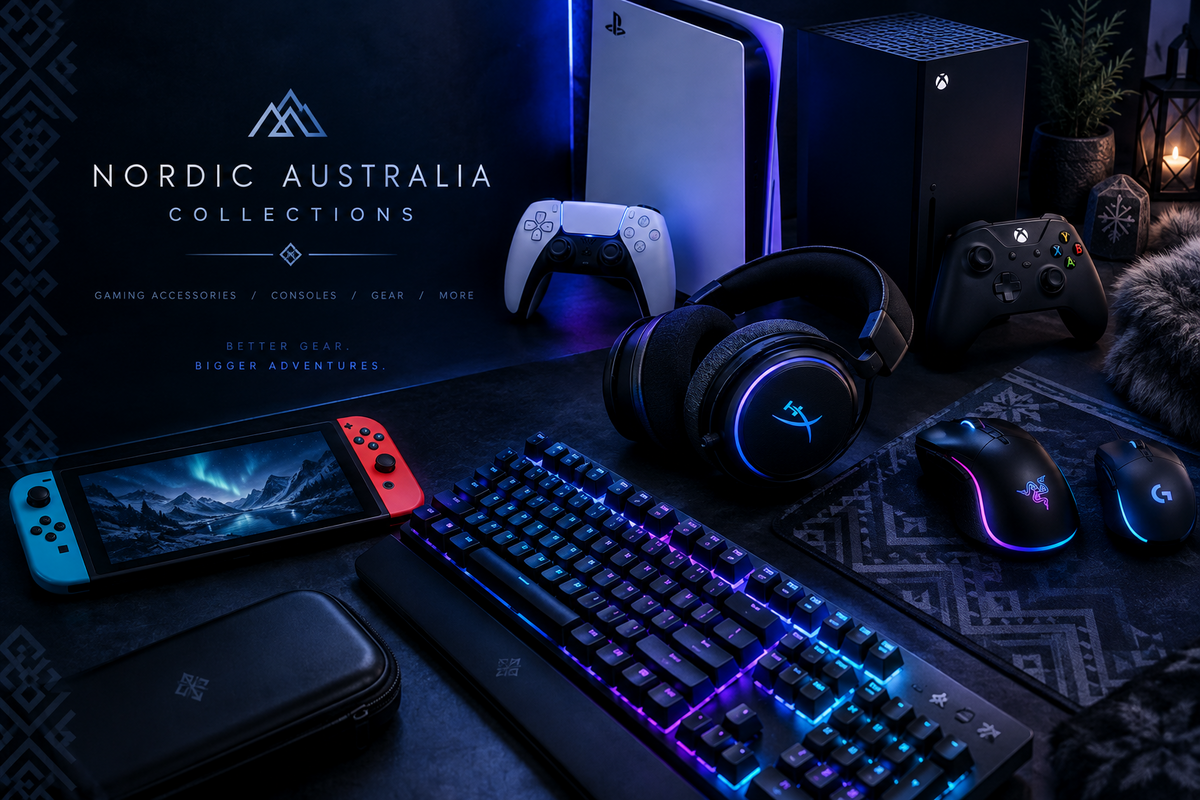
A handheld for a quiet evening, a headset for playing with friends or a controller that suits your setup: the right choice begins with your platform and the games you enjoy. Before comparing colours or lighting, check what will work with your existing equipment.
Explore Video Games & Consoles →
Match Your Platform and Model
Check the exact console generation, computer operating system or mobile device listed as supported. A familiar connection or a multi-platform label does not establish that every function works on every device. Read any adapter, software, driver or firmware requirements.
Headsets: Check Audio and Chat Separately
Confirm the connection type and whether the microphone and audio features are supported on your platform. Read the details for wired, wireless and Bluetooth modes rather than assuming they are interchangeable. Check included cables, adapters and receivers, along with any stated charging requirements.
Compare fit and adjustment details with your preferences. Lighting, surround-sound features and software controls should be checked against the product specifications, not inferred from its appearance.
Controllers: Compatibility Comes First
Confirm the supported platform, connection method and included accessories. Check whether features such as vibration, motion controls, remapping or headset connections are explicitly supported for your intended device. For mobile controllers, compare supported phone dimensions and operating-system requirements.
Portable Systems: Read What Is Included
Compare screen and control details, power requirements, stated battery information and included storage. Check exactly what software or games are supplied and what the manufacturer documents about use. Do not assume that the appearance of a handheld means it supports a particular game or platform.
Give Your Setup Room to Work
For desks and chairs, measure the space available and check dimensions, adjustment ranges, load limits and assembly requirements. Allow access for cables and ventilation as instructed by equipment manufacturers. A gaming label alone does not establish that a piece suits your room or preferences.
Check the Whole Connection
For display cables and adapters, compare the specifications of the source device, cable or adapter and display together. Check supported connections and any stated limits rather than relying on a headline resolution alone.
Before You Order
- Confirm the exact platform, model and supported functions.
- Read the included-components list and power requirements.
- Check dimensions, setup instructions and any required adapters.
- Review shipping information and applicable return conditions.
Prices, availability and delivery options vary. Check the individual listing, our Shipping Policy and checkout options. Review our Refund Policy before ordering.
Find Your Next Upgrade
Browse the gaming range to compare options, or explore Electronics & Tech for the wider setup.
Shop Video Games & Consoles →
Discover Electronics & Tech →
Not sure about a connection or feature? Open website chat or send us the product link, your device model and your question so we can help you check the relevant details.