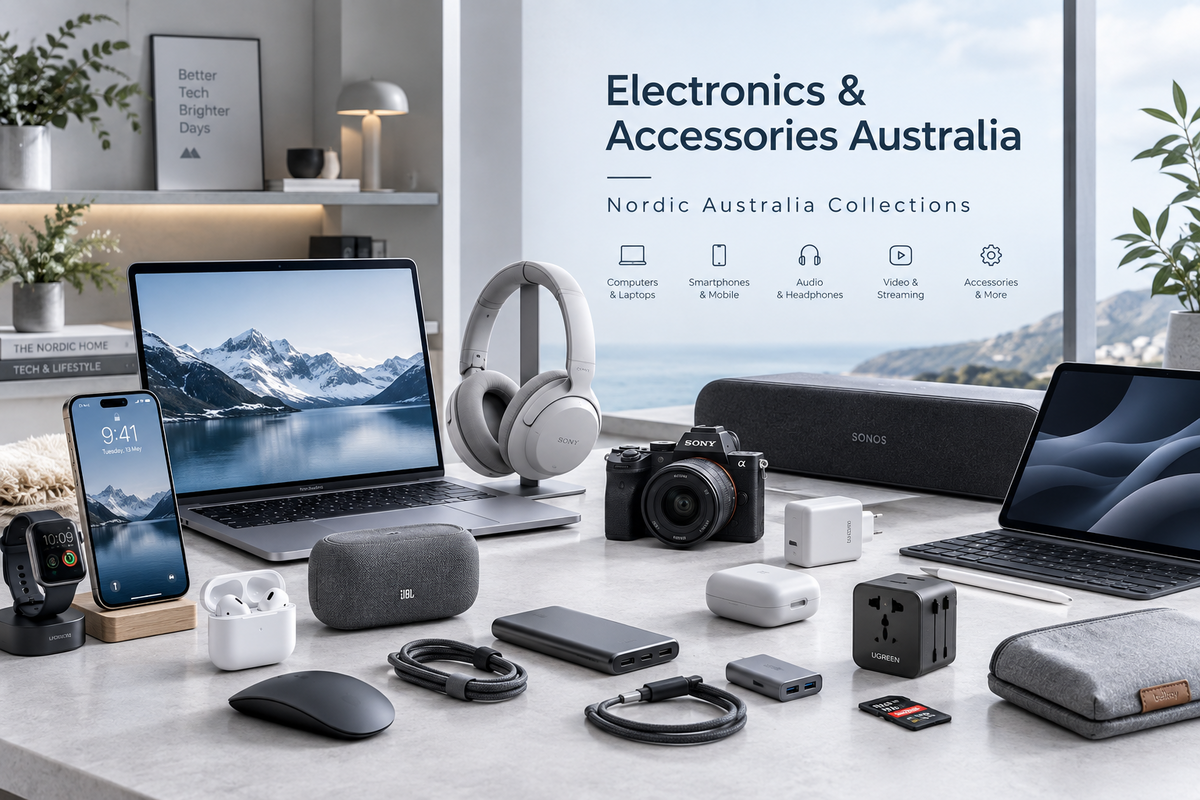

Choose Tech That Works With What You Already Own
A useful tech purchase solves a particular problem: more room for files, a tidier desk or an accessory that fits your device. Start with that job and your existing setup, then compare the details that matter rather than choosing on looks or a headline feature alone.
Explore the Electronics & Tech hub →
Write Down the Exact Model
Have your device’s full model, generation and operating-system details available when checking compatibility. Similar names and familiar brand logos do not establish a match. Compare the manufacturer’s supported-device information for the exact product and selected variant.
Check Connections and Power Requirements
Read the stated ports, supported functions, power requirements and cable specifications. A matching connector shape does not by itself confirm charging, display or data capabilities. Check the requirements at both ends of the connection, including any adaptor or power supply.
Compare Features With the Task
Decide which functions you will actually use and compare the specifications relevant to those tasks. Read the conditions attached to advertised performance figures rather than assuming a maximum applies to every setup. Check any required software, subscription or separate accessory before buying.
Phone Accessories: Confirm the Fit
For cases, mounts and charging accessories, check the exact phone model and any interaction with the case or other accessories you already use. Read documented protection claims and limitations rather than assuming all products offer the same protection.
Browse Phone Cases & Chargers →
Storage: Match Capacity and Compatibility
Compare your current files and likely growth with the selected capacity. Check the device, interface and operating-system requirements, and confirm whether you are buying a drive or an accessory such as an enclosure or reader. Plan separate copies of important files rather than relying on one device.
Gaming: Check the Platform and Version
Confirm the supported platform and model, connections and required software. Check what is included and whether additional controllers, cables or other components are needed. A similar appearance does not establish cross-platform compatibility.
Browse Video Games & Consoles →
Check the Box Contents and Setup
Read the included-components list, dimensions and installation instructions. Styled photographs can show items sold separately. Consider desk space, ventilation, cable reach and any specialist installation needs described by the manufacturer.
Read Support and Delivery Details
Check product-specific warranty information where provided rather than assuming one warranty applies across the range. If a term or specification is unclear, ask before ordering.
Shipping charges and estimates vary by product and destination. Review our Shipping Policy, checkout options and Refund Policy before purchasing.
Your Before-Buying Checklist
- Confirm the exact model and selected variant.
- Check supported devices, software, connections and power.
- Compare the features needed for your intended task.
- Confirm included components and setup requirements.
- Read product-specific support, shipping and return information.
Find Your Next Useful Upgrade
Shop Electronics & Tech by department →
Need help locating a compatibility detail or inclusion? Open website chat or send us the product link, device model and your question.