Choose equipment that fits your devices and the way you use them
Start with the task, then check the exact product specifications. A connector that looks familiar, a matching brand name or a similar printer model does not establish compatibility. Keep your device model, available ports and intended setup handy while comparing listings.
Browse Camera & Photo, Printers & Printing Accessories, Gaming Accessories & Equipment or Electronics & Tech Accessories. For the wider department, visit the Electronics & Tech shop.
Camera and photo equipment
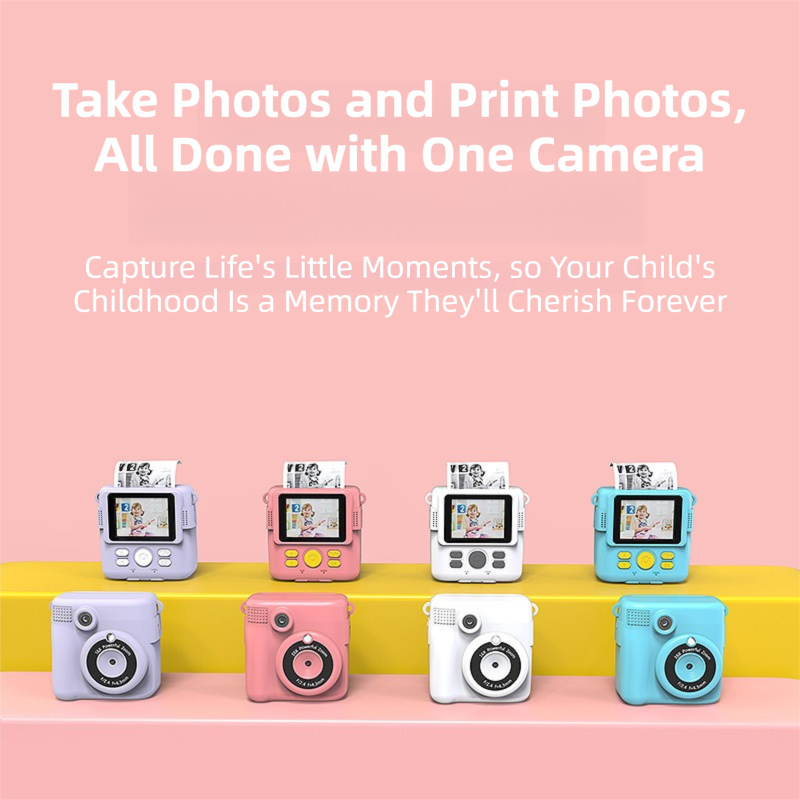
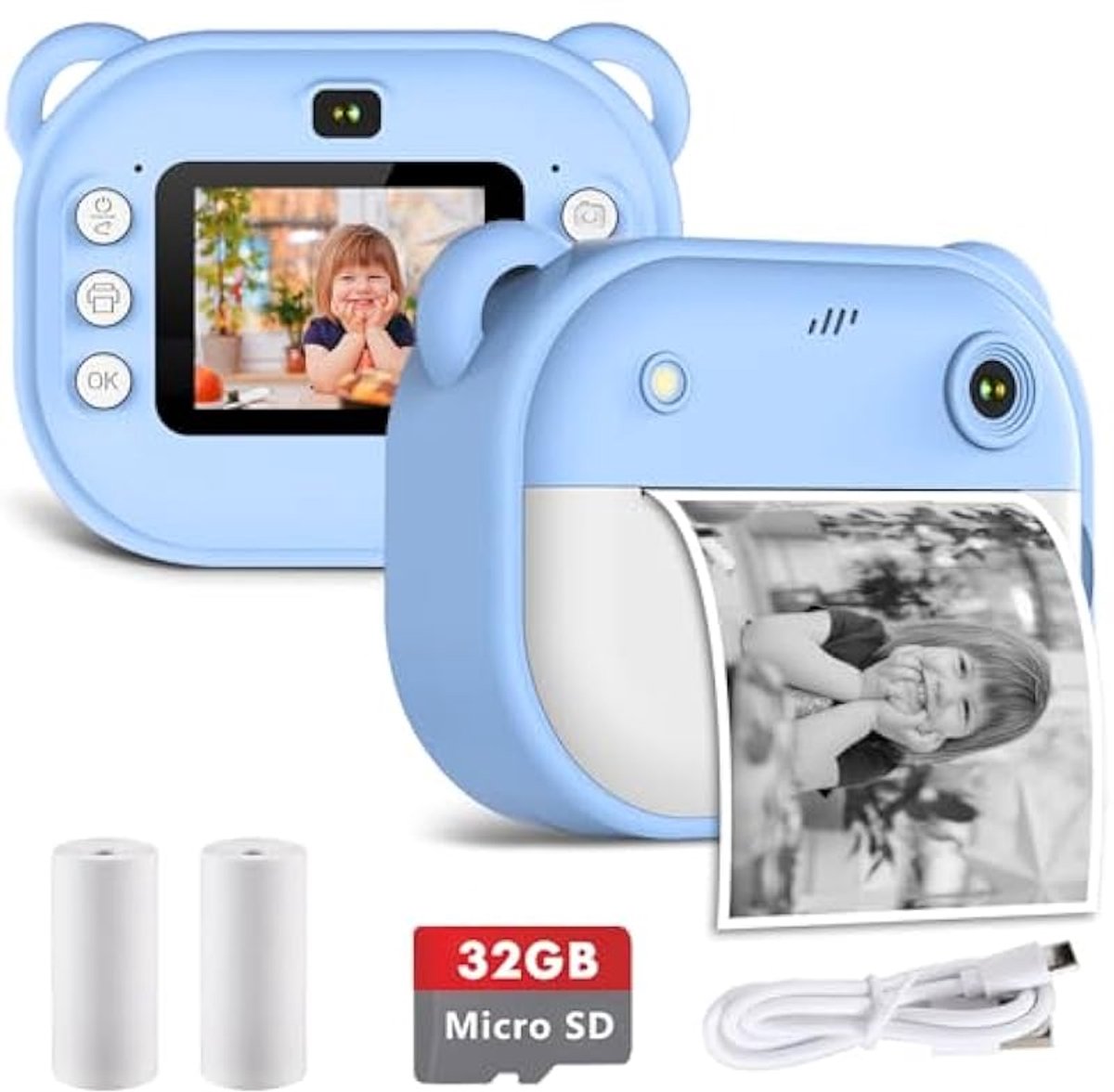
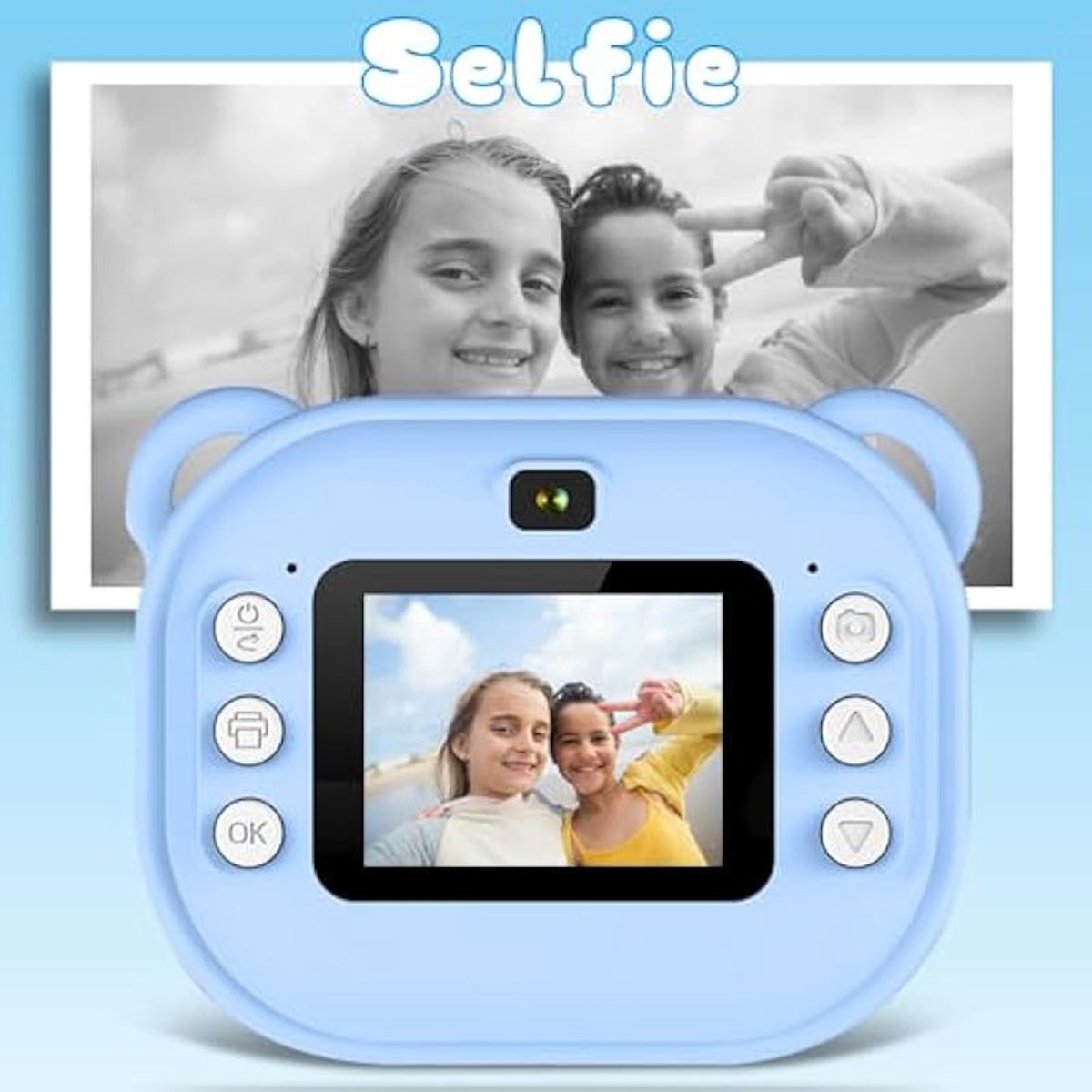
For a camera, compare the recording formats, controls, screen arrangement and connection options described in the individual listing. Check whether a memory card, charging cable, battery, case or other accessory is included rather than assuming the illustrated setup is supplied.
For tripods, mounts and phone stabilisers, check the mounting interface or clamp range, supported device dimensions and weight, working height and packed dimensions. A stand intended for a tablet or smartphone is not automatically a camera mount. Match the support to your device and the surface where you will use it.
For memory and card readers, compare the exact card format, supported capacity, device requirements and reader connection. Check the camera or device manufacturer's requirements before selecting storage; the right physical size alone is not enough.
Printers, labels and printing supplies
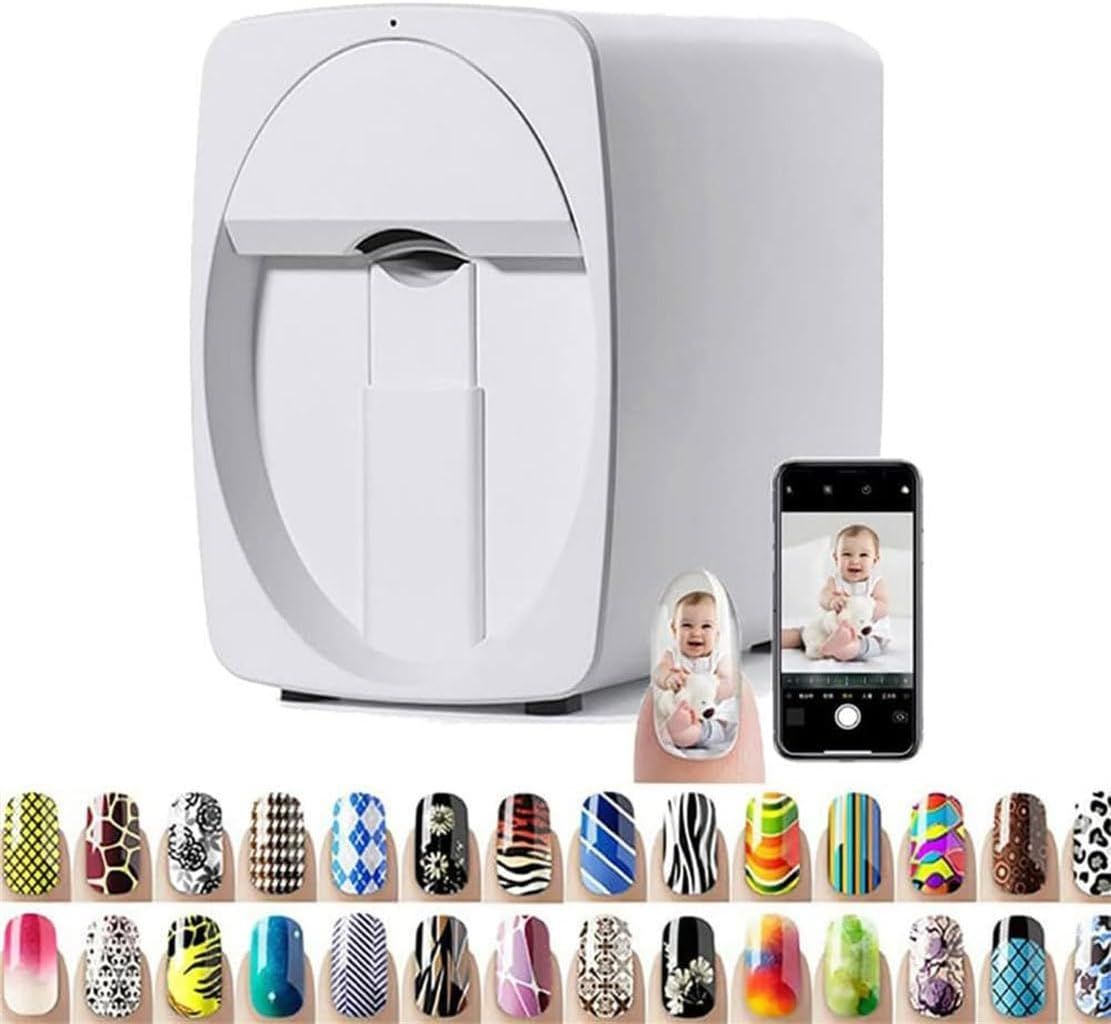
Choose around what you print: documents, receipts, labels, small notes or a specialised printing task. Compare supported media size, connection method, operating-system or app requirements and the consumables named in the listing. A compact label or receipt printer is not a substitute for a document printer.
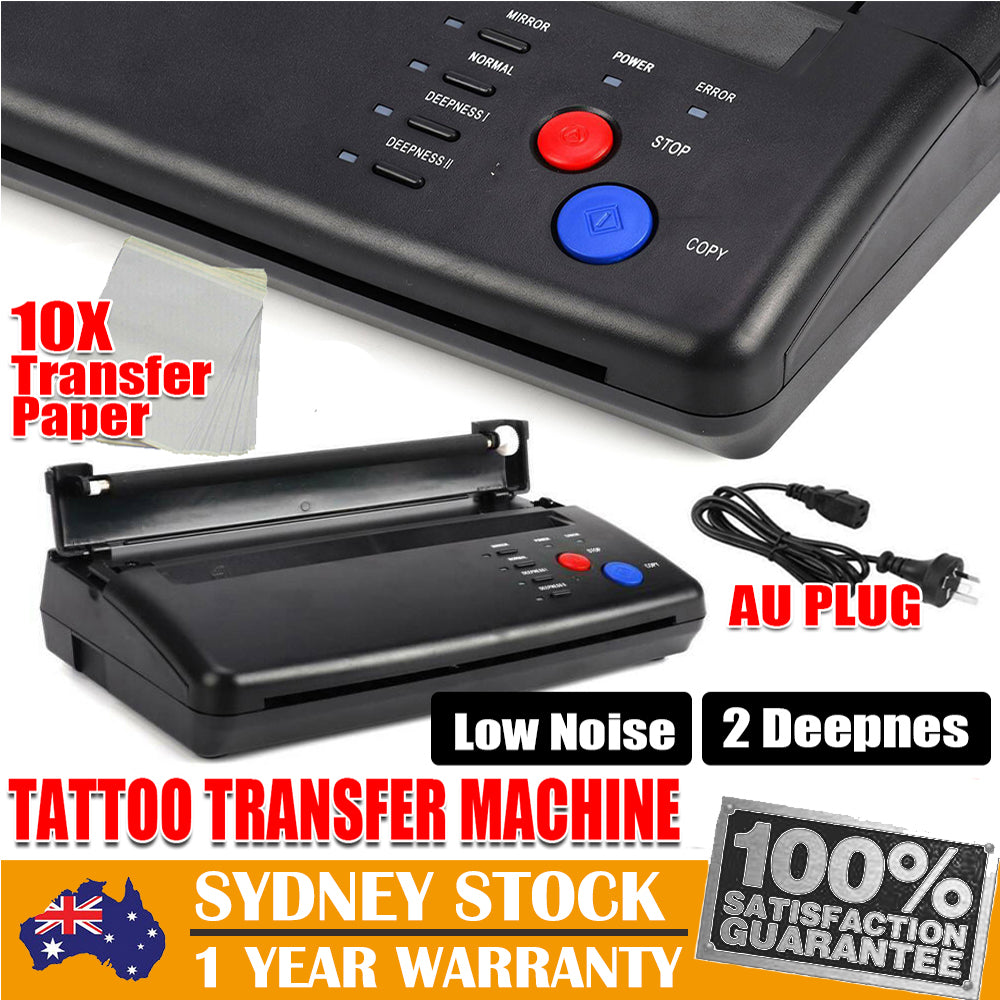
Check whether a thermal printer uses direct-thermal paper, a ribbon or another specified consumable. Do not assume that every thermal model works with ordinary paper. For ink, toner, tape and replacement media, match the full printer model and cartridge or media reference, including any regional or series distinctions.
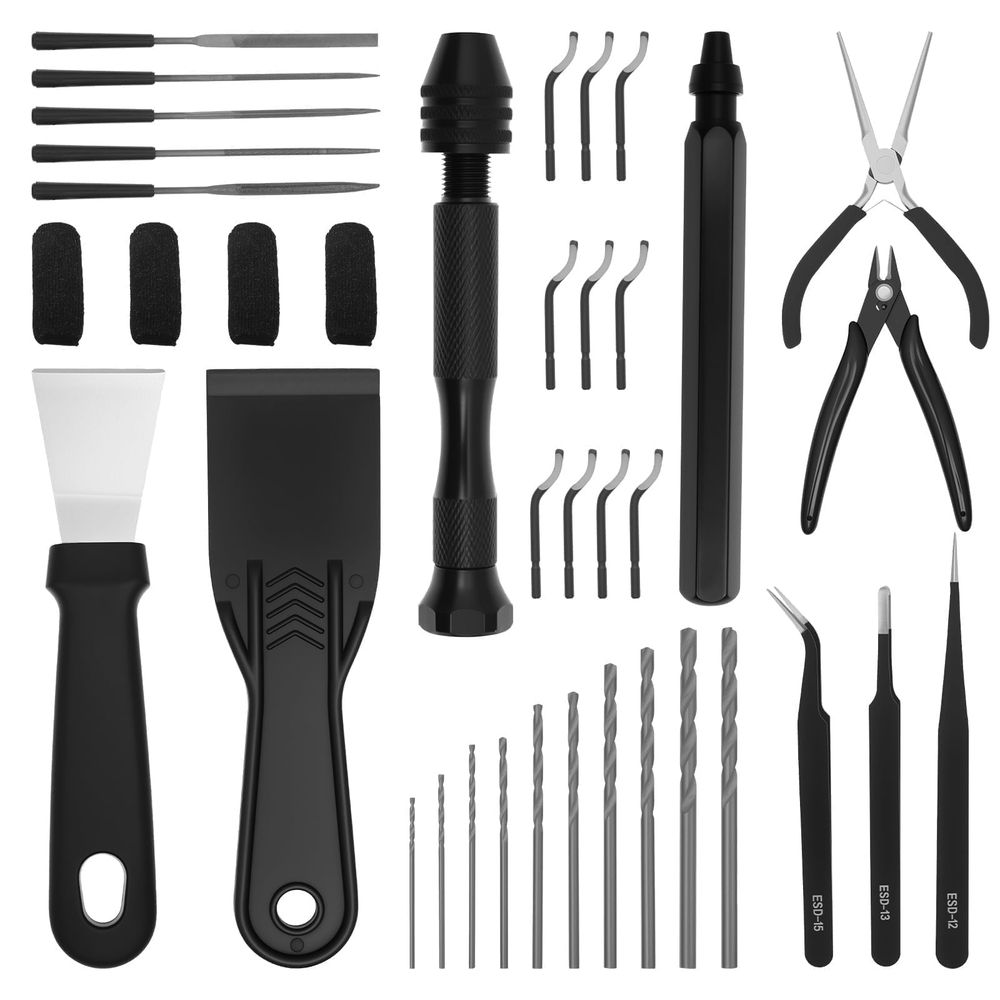
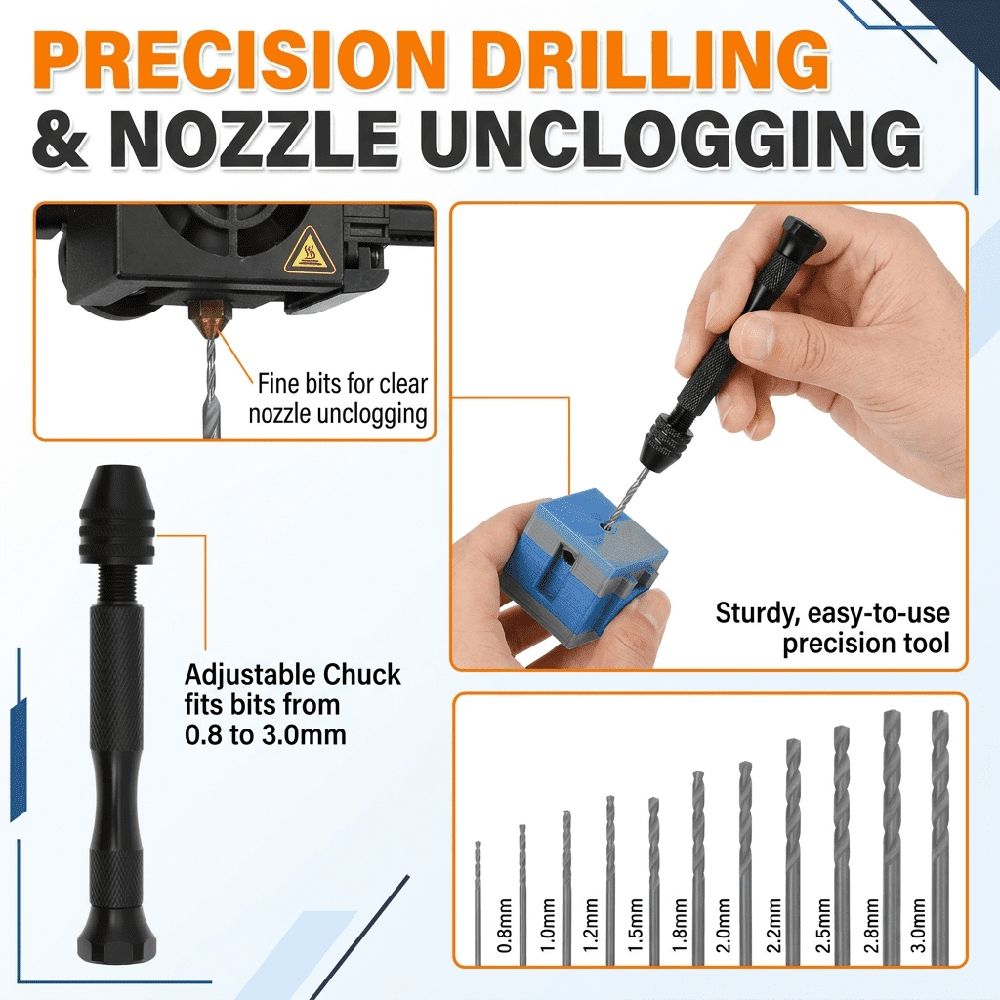
For 3D-printing supplies, check the printer's supported material, filament diameter, spool arrangement and manufacturer settings. Tools for cleaning and finishing are accessories, not a printer. Confirm what is in the pack and use the equipment manufacturer's instructions for setup and handling.
Gaming equipment and setup
For controllers, check the supported platform, operating system, connection method and game requirements. A mobile controller is not automatically compatible with a console or every game. If it holds a phone, compare the supported phone dimensions and any case or connector clearance requirements.
For mice, keyboards and headsets, match the wired or wireless connection to the device you use. Check any receiver, adapter, software, microphone and audio requirements. Confirm whether batteries, a charging cable or a wireless receiver are included.
For gaming desks, chairs and setup accessories, compare the listed overall dimensions with the space available. Allow for chair movement, monitor placement, cables and access to power. Check load limits, assembly requirements and supplied parts. A chair cover or bean bag cover is not a filled chair unless the listing expressly includes the filling.
Everyday tech accessories
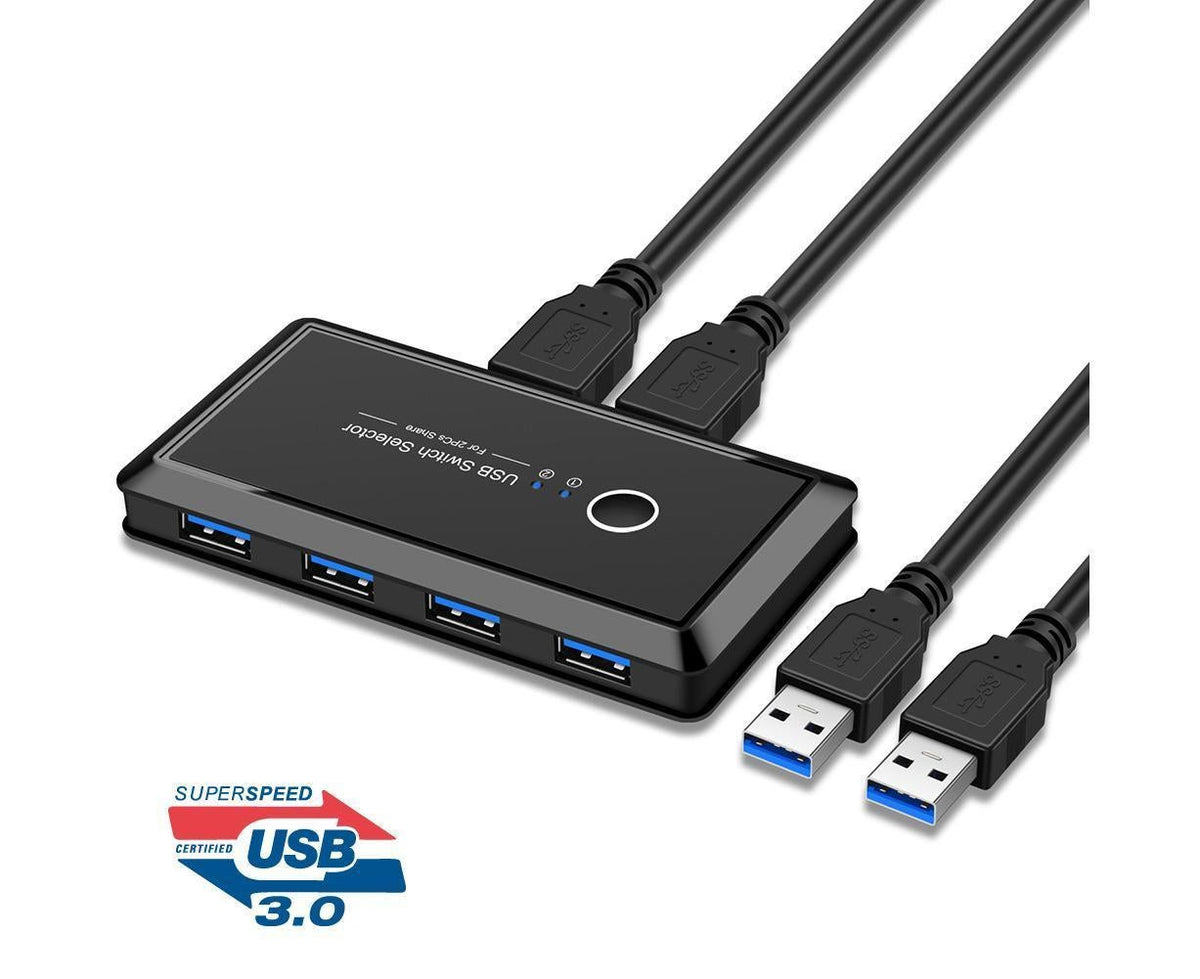
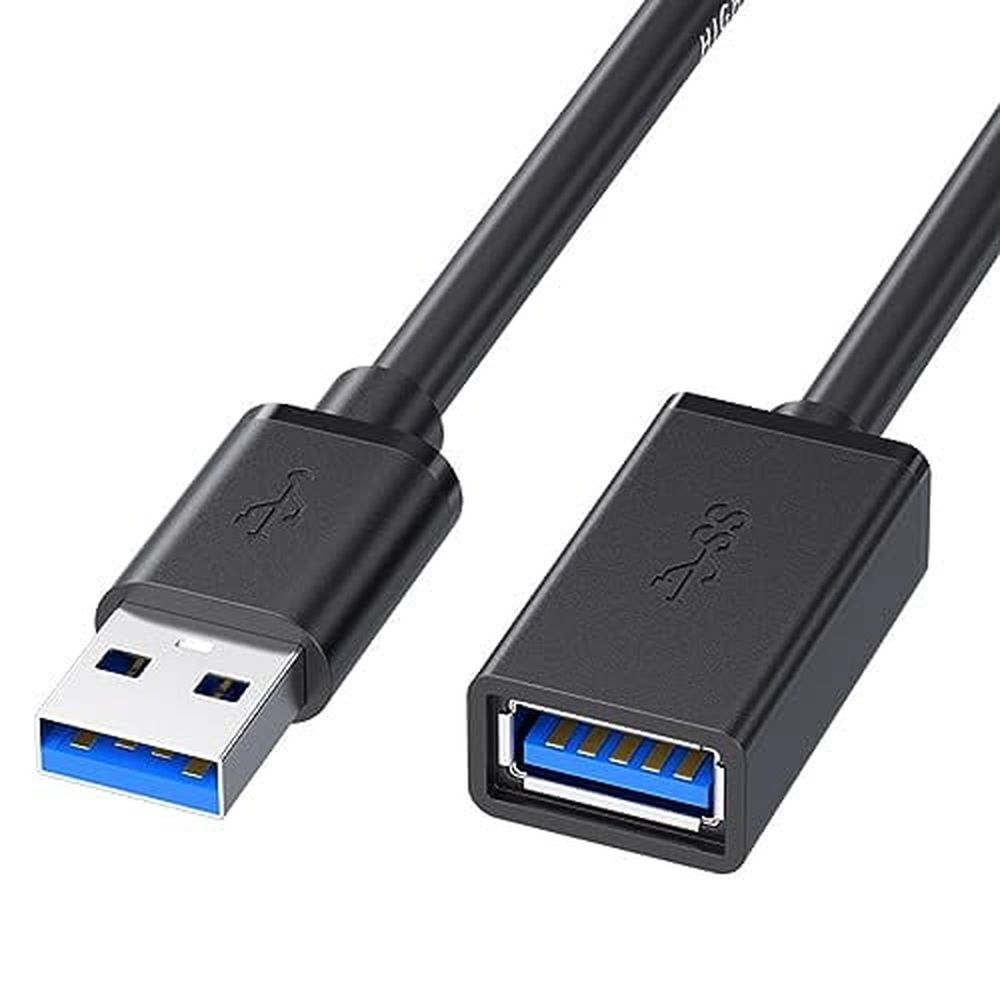
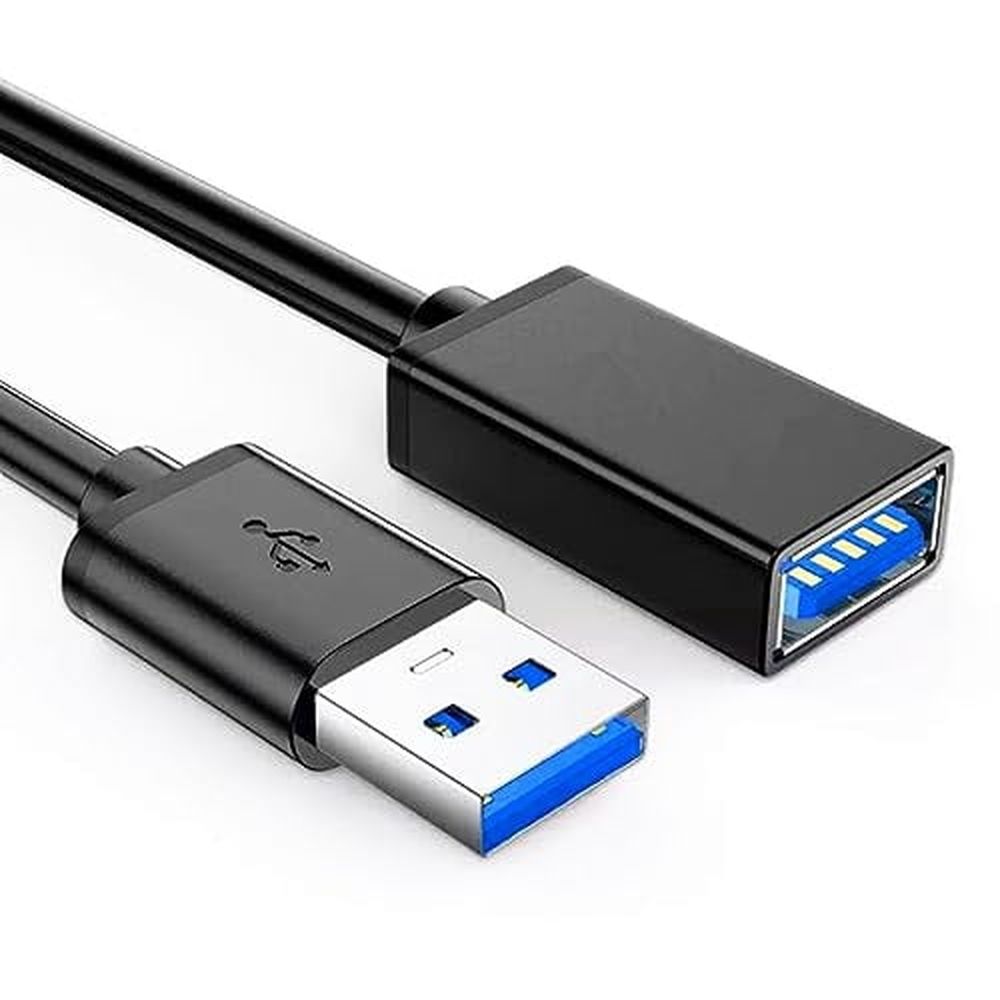
For chargers, hubs, adapters and cables, compare both ends of the connection and the function you need. Charging, data transfer, audio and display output are different capabilities; a physically compatible plug does not establish that all functions are supported. Check the device requirements and the product's stated power, data or display specifications.
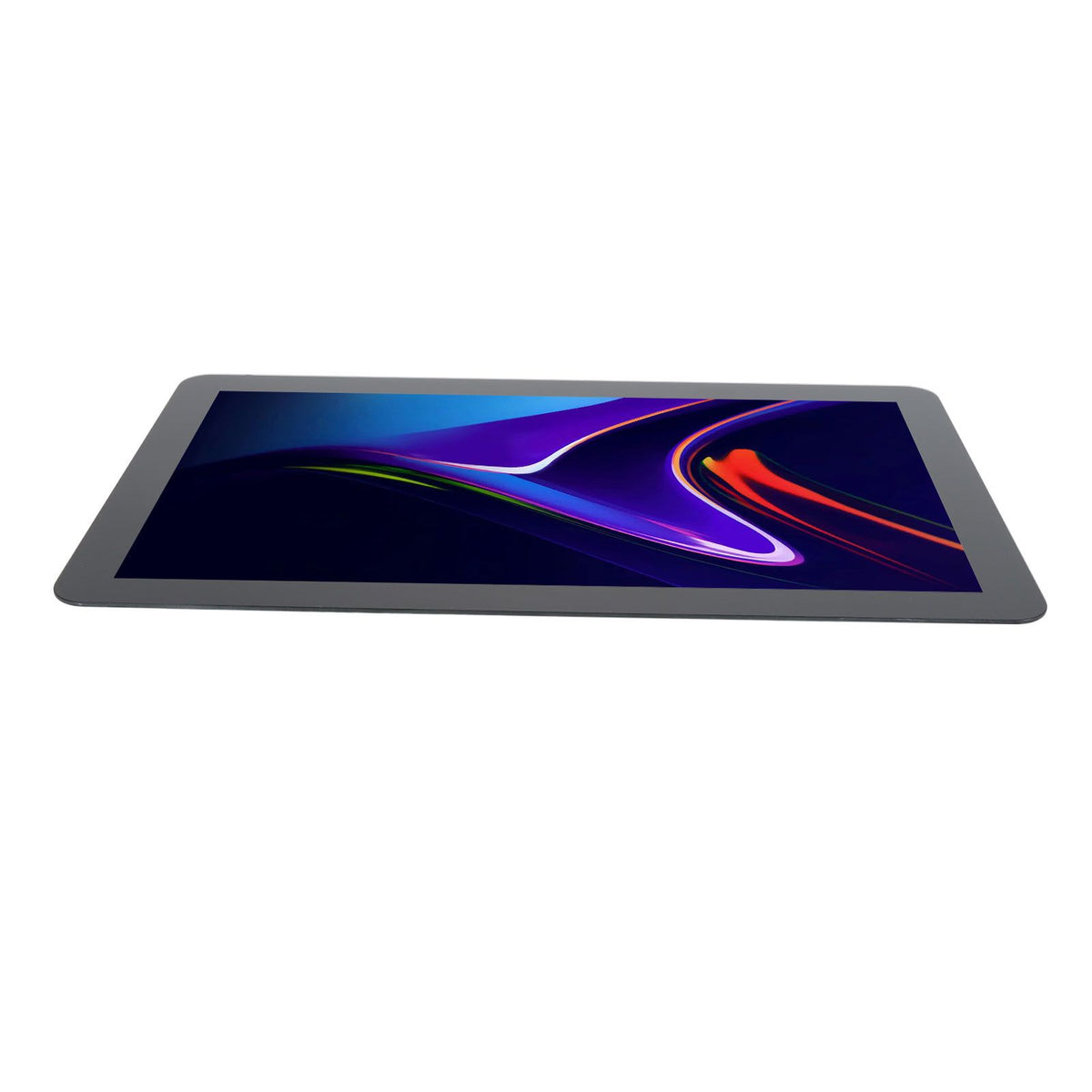
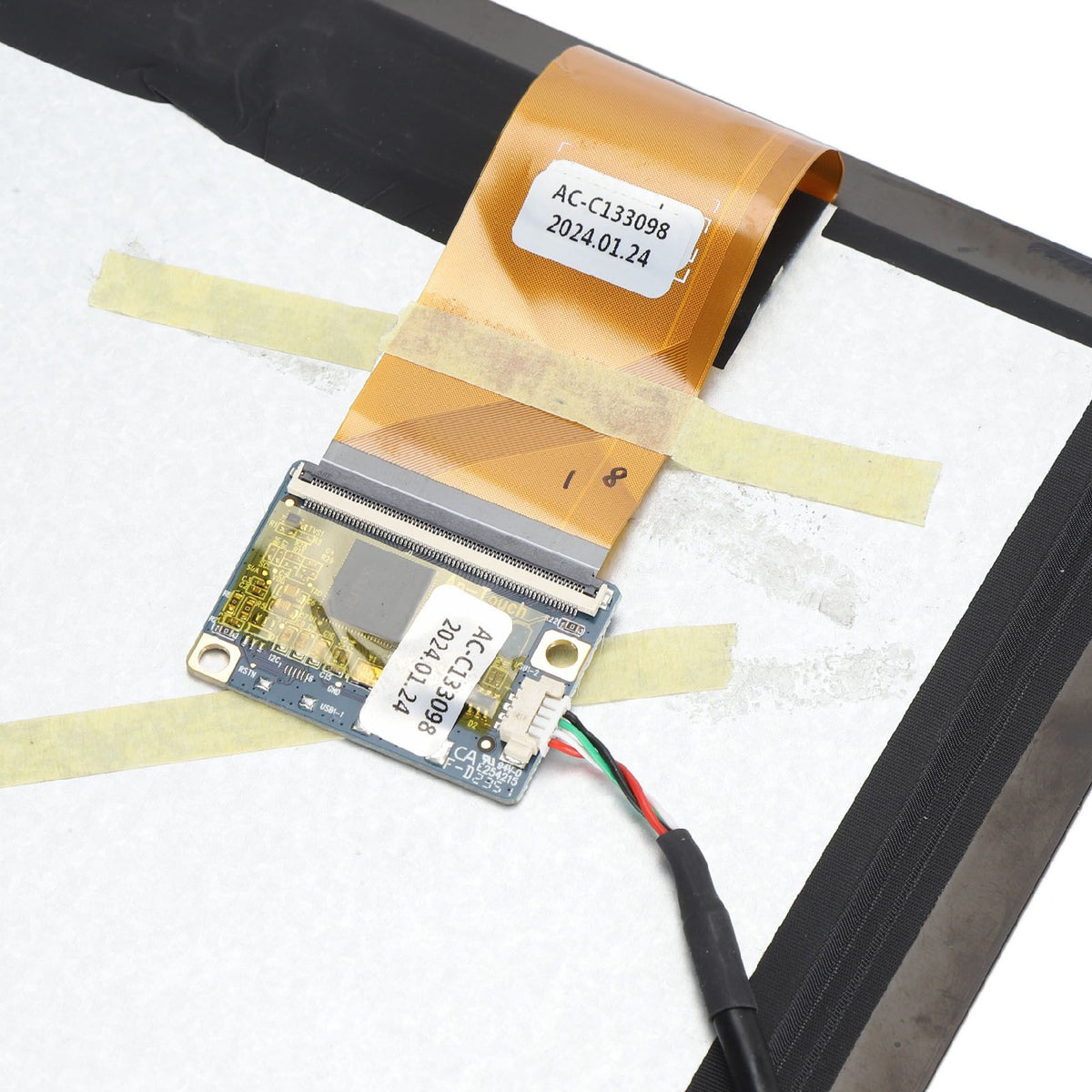
Wireless charging requires a compatible device and the power setup specified for the charger. Check whether a wall adapter or cable is supplied. For protective covers, mounts and replacement parts, use the exact model and dimensions rather than a broad device-family name.
Frequently asked questions
Will an accessory work with every device from the same brand?
Not necessarily. Match the specific model, connector, dimensions and supported functions in the listing with your device requirements.
Does the photo show everything included?
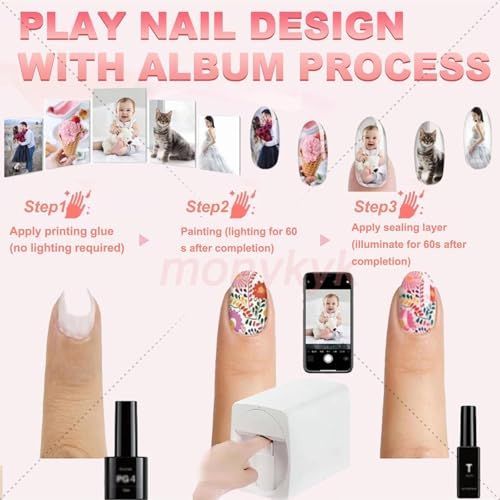
Use the written package contents to establish what is supplied. Phones, screens, furniture, paper, batteries and other items shown in a demonstration may not be included.
Can I buy a replacement consumable just by matching its appearance?
Use the full printer or device model and the specified consumable reference. Similar-looking cartridges, labels, rolls and accessories can have different fit or operating requirements.
What should I do if the listing does not answer my compatibility question?
Use website chat with the product link, your device model, the question and your delivery postcode. Virtual assistance can help with available information and arrange follow-up where needed; do not assume compatibility before it is confirmed.