Computers, Tablets & Accessories Australia

945 products

Showing 613 - 648 of 945 products

Showing 613 - 648 of 945 products
View
Free shipping
Ravpower RP-PB094 Super Slim Powerbank 10000mAh, PD 18w, QC3.0Ravpower RP-PB094 Super Slim Powerbank 10000mAh, PD 18w, QC3.0
Free shipping
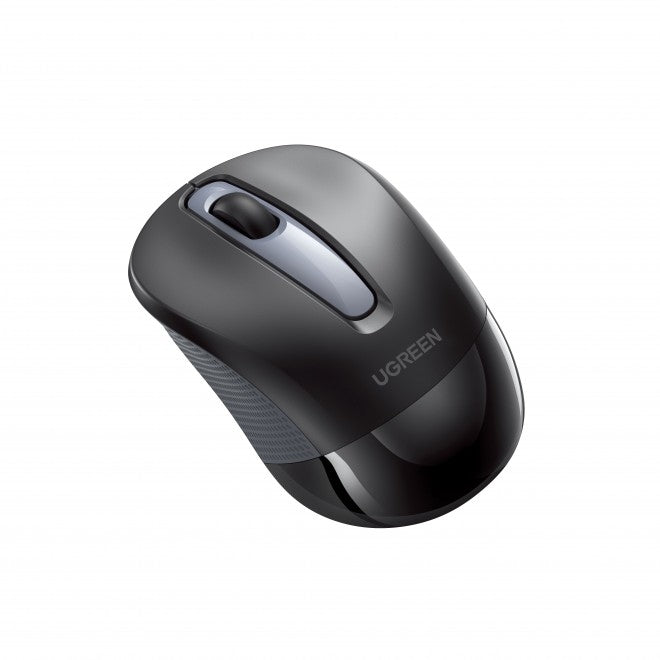
UGREEN 90371 Mini Portable Wireless MouseUGREEN 90371 Mini Portable Wireless Mouse
Free shipping
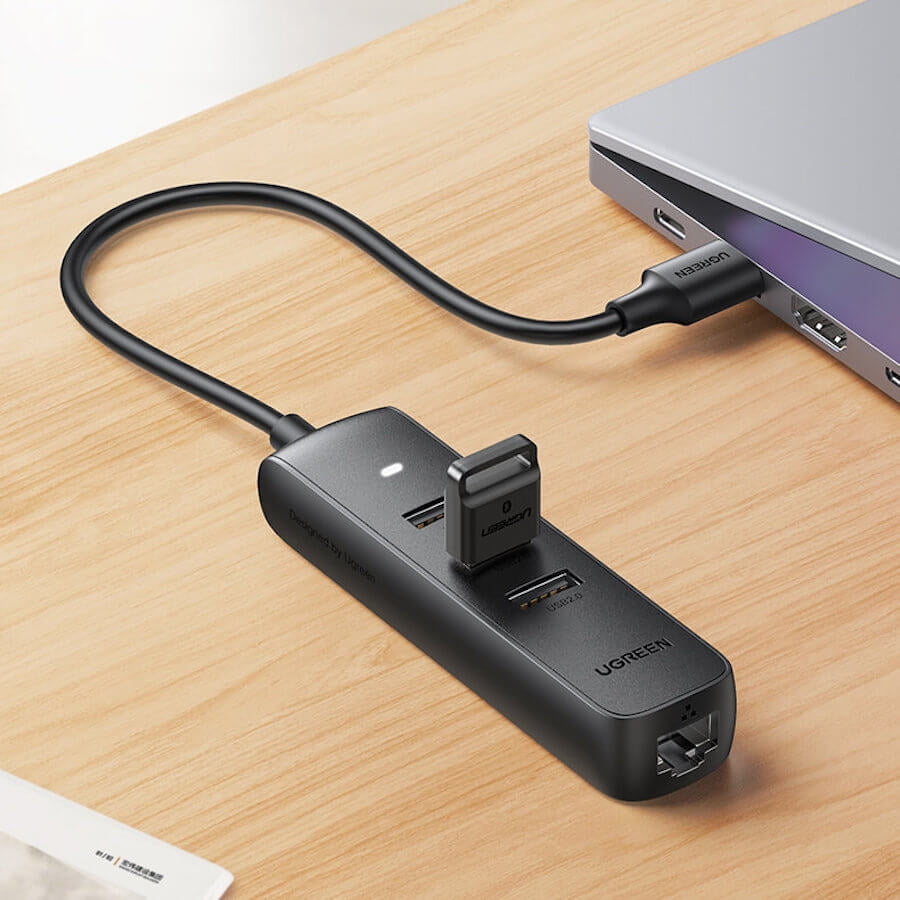
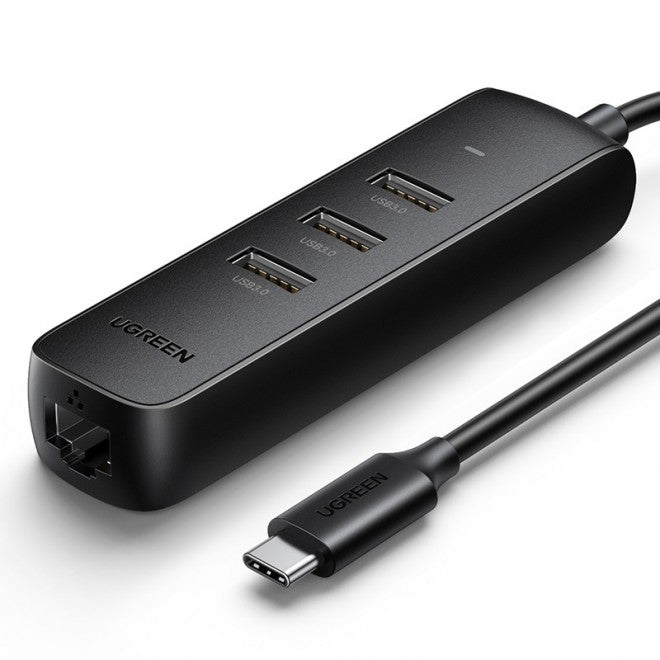
UGREEN 50627 USB-C to USB-A 3-Port Hub with RJ45 Gigabit EthernetUGREEN 50627 USB-C to USB-A 3-Port Hub with RJ45 Gigabit Ethernet
Free shipping
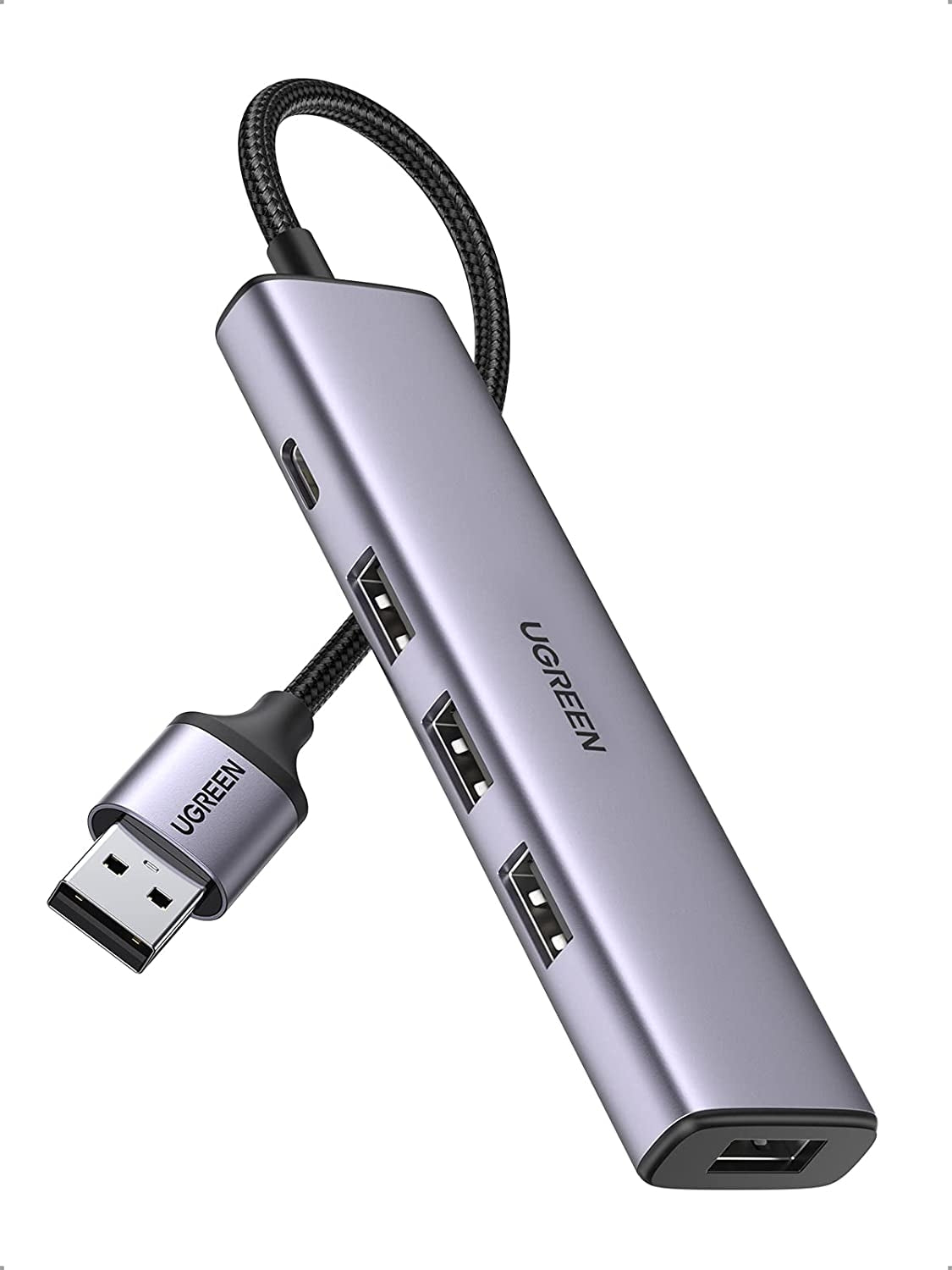
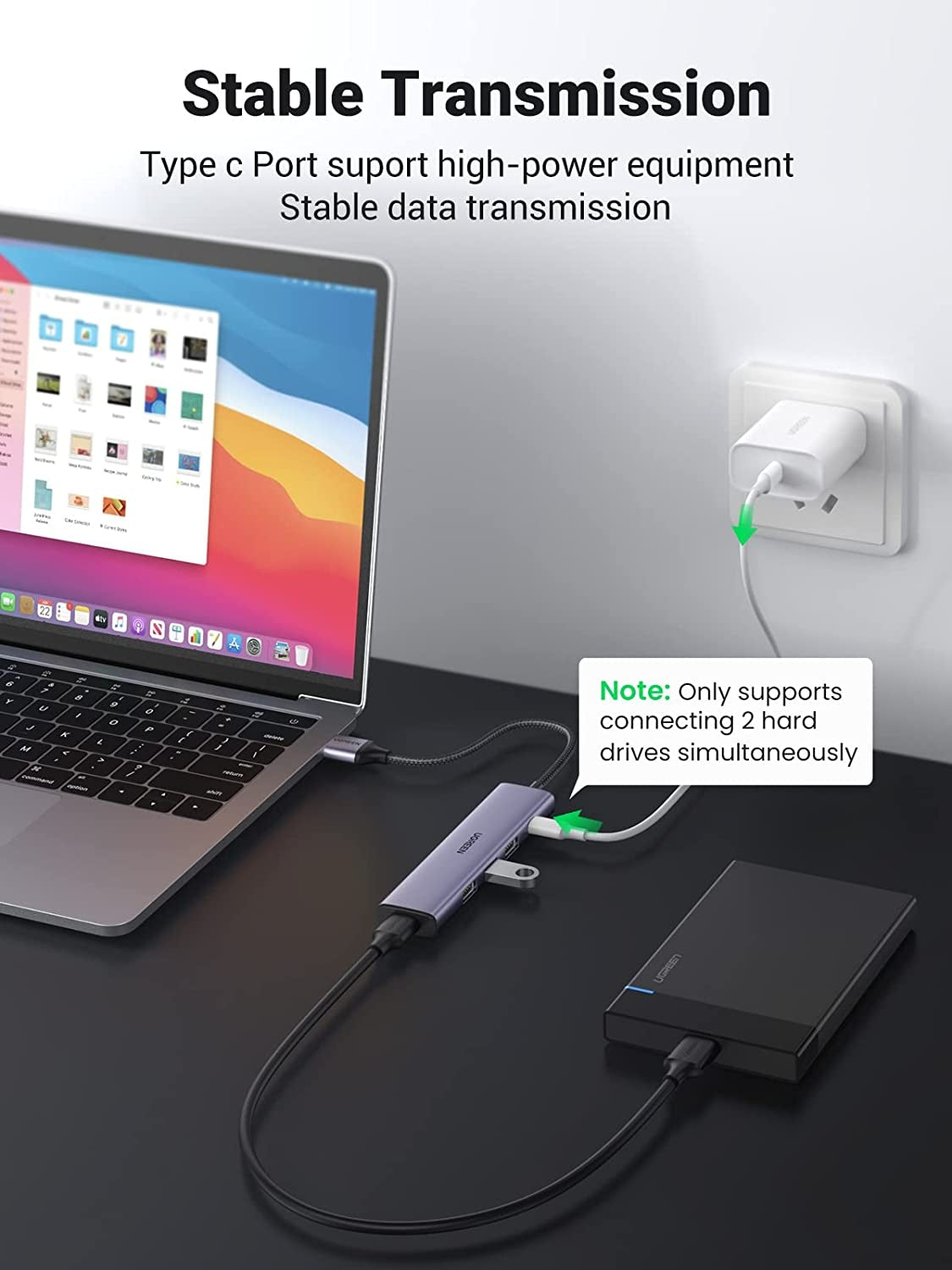
UGREEN 20805 USB 3.0 4-Port Hub with USB-C Power PortUGREEN 20805 USB 3.0 4-Port Hub with USB-C Power Port
Save 4%Free shipping
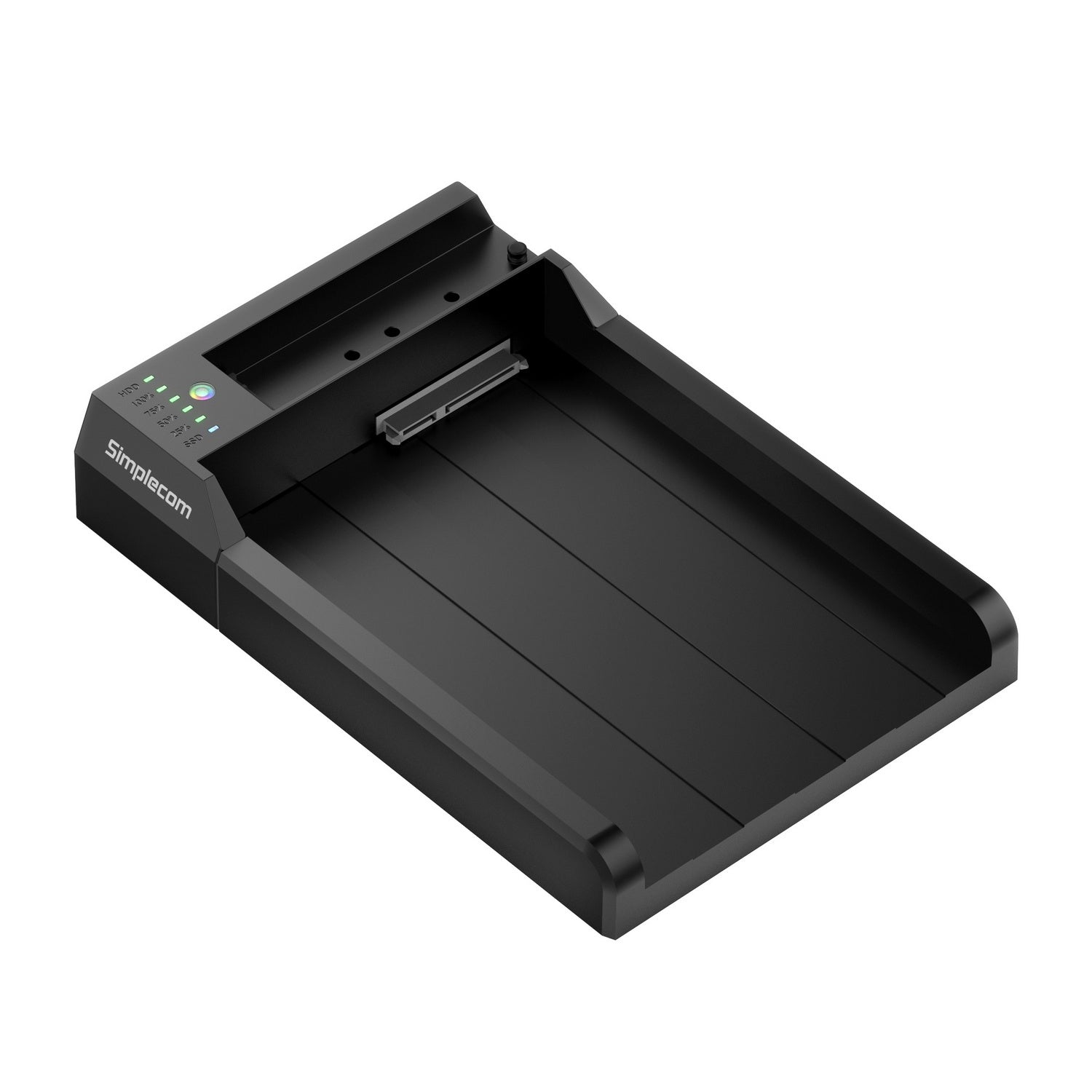
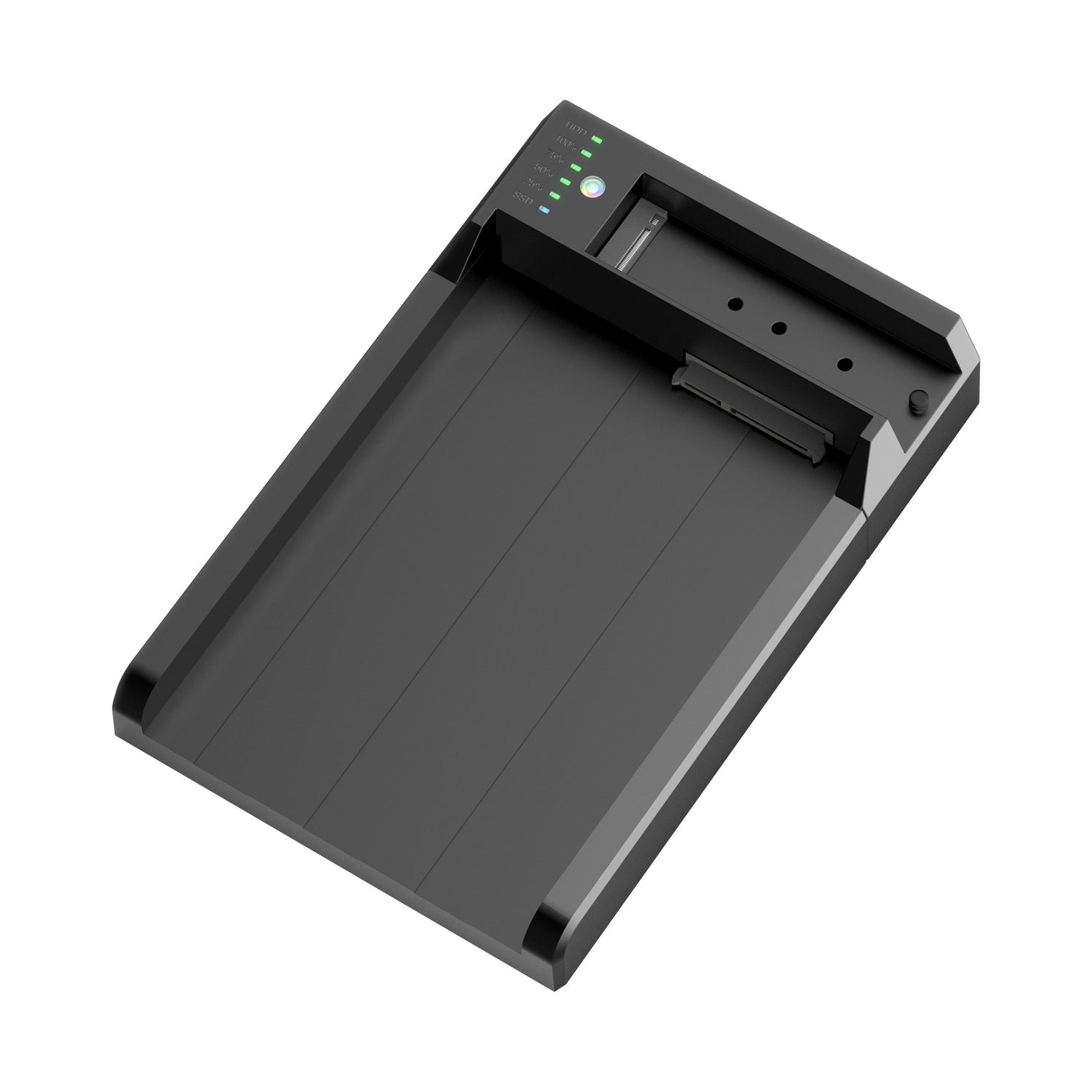
Simplecom SD570 NVMe M.2 + SATA HDD and SSD Dual Bay Docking Station USB 3.2 Gen 2 10Gbps Offline CloneSimplecom SD570 NVMe M.2 + SATA HDD and SSD Dual Bay Docking Station USB 3.2 Gen 2 10Gbps Offline Clone
Free shipping
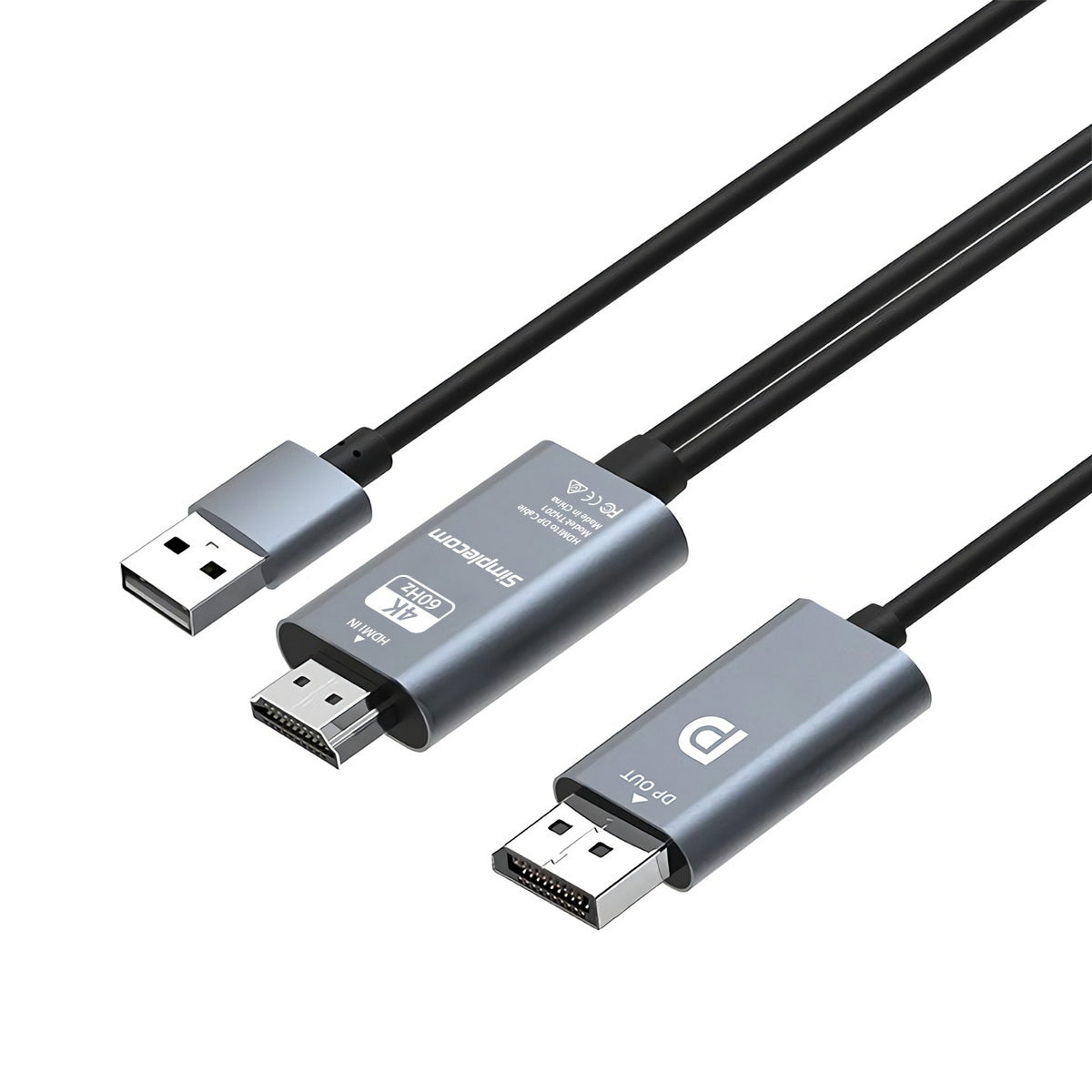
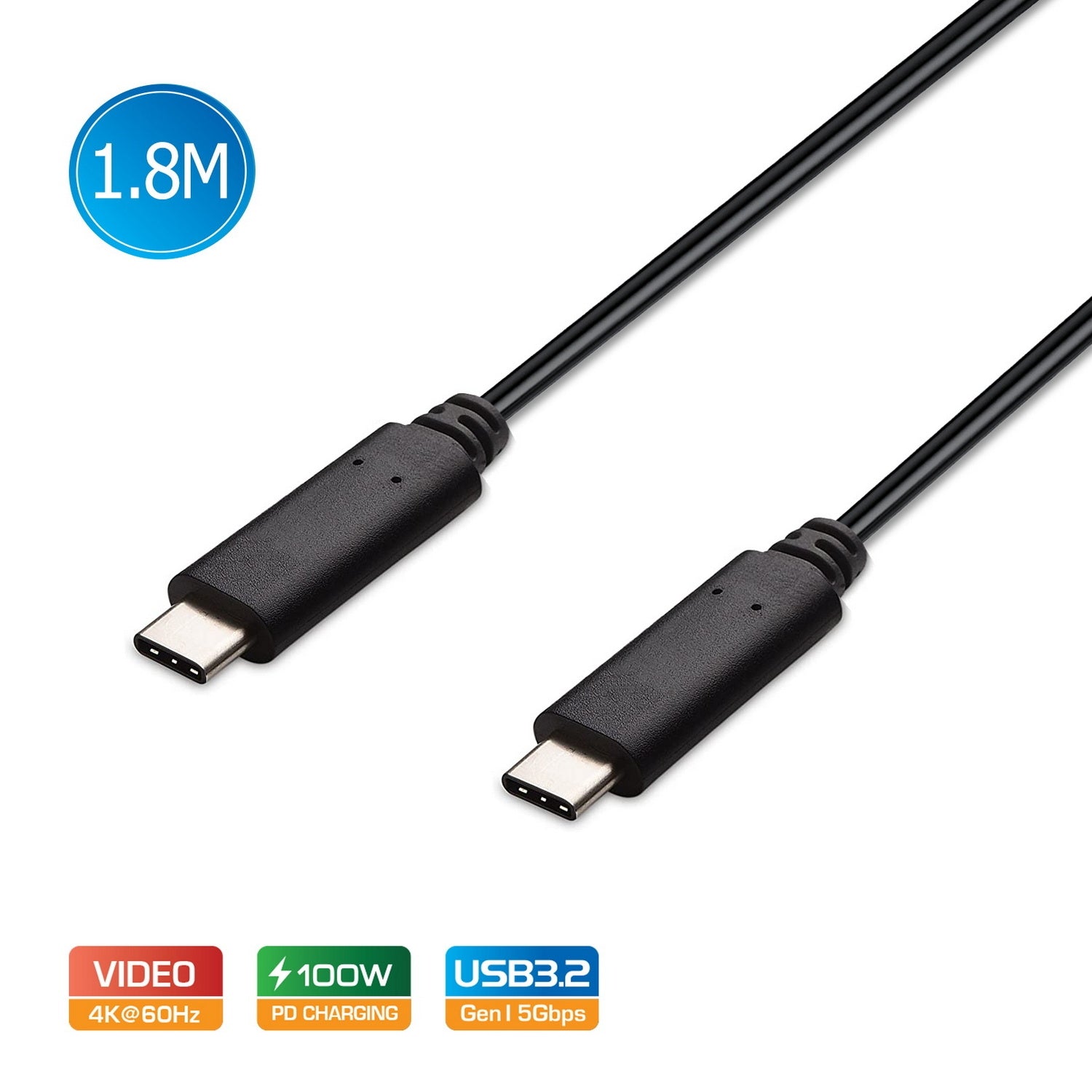
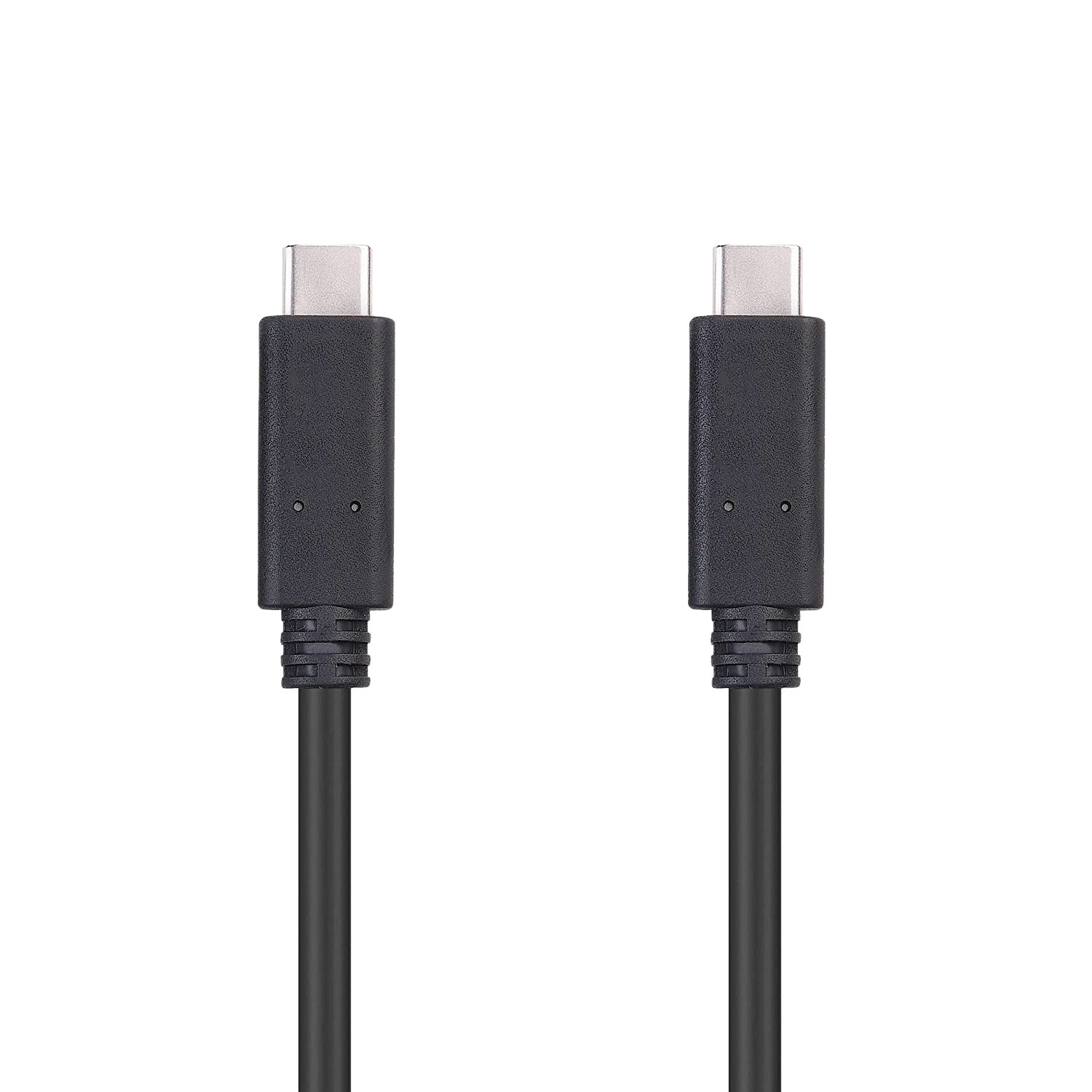
Simplecom CA519 USB-C to USB-C Cable USB 3.2 Gen1 5A 100W PD 4K@60Hz 1.8MSimplecom CA519 USB-C to USB-C Cable USB 3.2 Gen1 5A 100W PD 4K@60Hz 1.8M
Free shipping
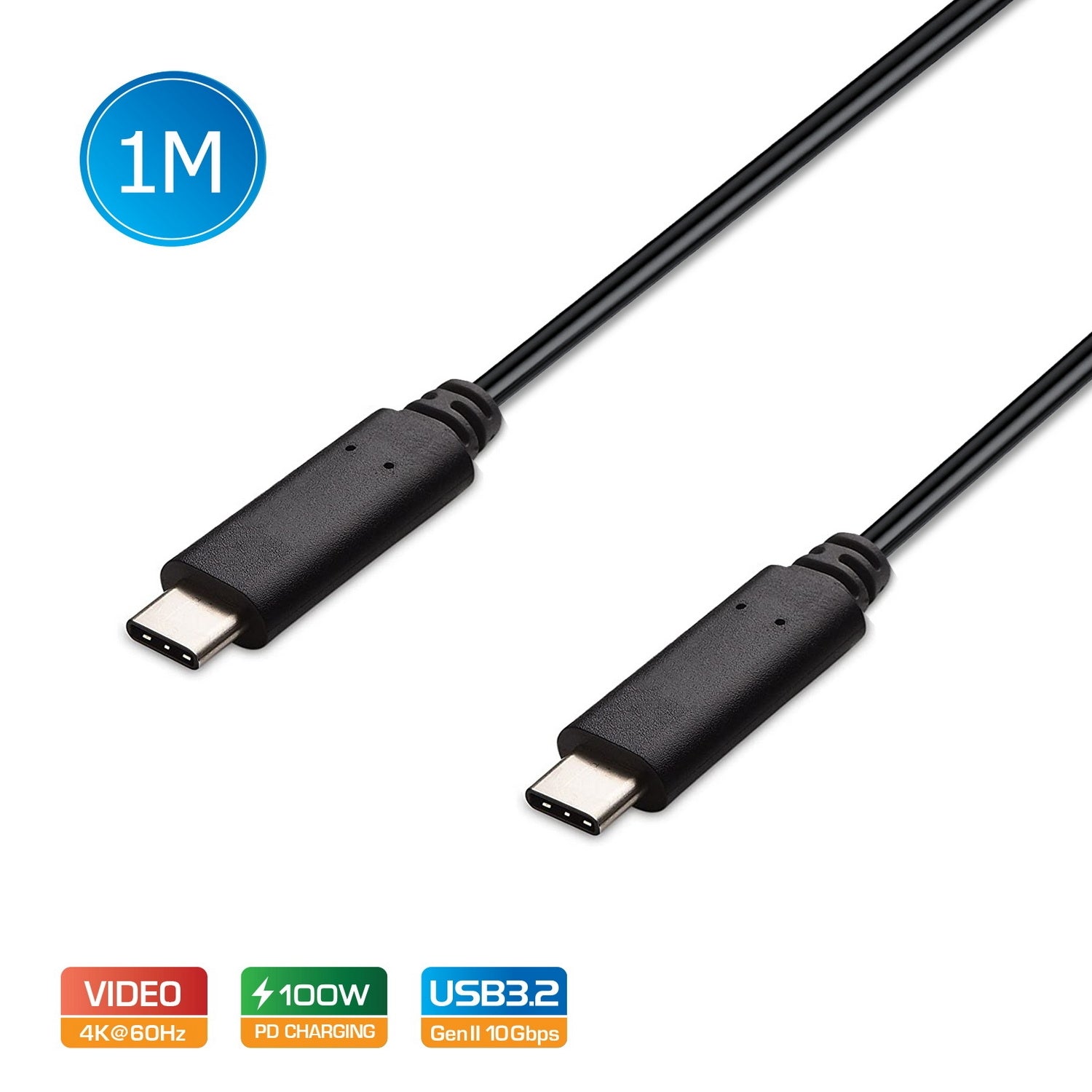
Simplecom CA512 USB-C to USB-C Cable USB 3.2 Gen2 10Gbps 5A 100W PD 4K@60Hz 1MSimplecom CA512 USB-C to USB-C Cable USB 3.2 Gen2 10Gbps 5A 100W PD 4K@60Hz 1M
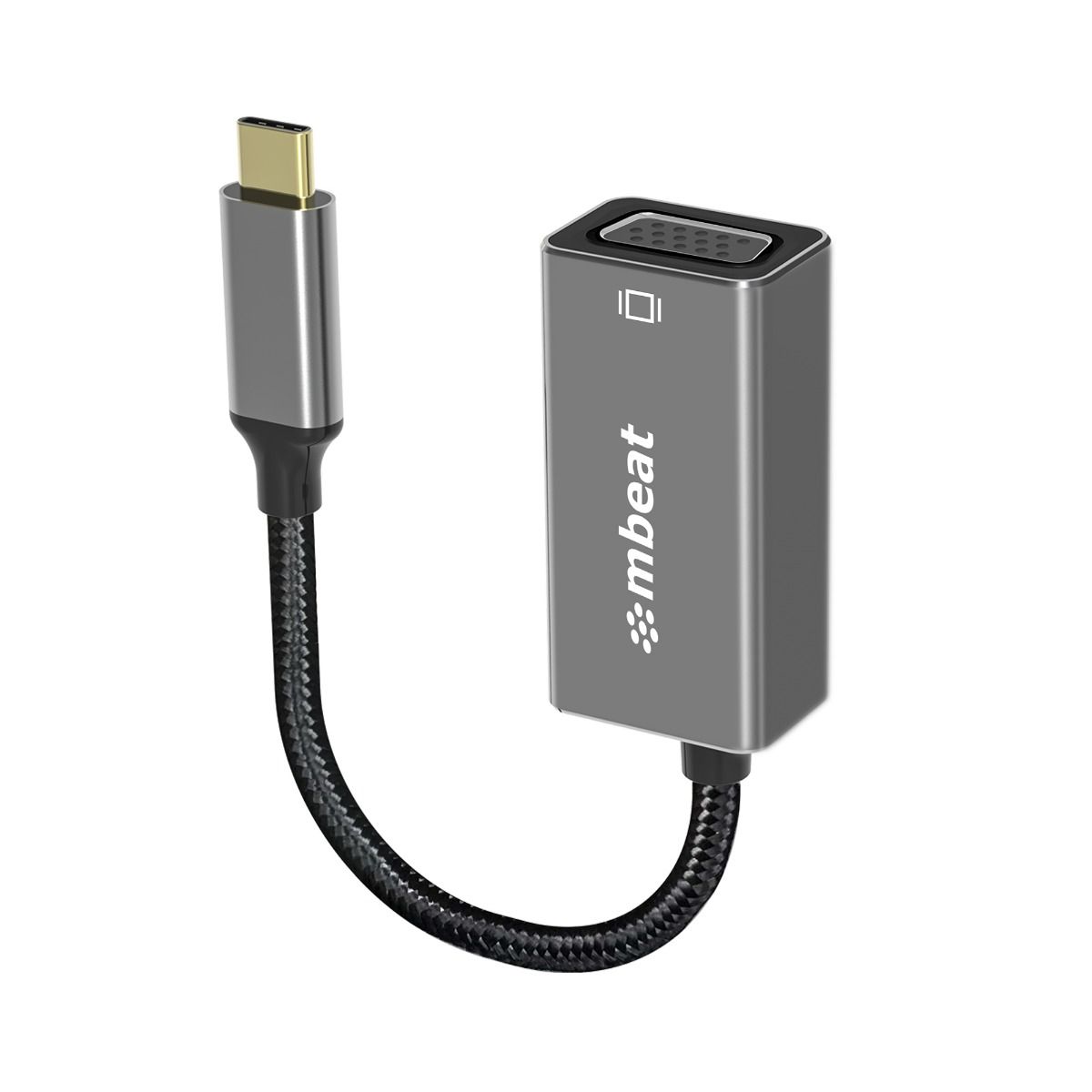
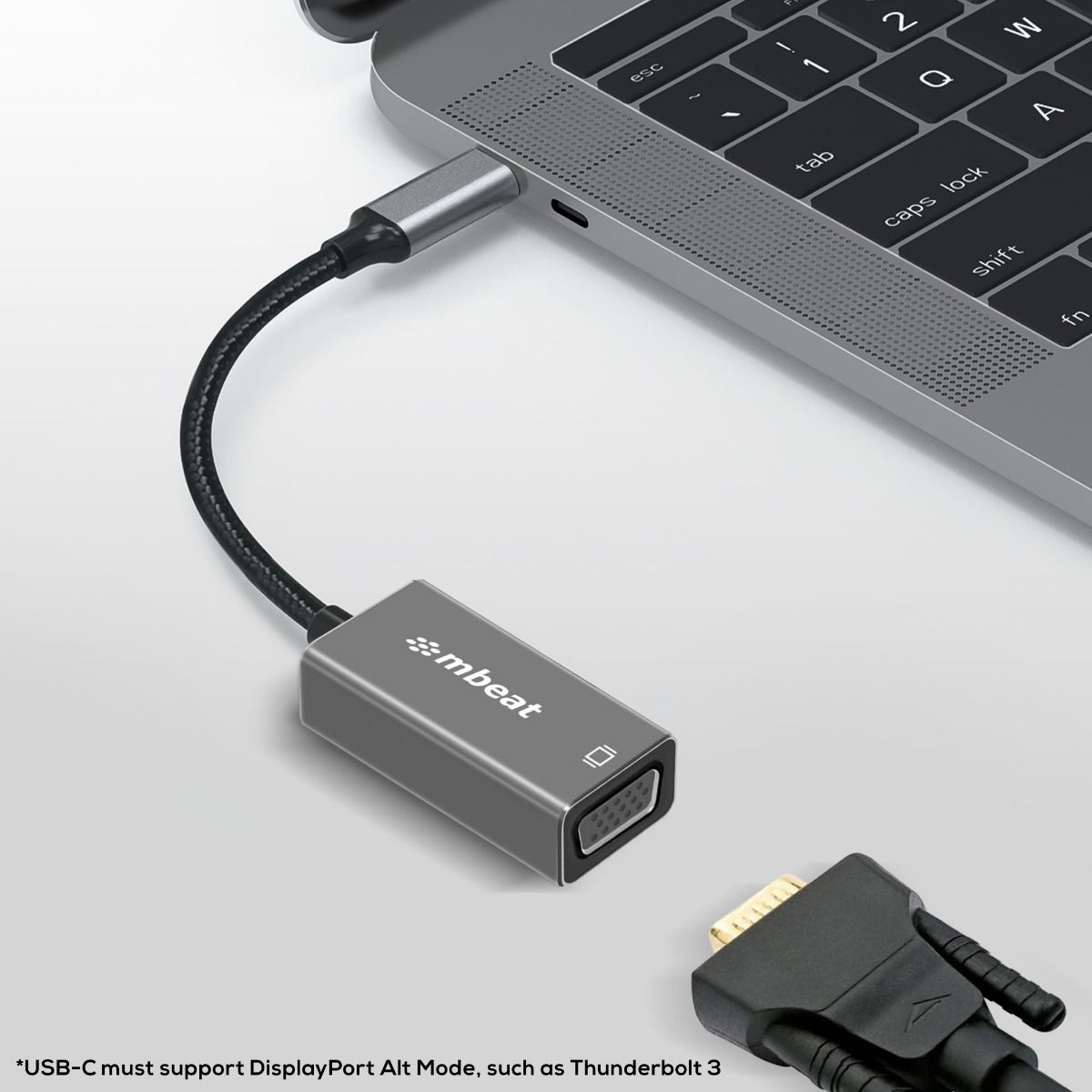
mbeat Elite USB-C to VGA Adapter- Space Greymbeat Elite USB-C to VGA Adapter- Space Grey
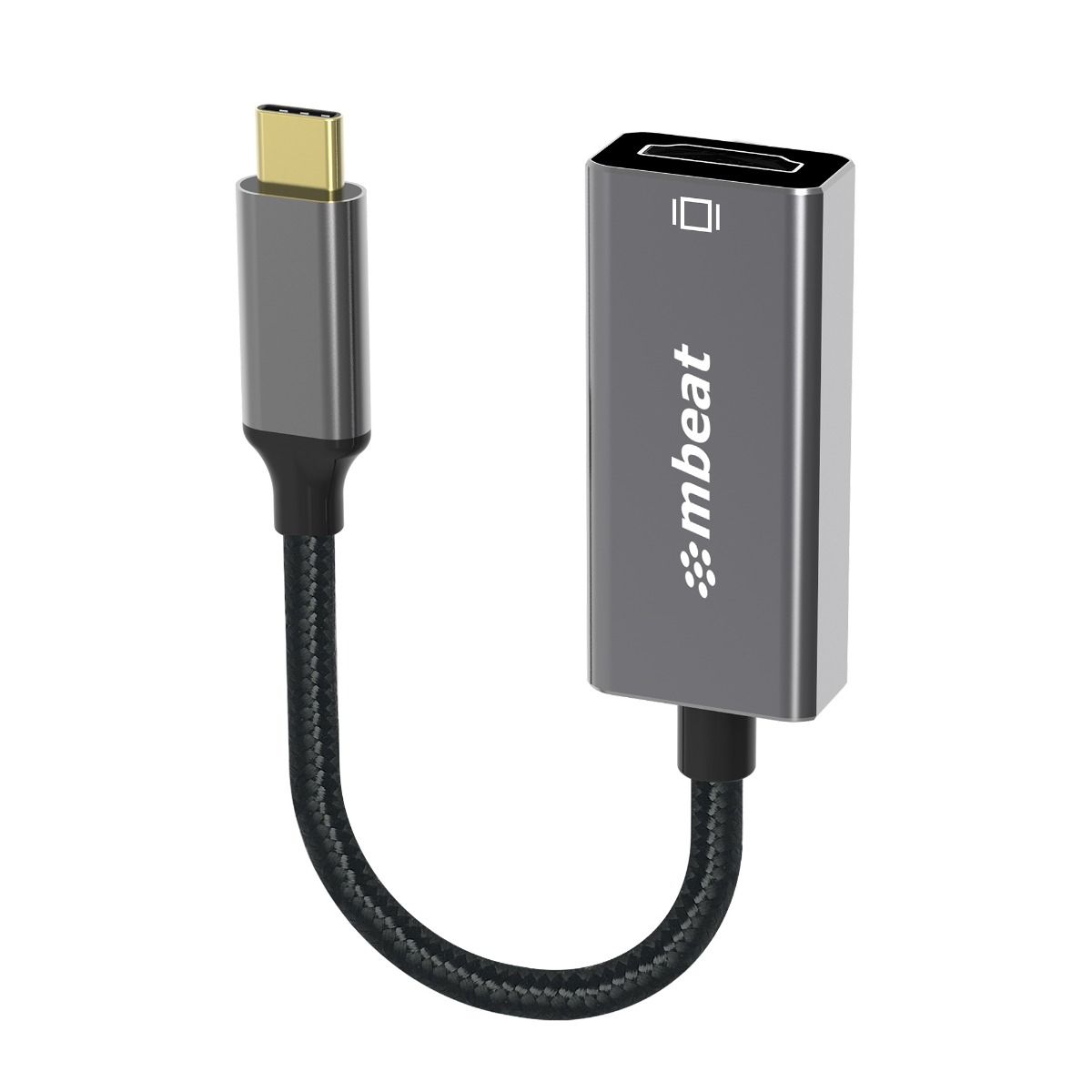
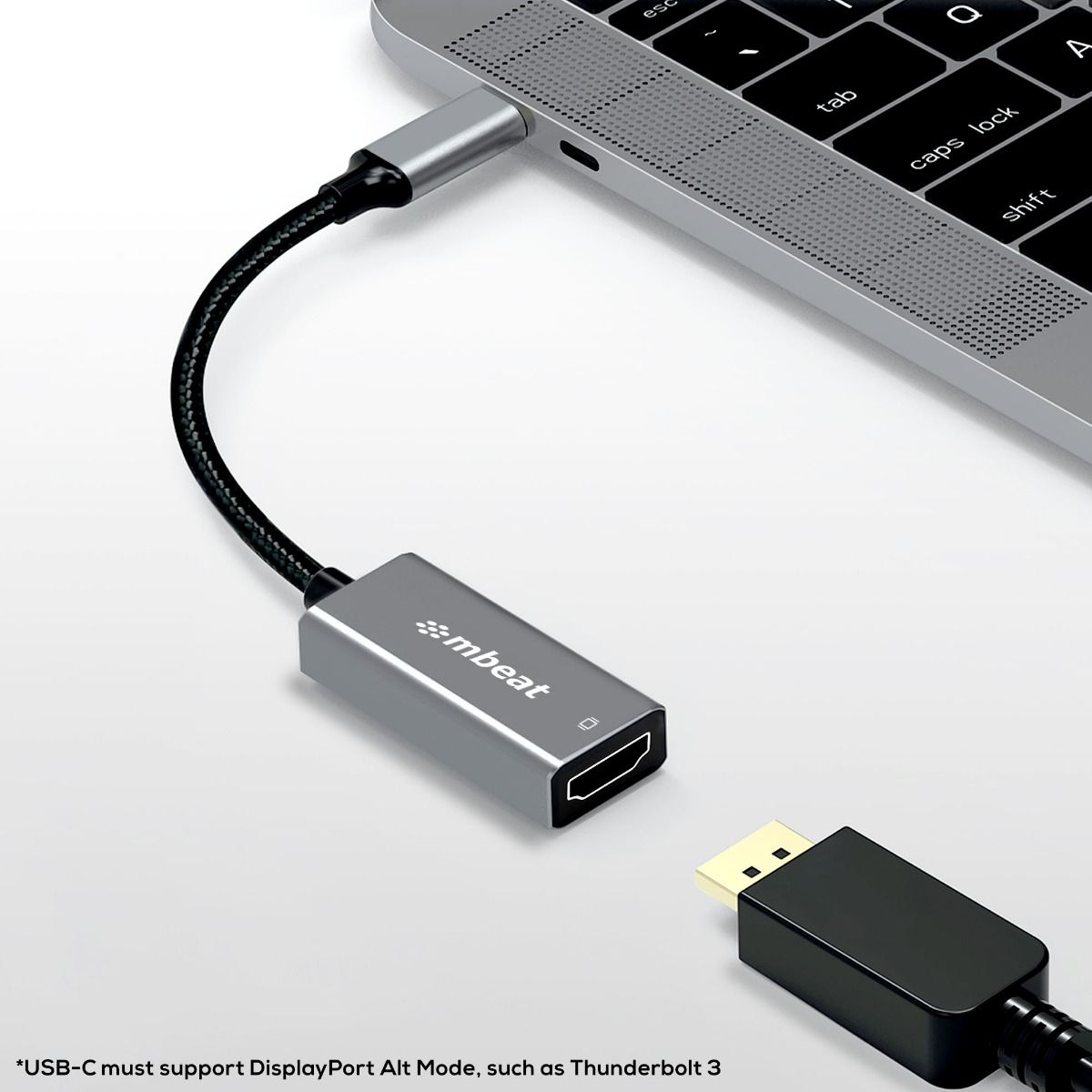
mbeat Elite USB-C to HDMI Adapter - Space Greymbeat Elite USB-C to HDMI Adapter - Space Grey
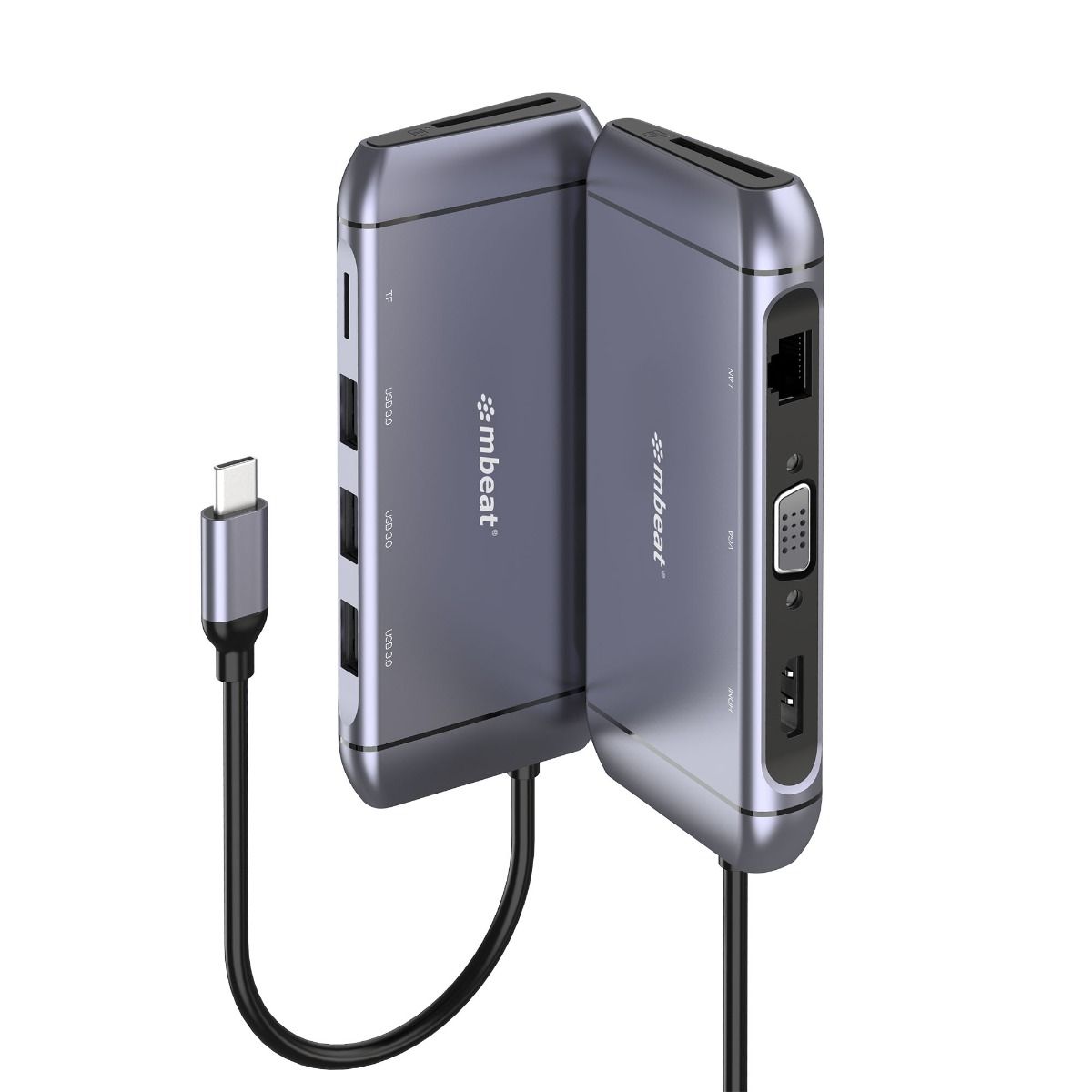
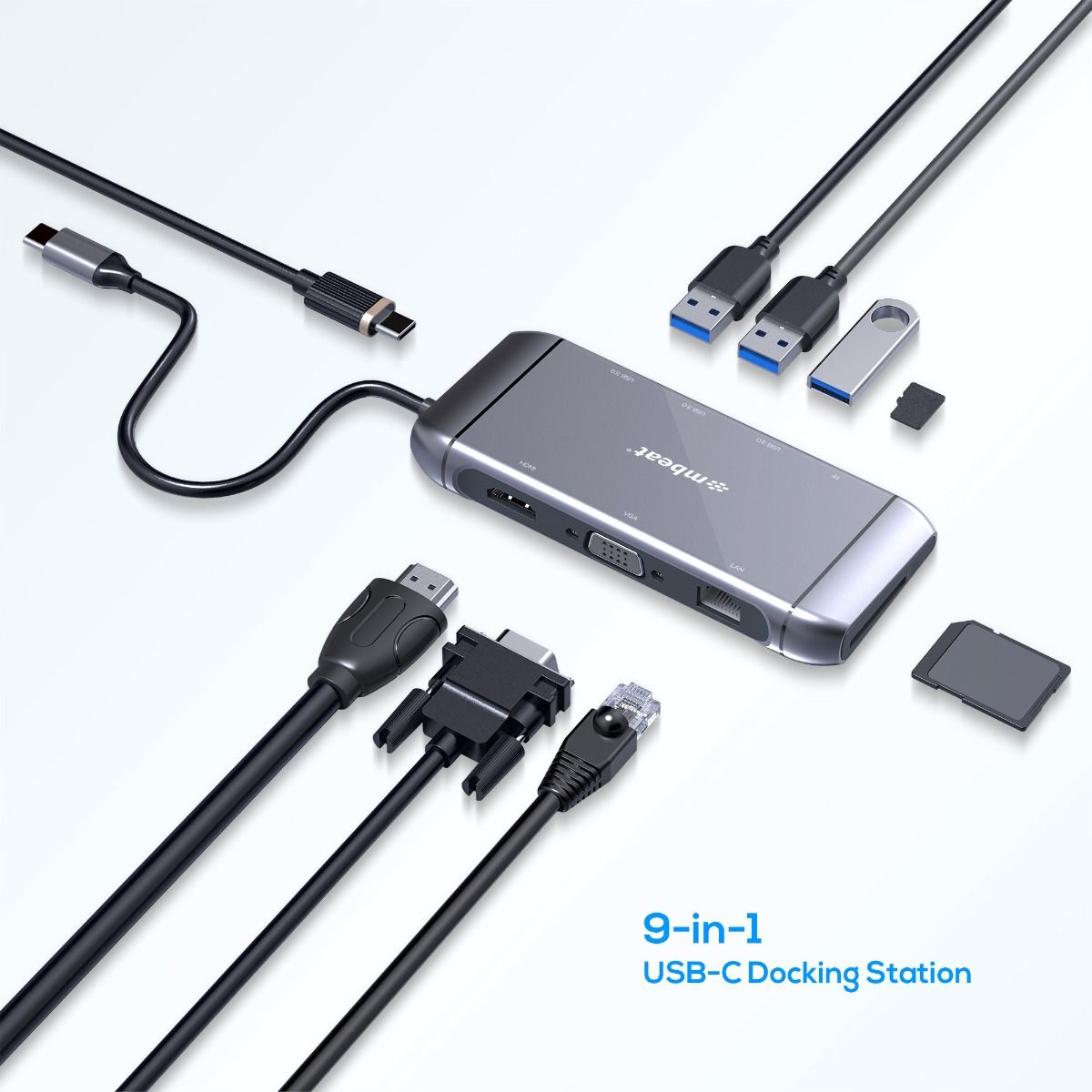
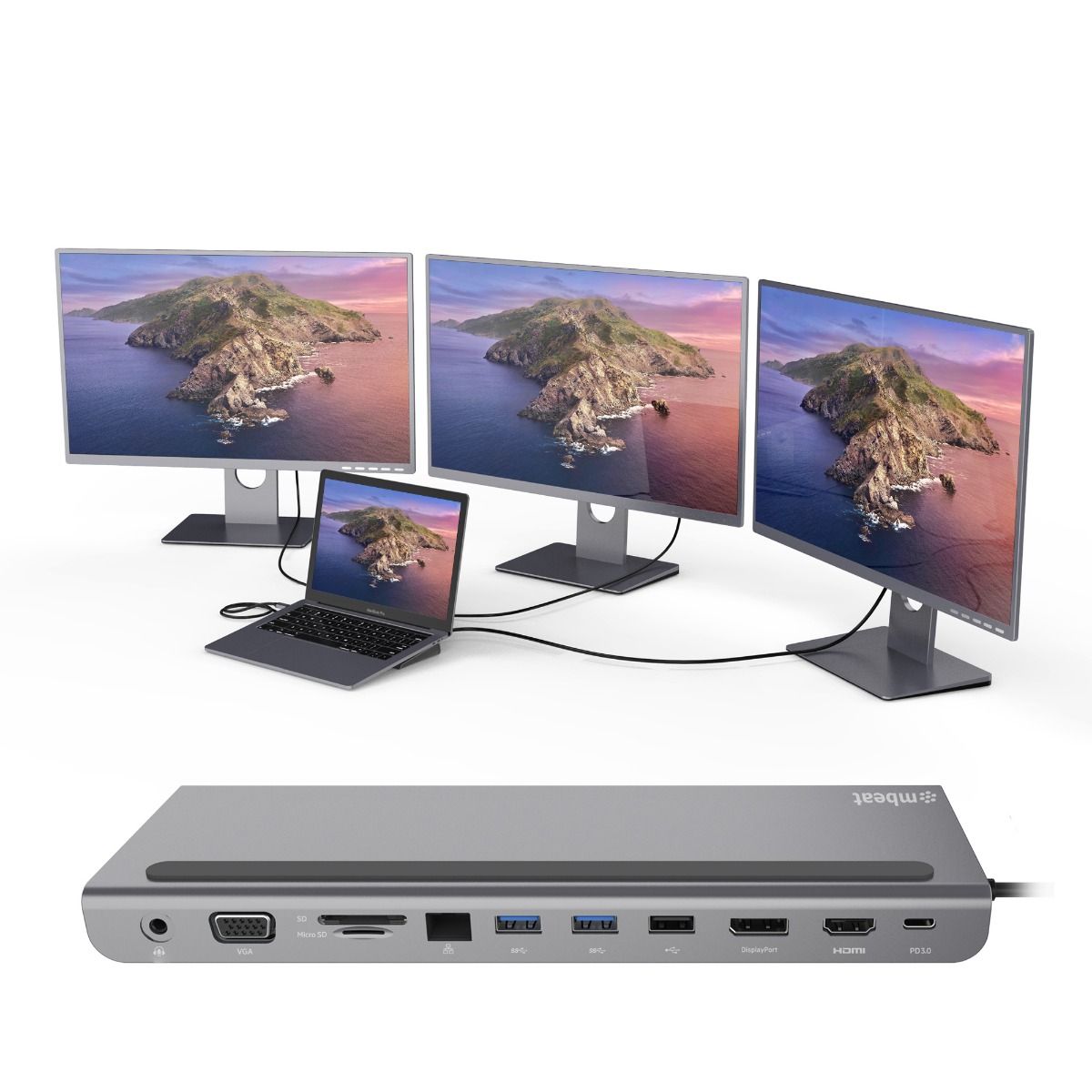
mbeat Elite X9 9-In-1 USB-C Docking Stationmbeat Elite X9 9-In-1 USB-C Docking Station
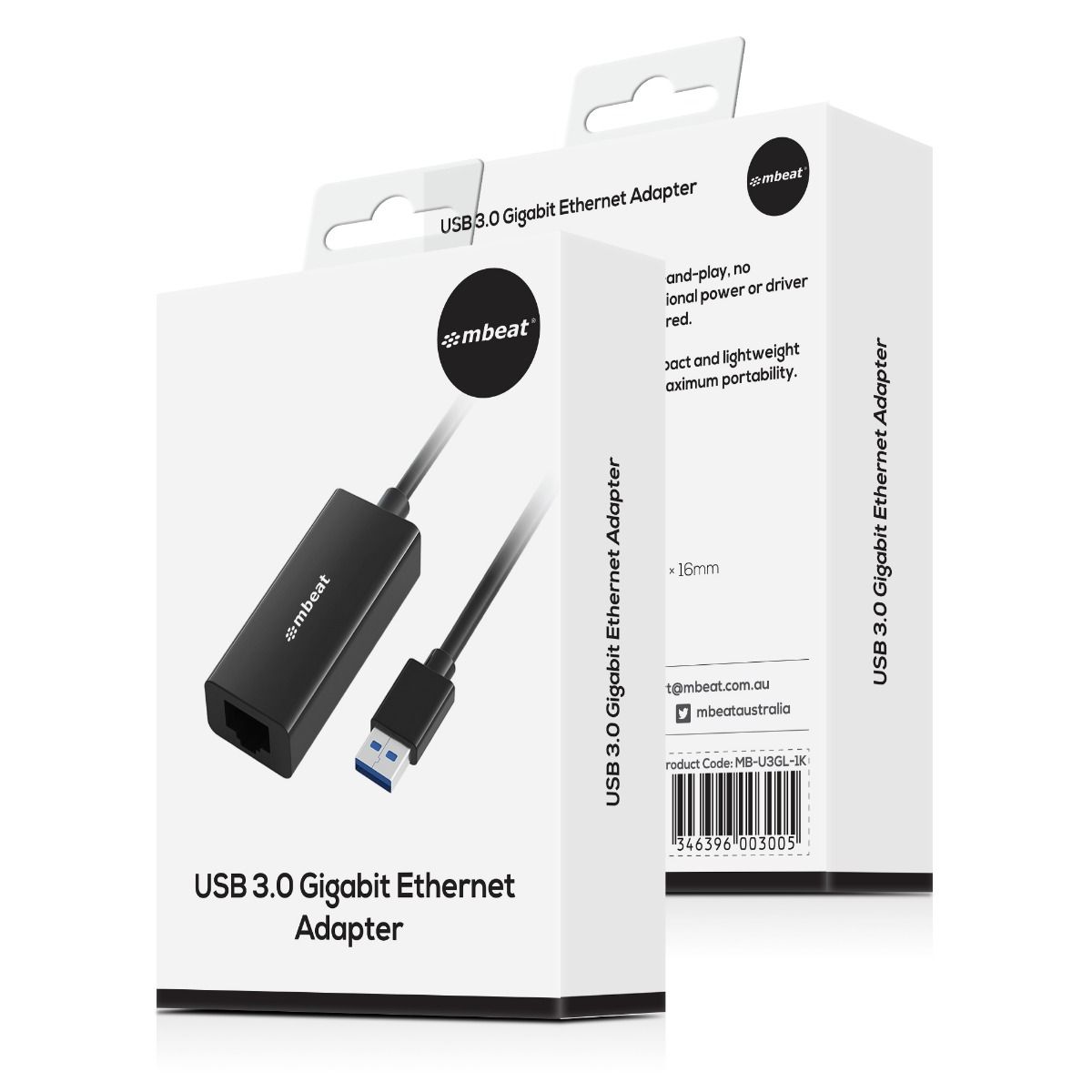
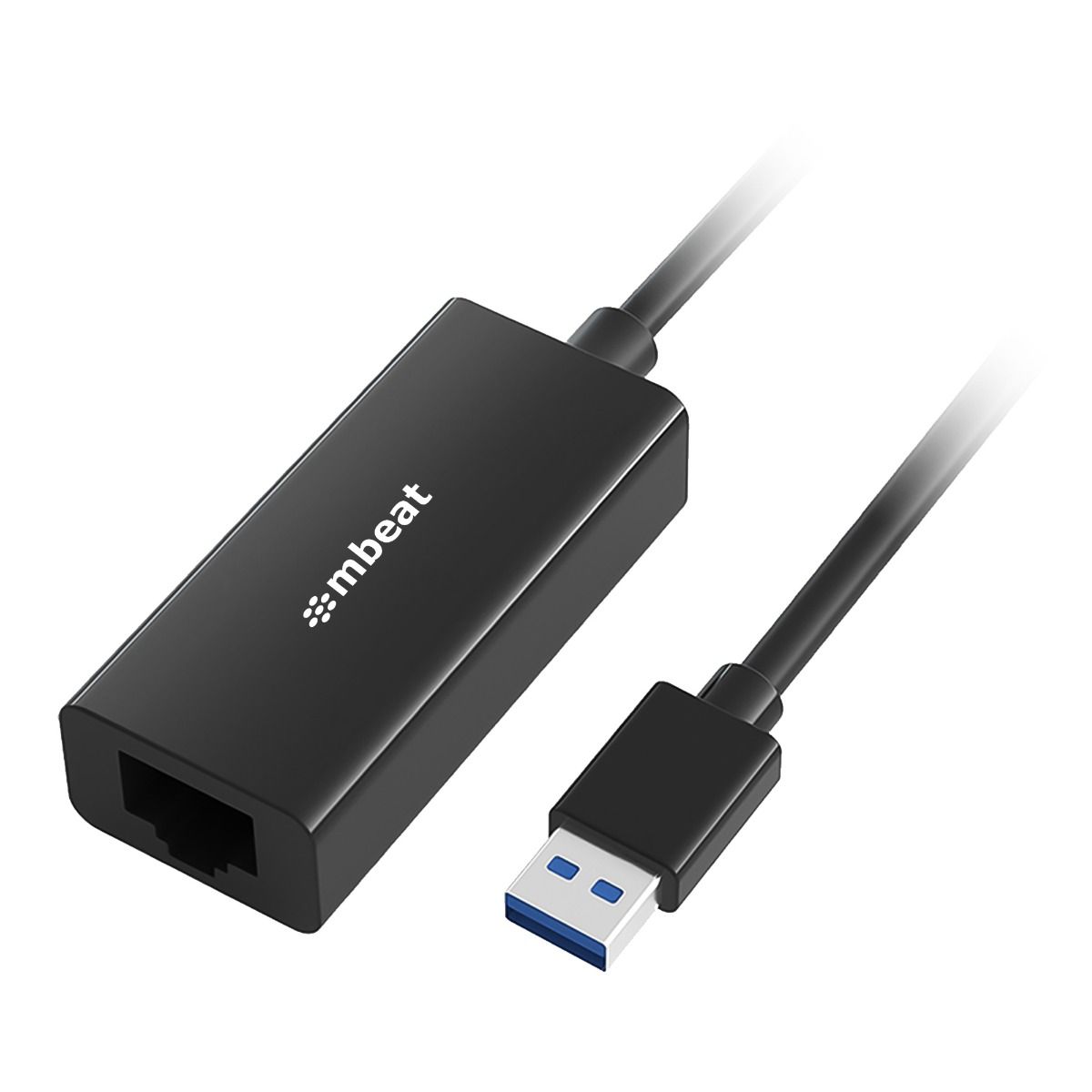
mbeat USB 3.0 Gigabit LAN Ethernet Adapter - Blackmbeat USB 3.0 Gigabit LAN Ethernet Adapter - Black
Save 3%
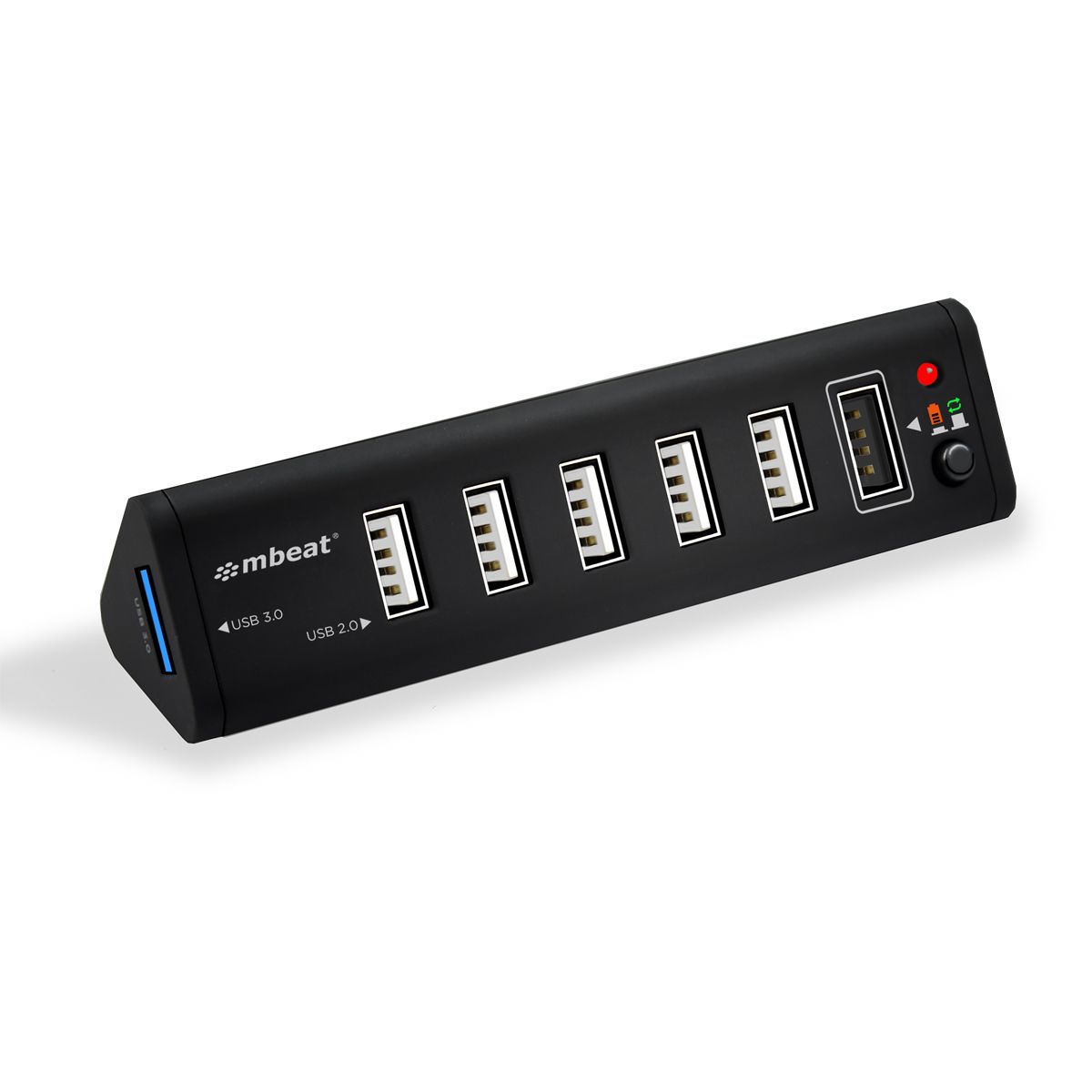
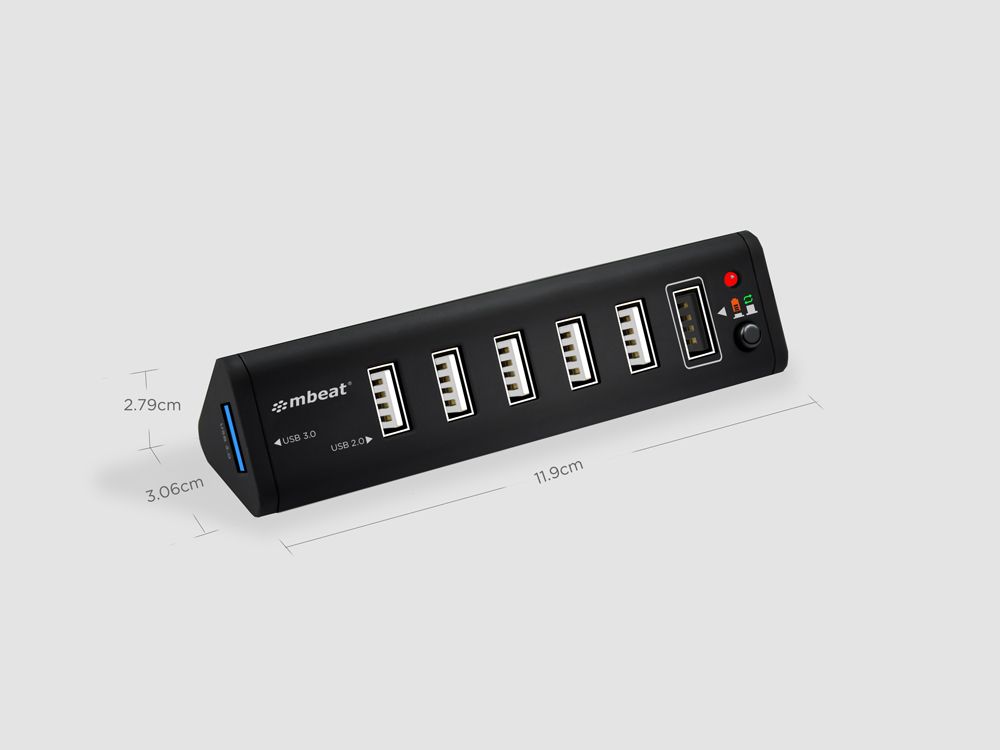
mbeat 7-Port USB 3.0 x 1 + USB 2.0 x 6 Hub with 2.1A Smart Charging Functionmbeat 7-Port USB 3.0 x 1 + USB 2.0 x 6 Hub with 2.1A Smart Charging Function
Save 4%
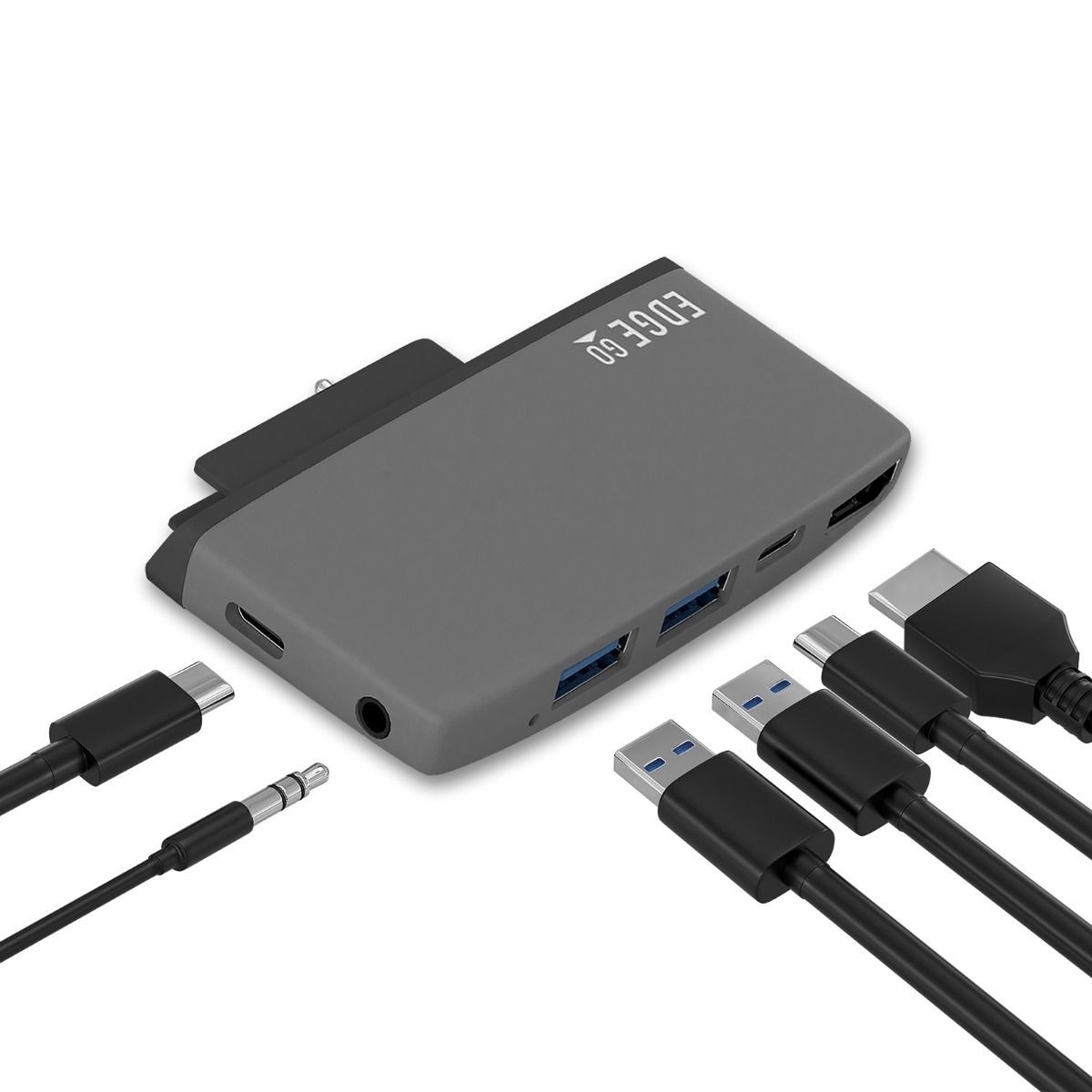
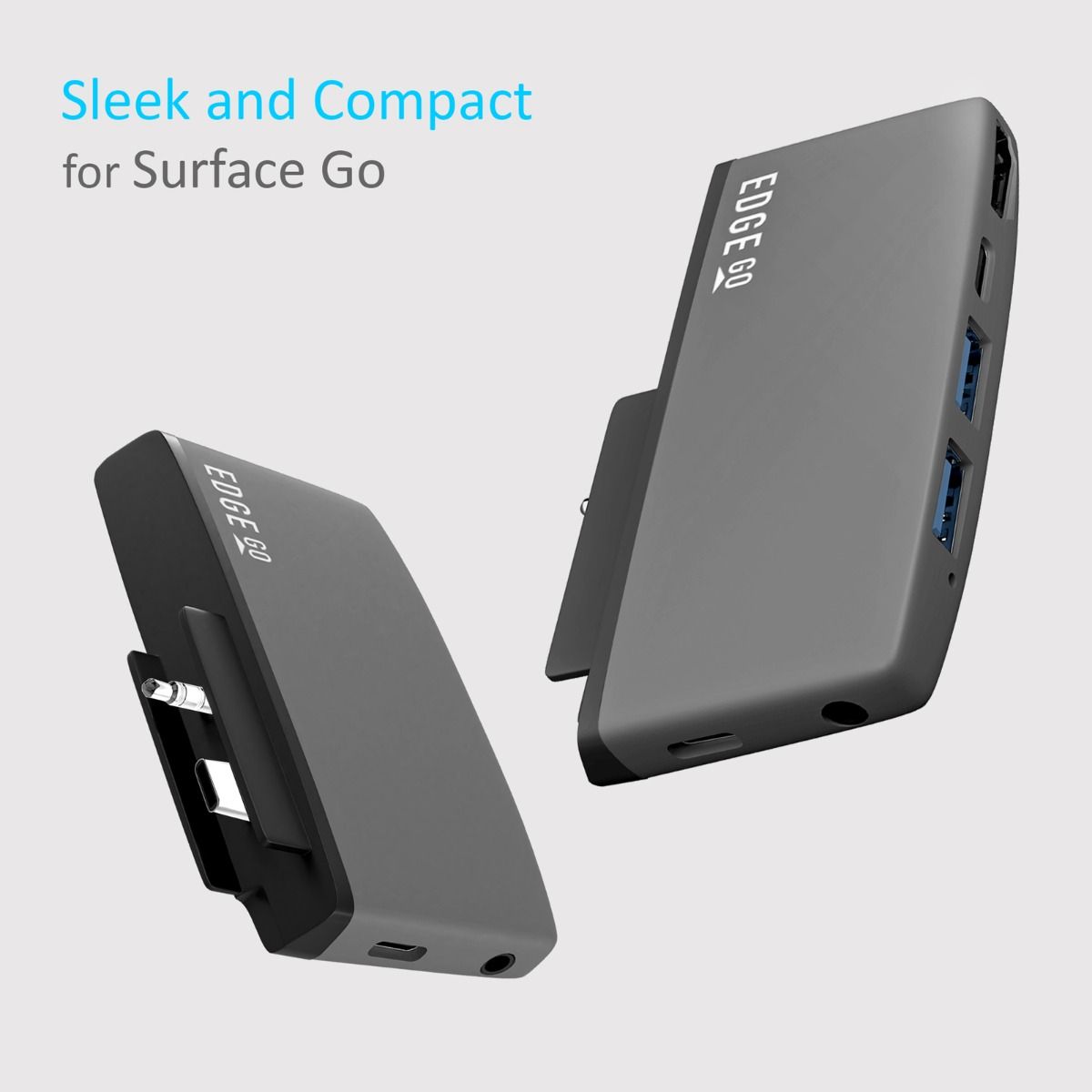
mbeat Edge Go Multifunction USB- C Hub for Microsoft Surface Gombeat Edge Go Multifunction USB- C Hub for Microsoft Surface Go
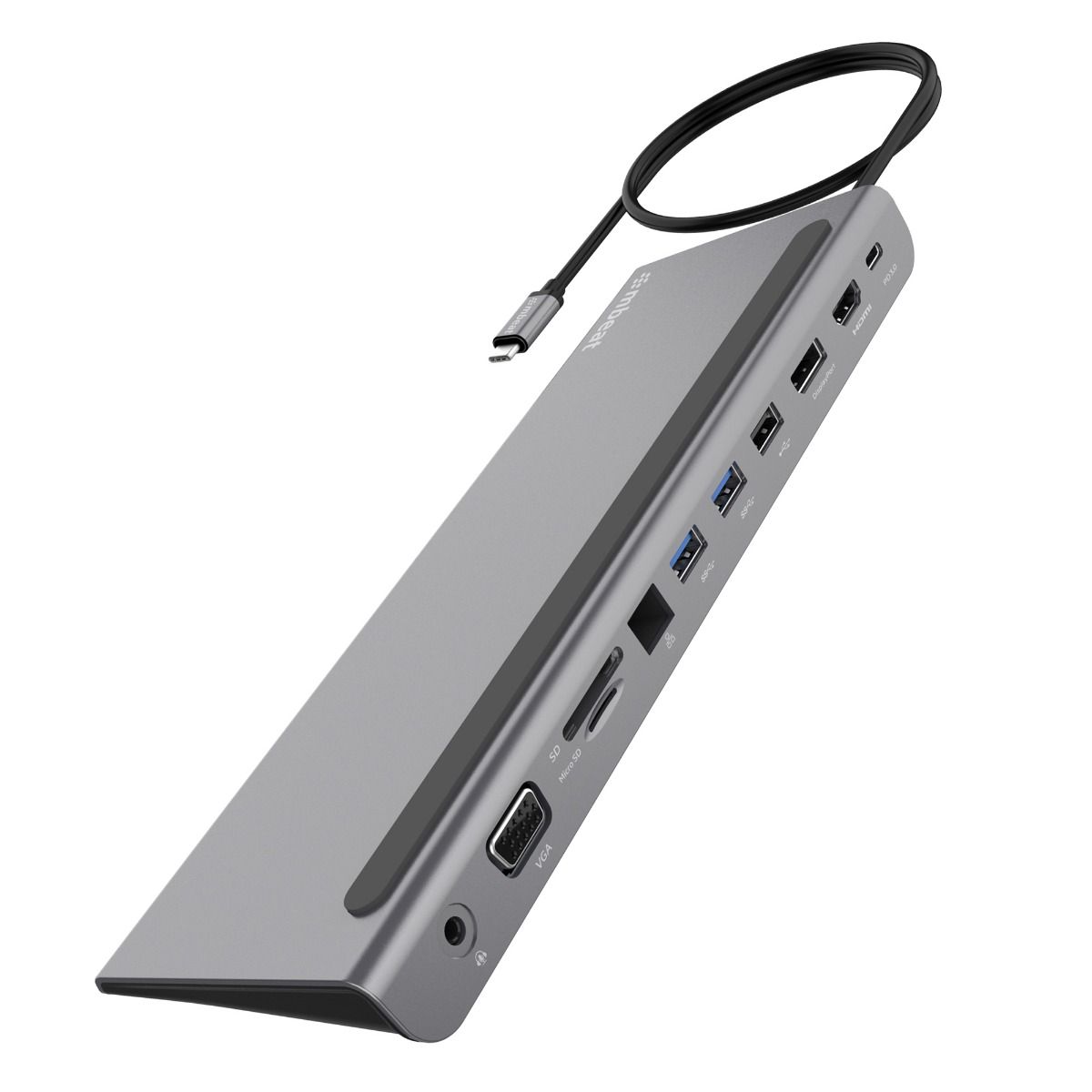
Save 0%
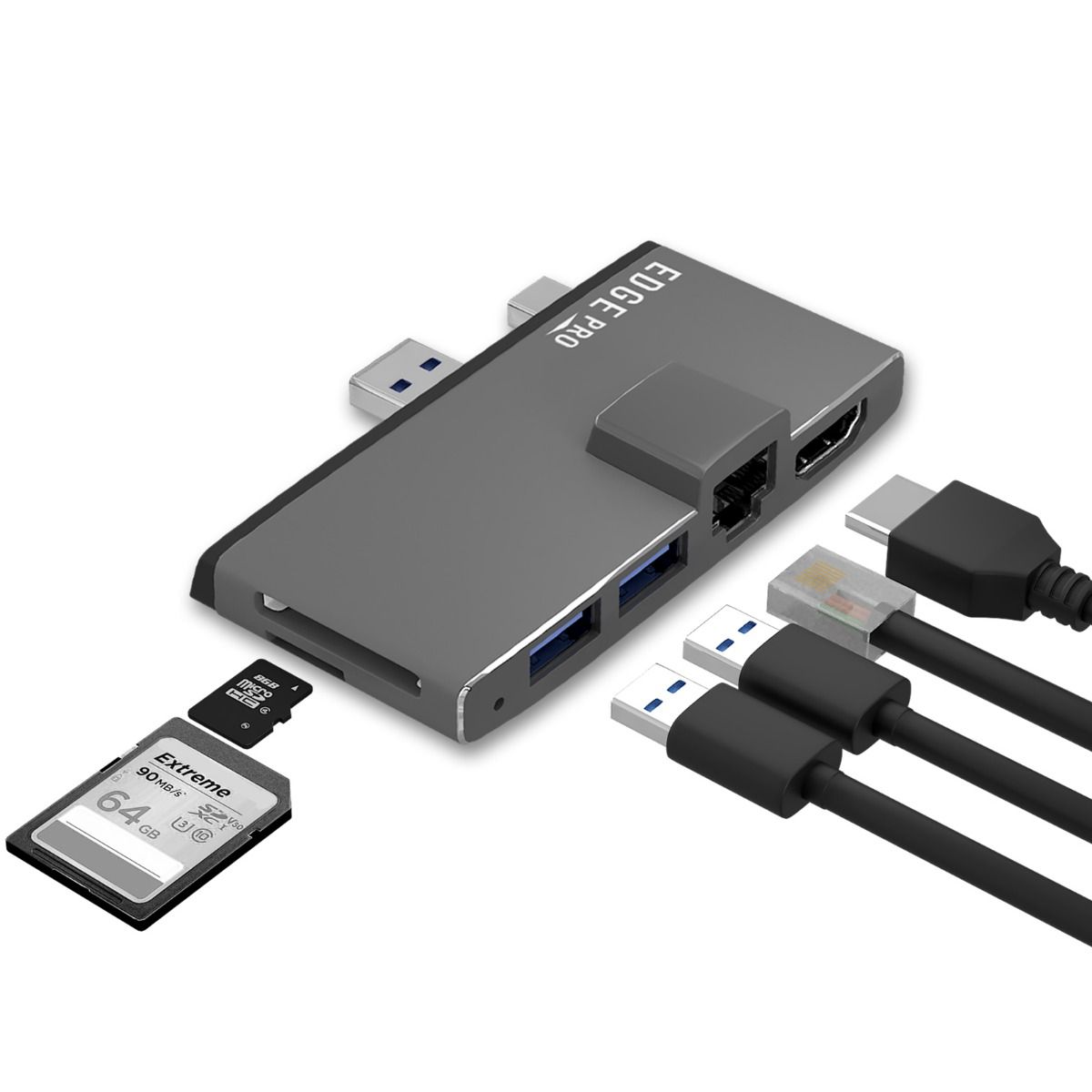
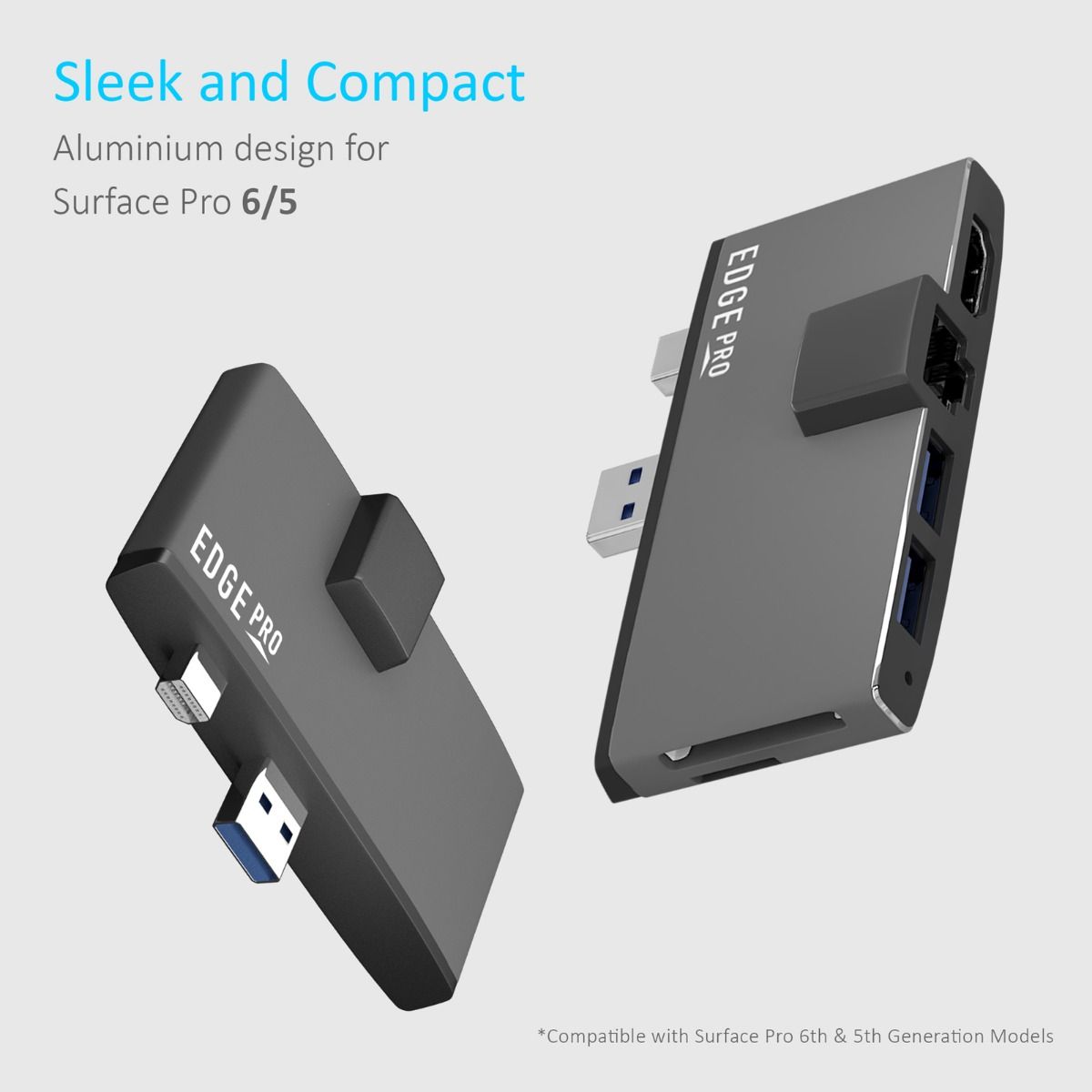
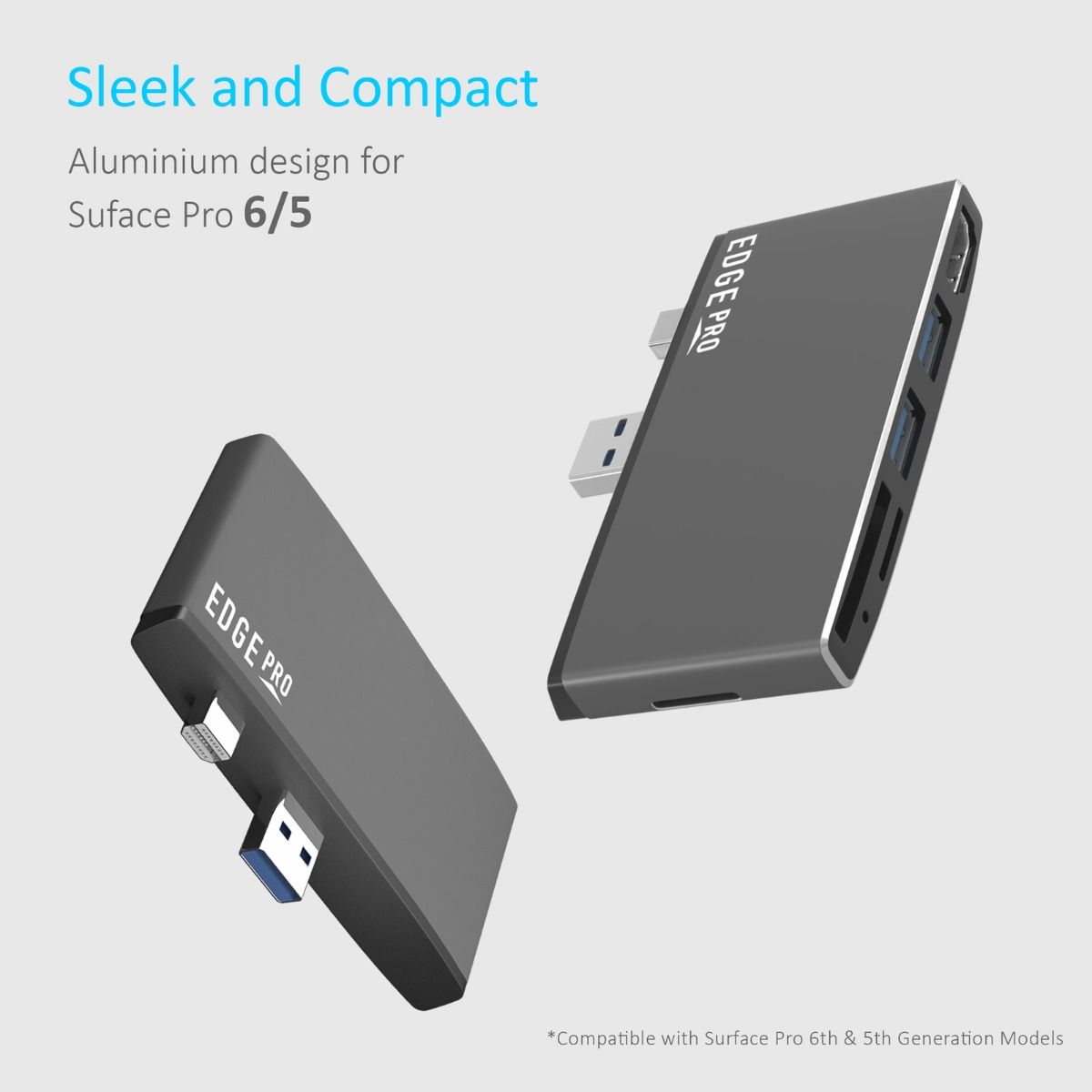
mbeat Edge Pro Multifunction USB- C Hub with LAN for Microsoft Surface Pro Gen 5/6mbeat Edge Pro Multifunction USB- C Hub with LAN for Microsoft Surface Pro Gen 5/6
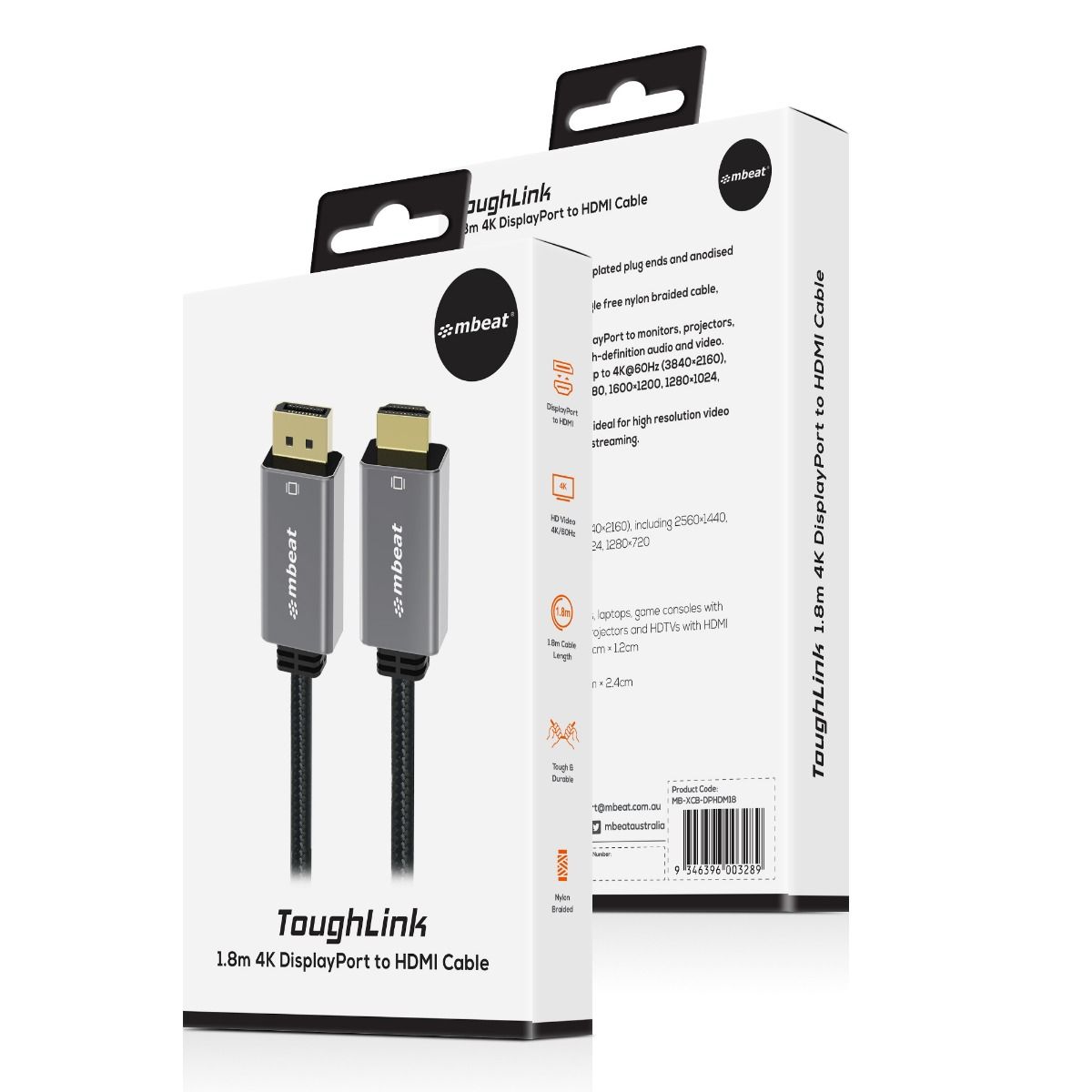
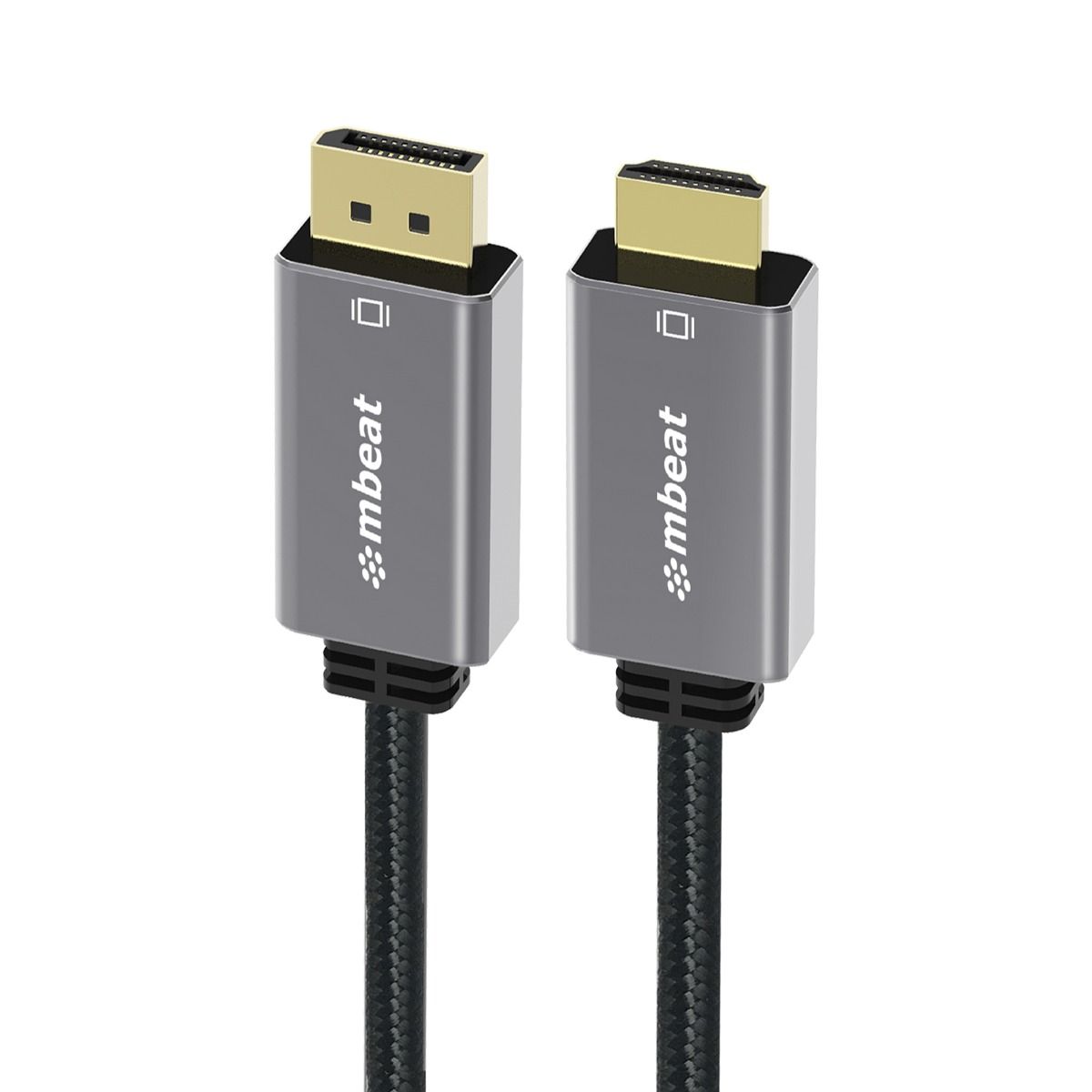
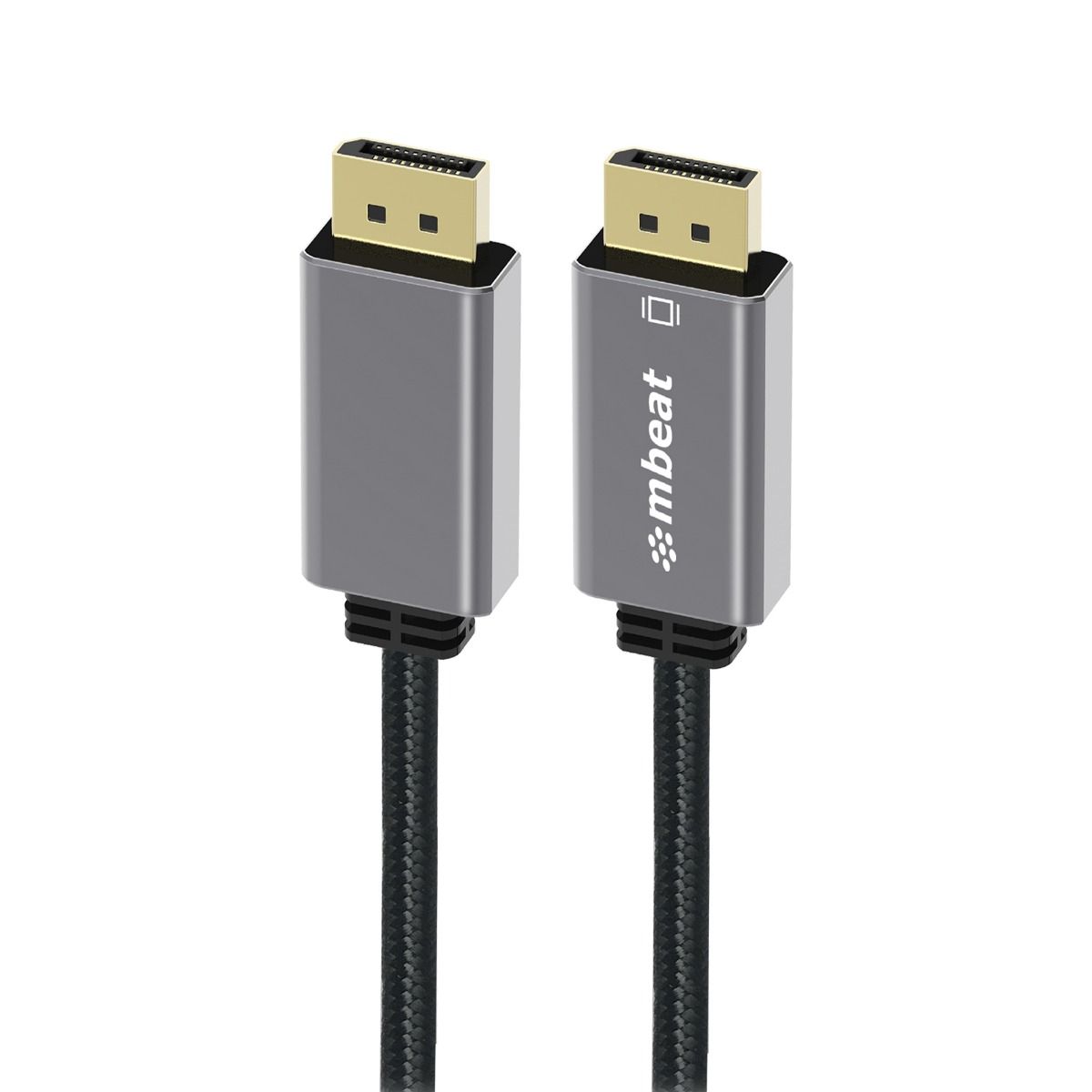
mbeat Tough Link 1.8m Display Port Cable v1.4 - Space Greymbeat Tough Link 1.8m Display Port Cable v1.4 - Space Grey
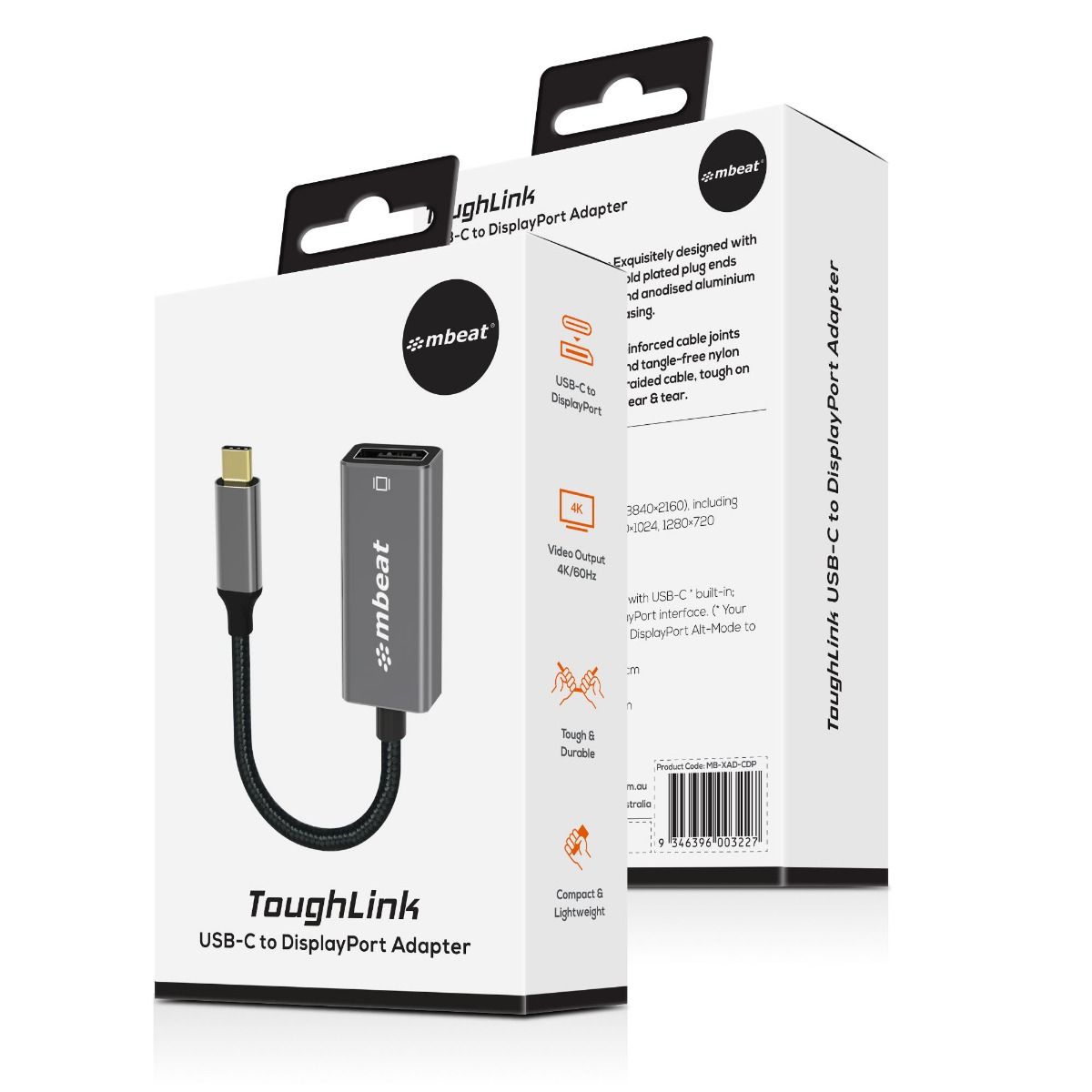
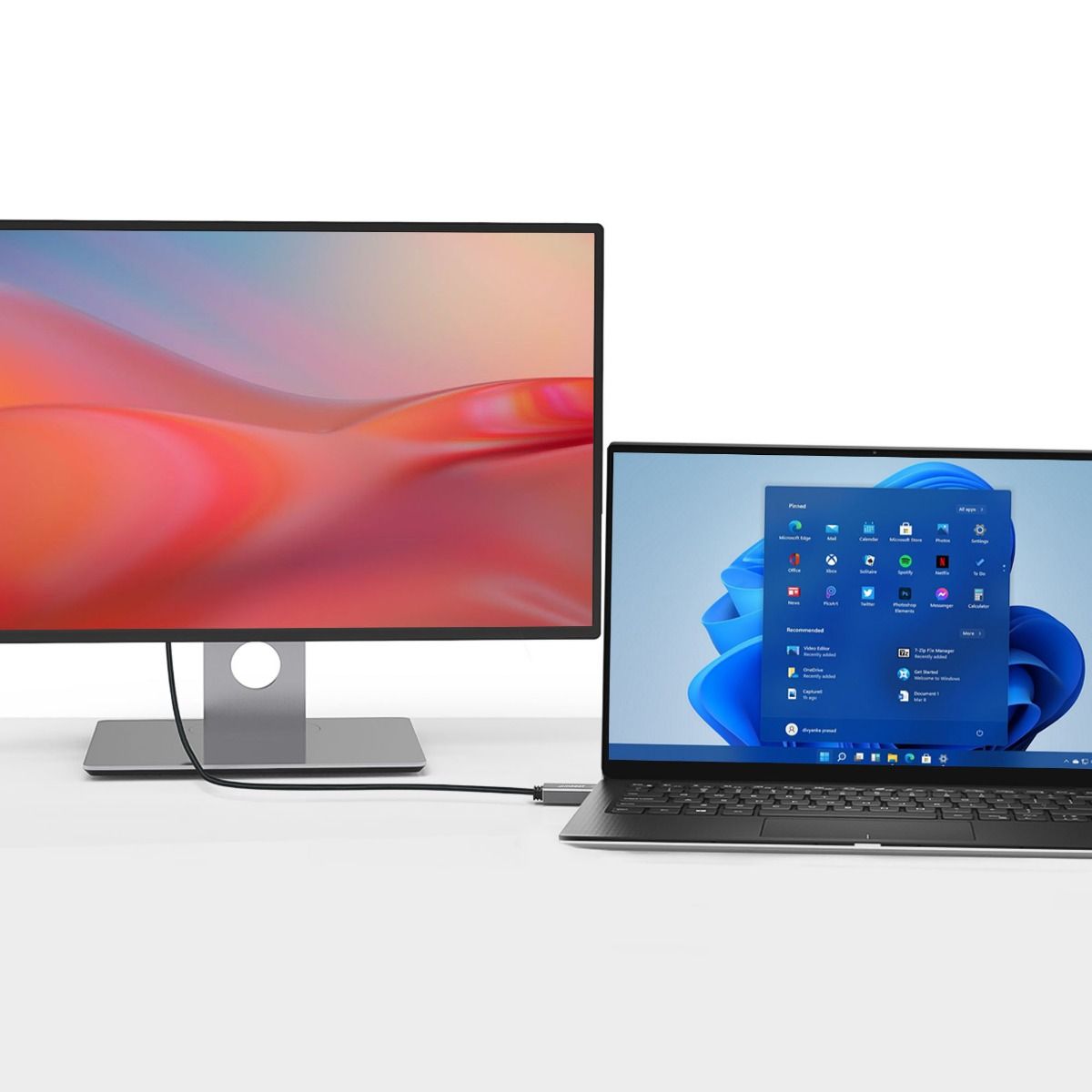
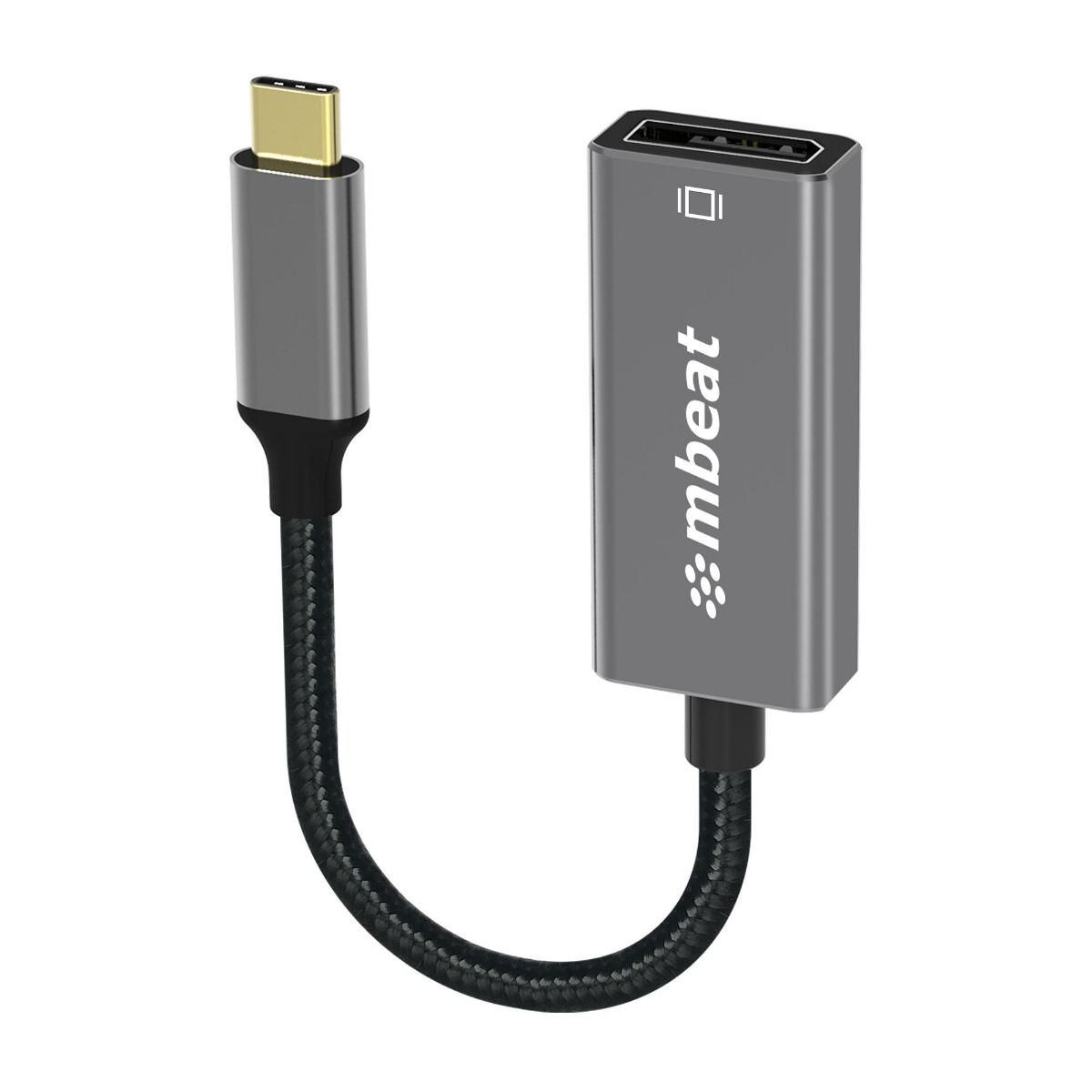
mbeat Elite USB-C to Display Port Adapter - Space Greymbeat Elite USB-C to Display Port Adapter - Space Grey
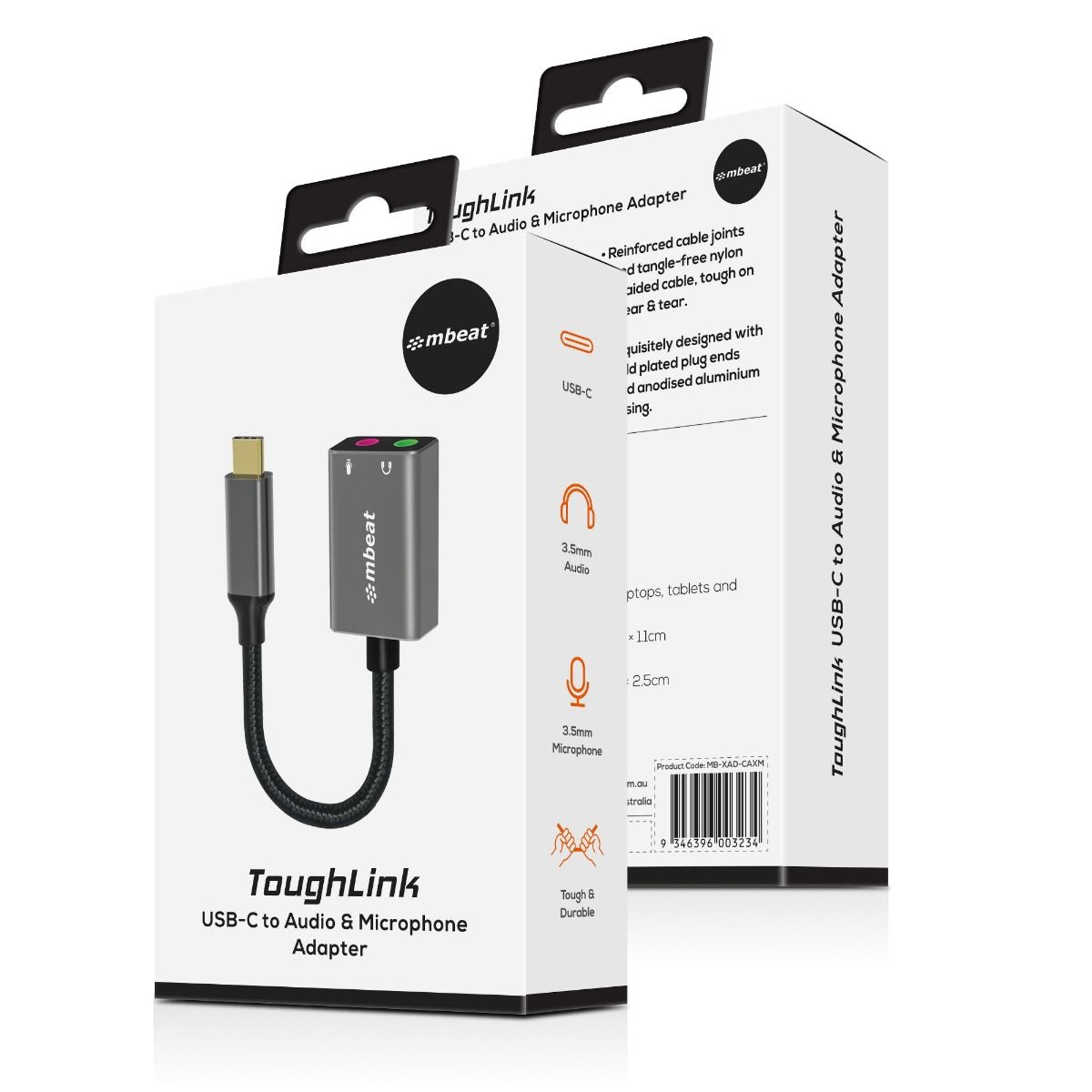
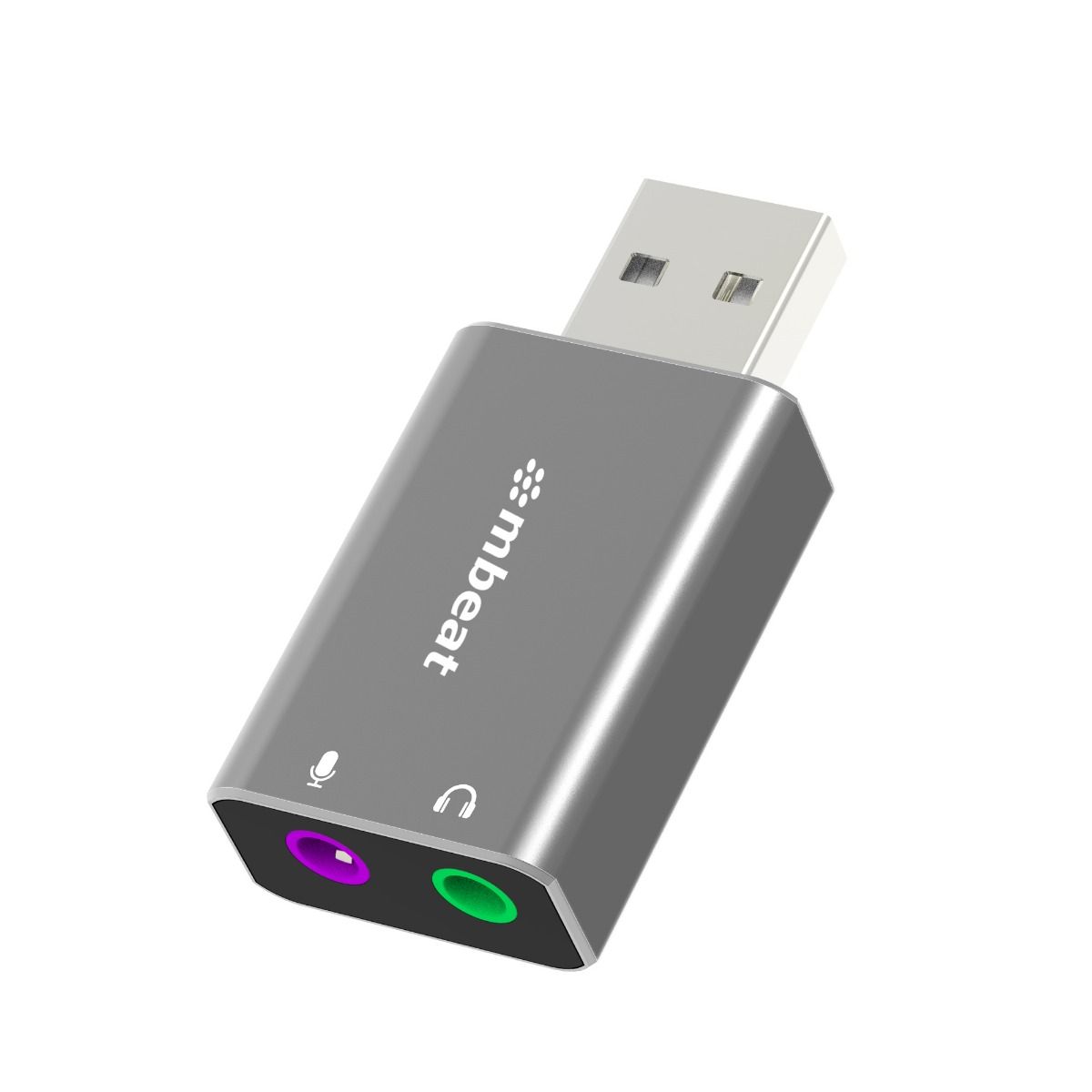
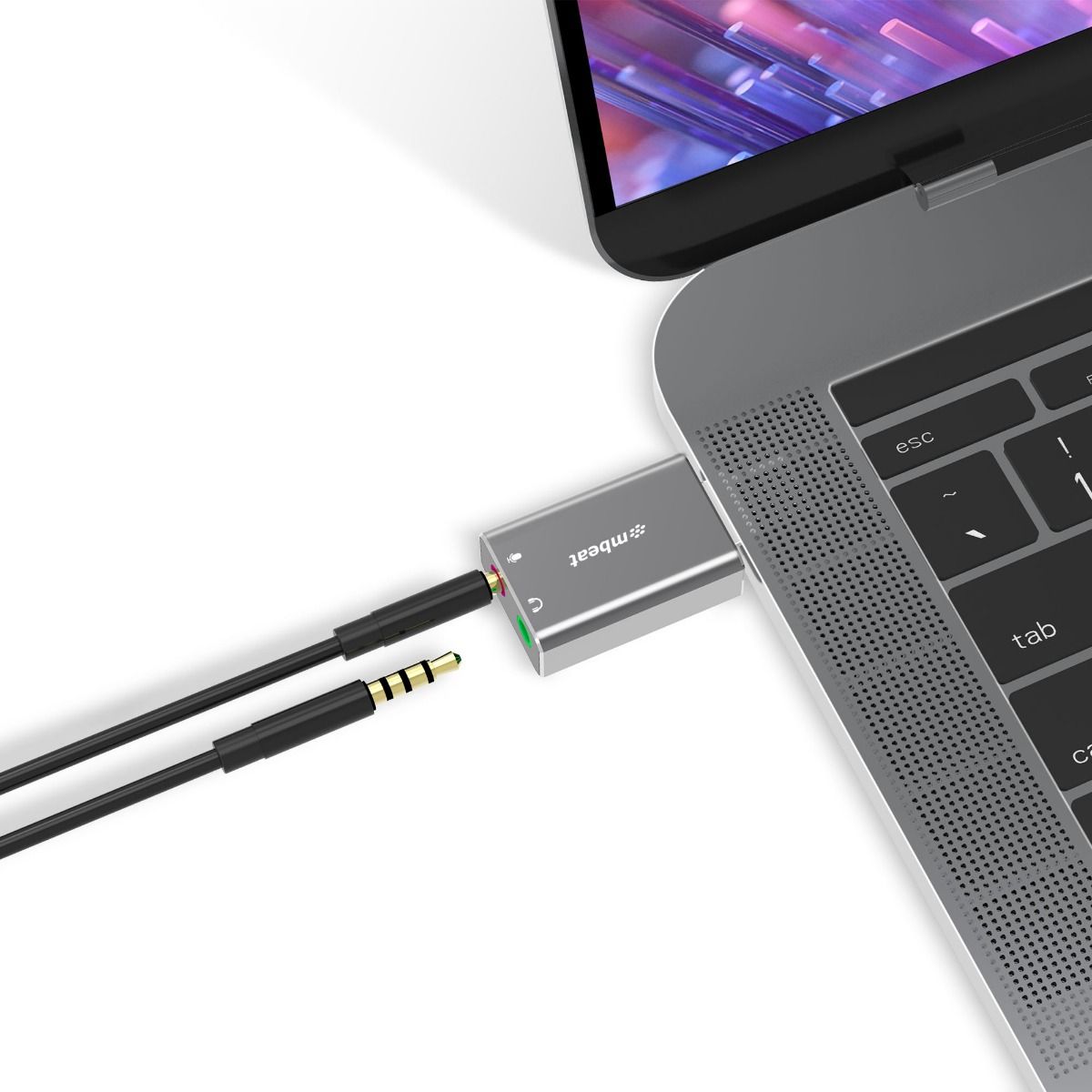
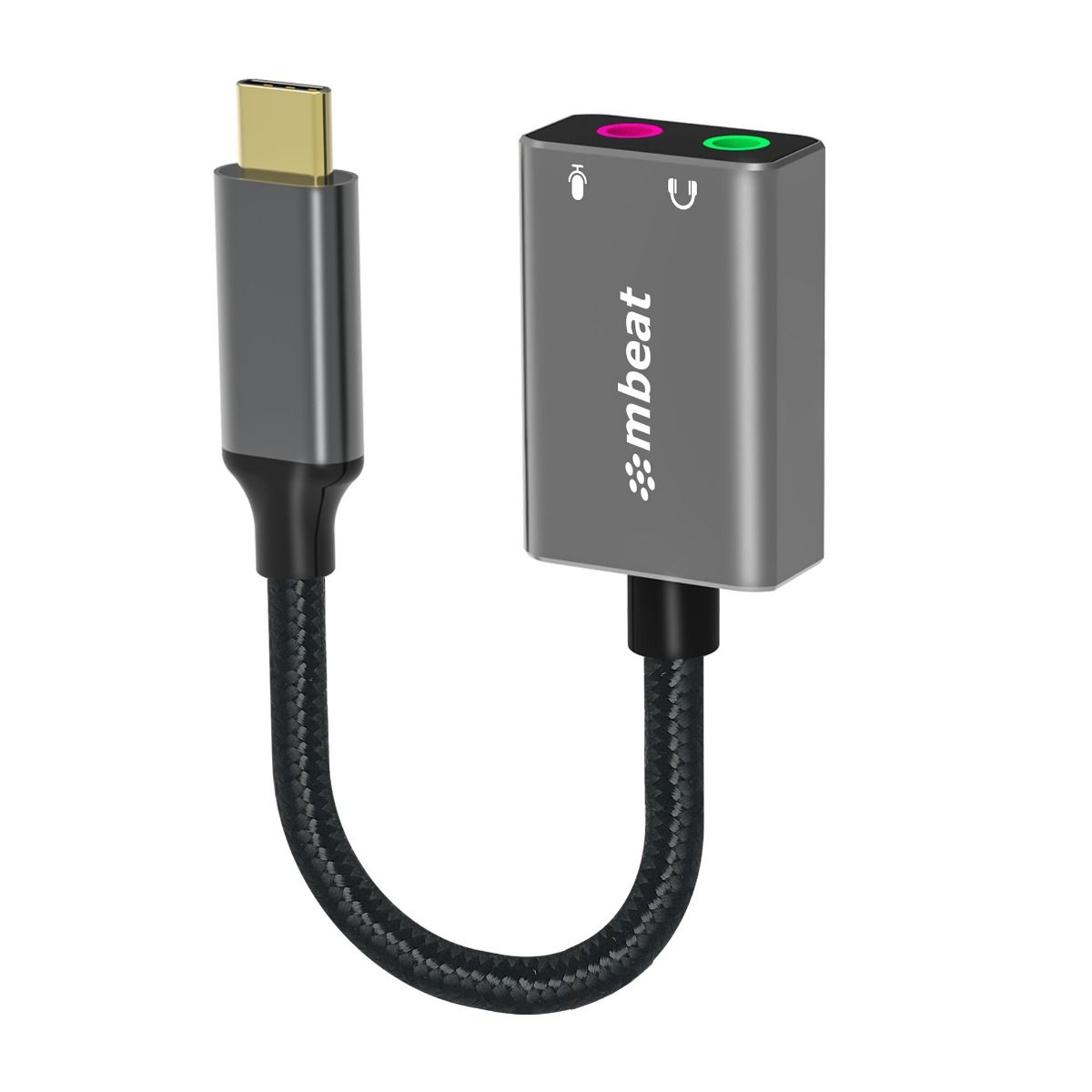
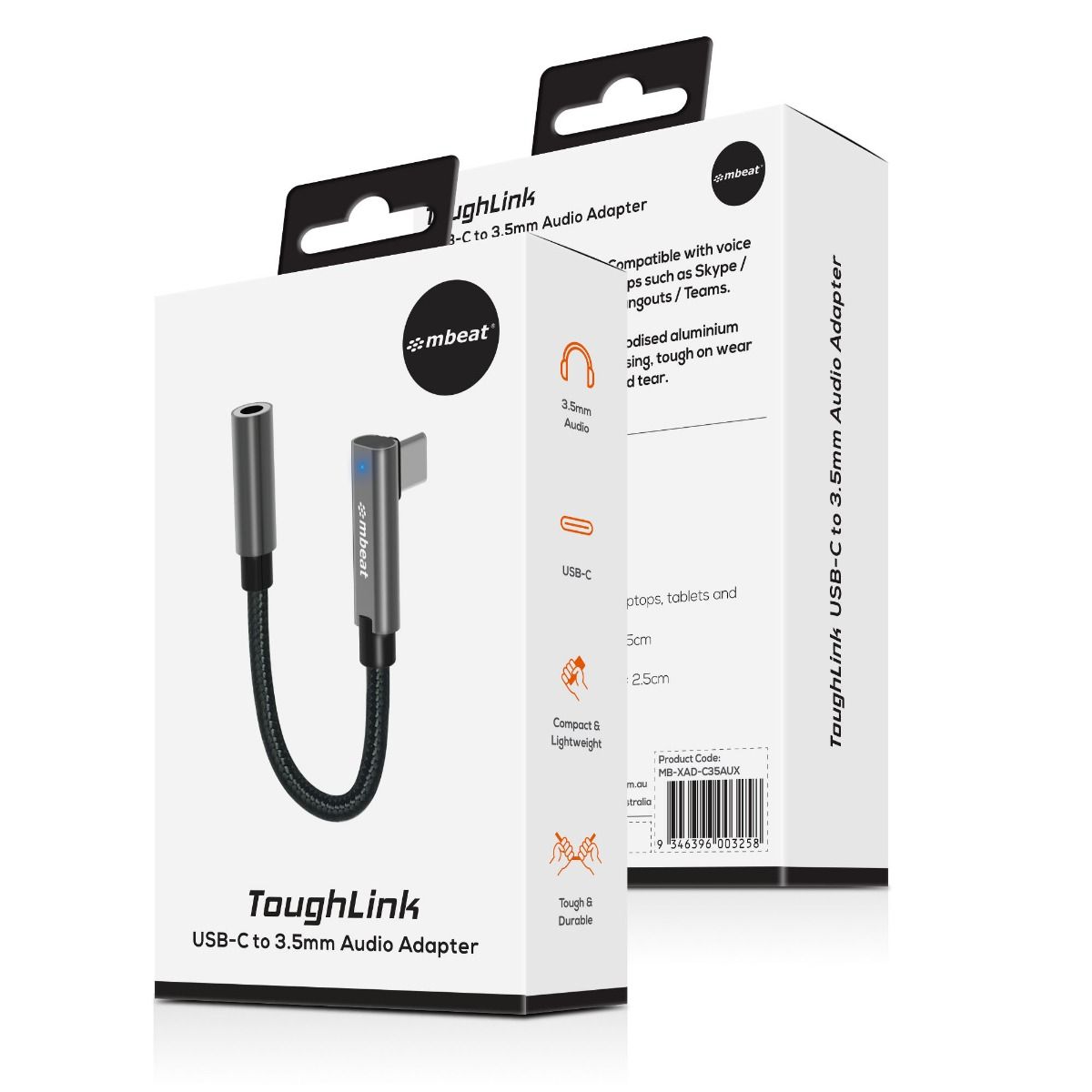
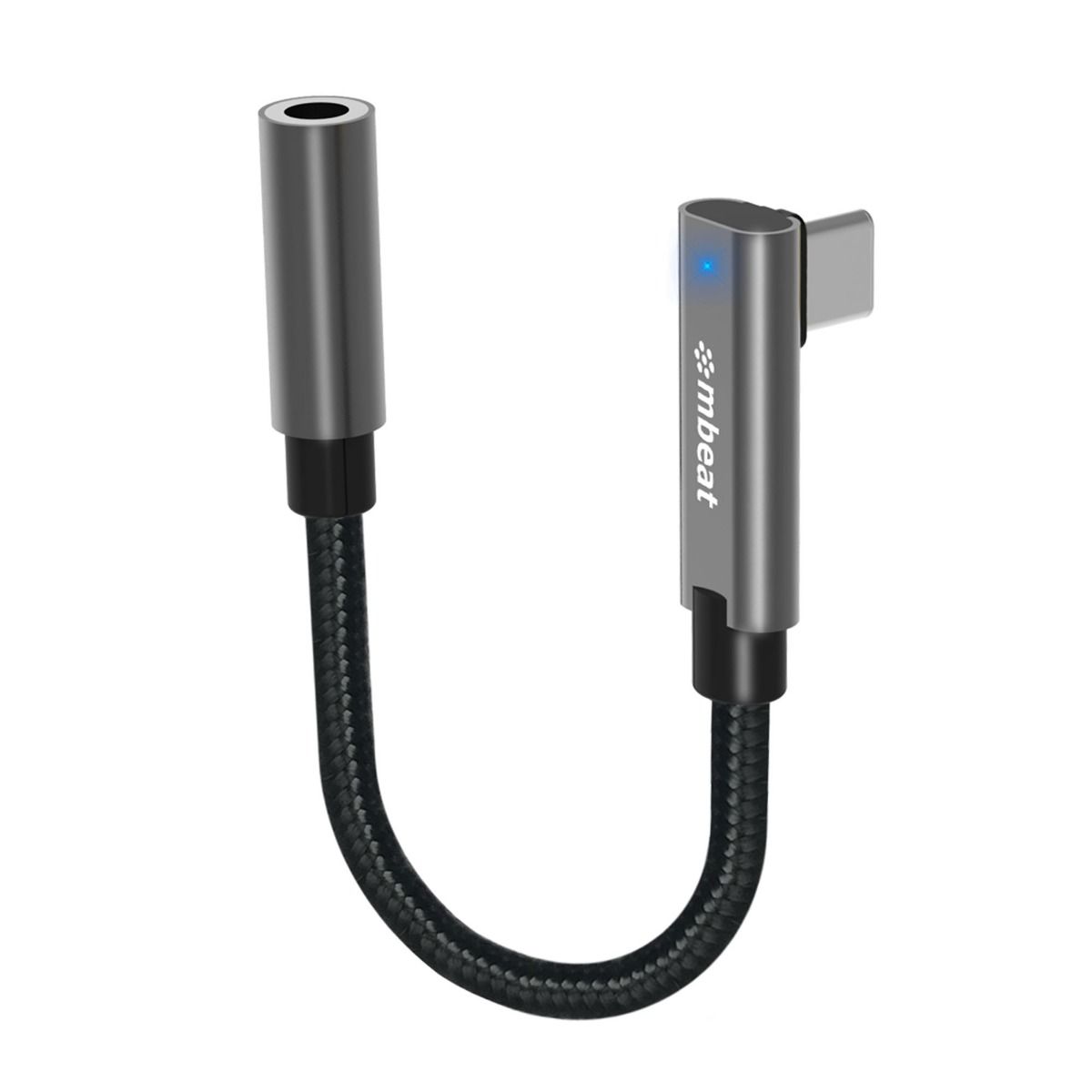
mbeat Elite USB-C to 3.5 Audio Adapter - Space Greymbeat Elite USB-C to 3.5 Audio Adapter - Space Grey
Save 4%
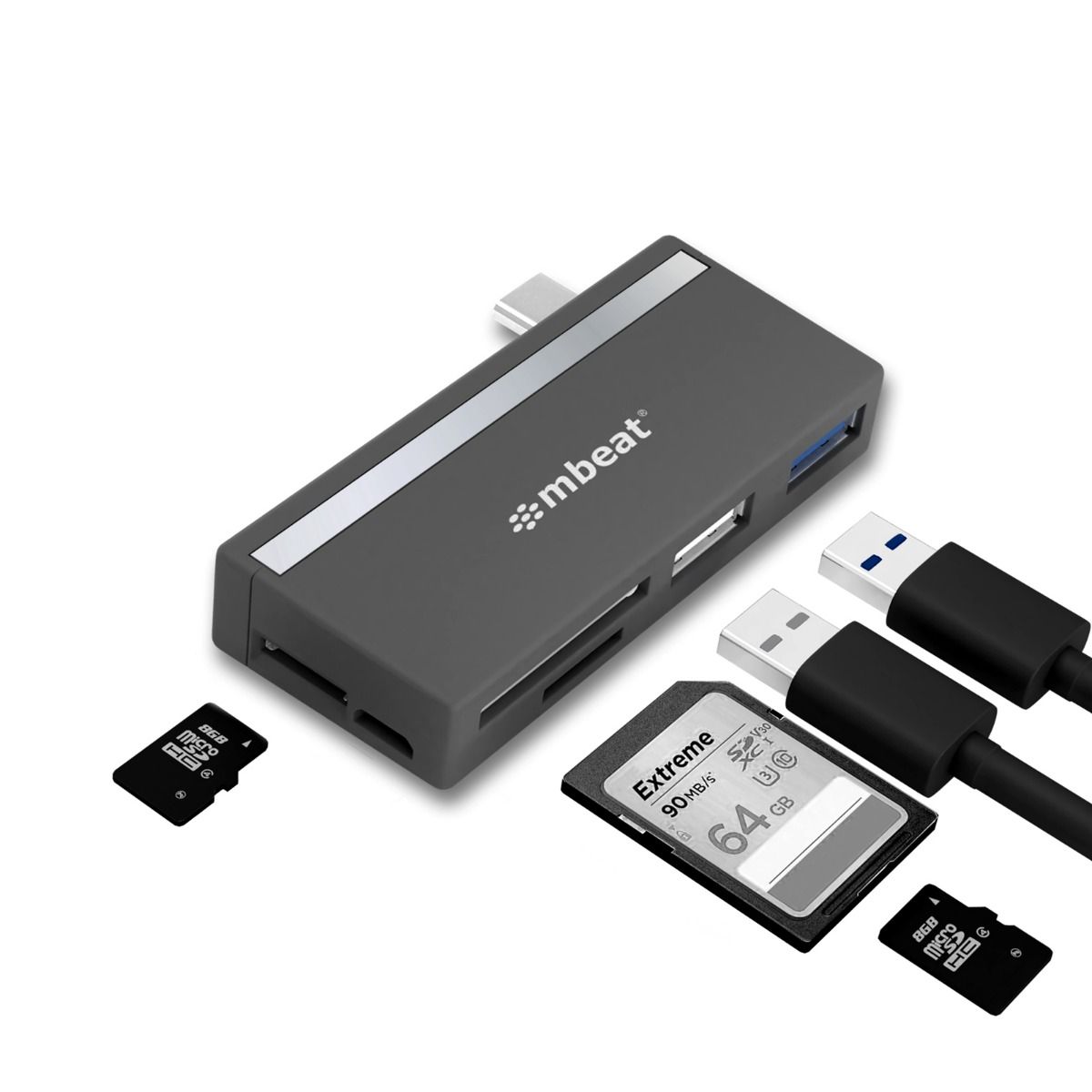
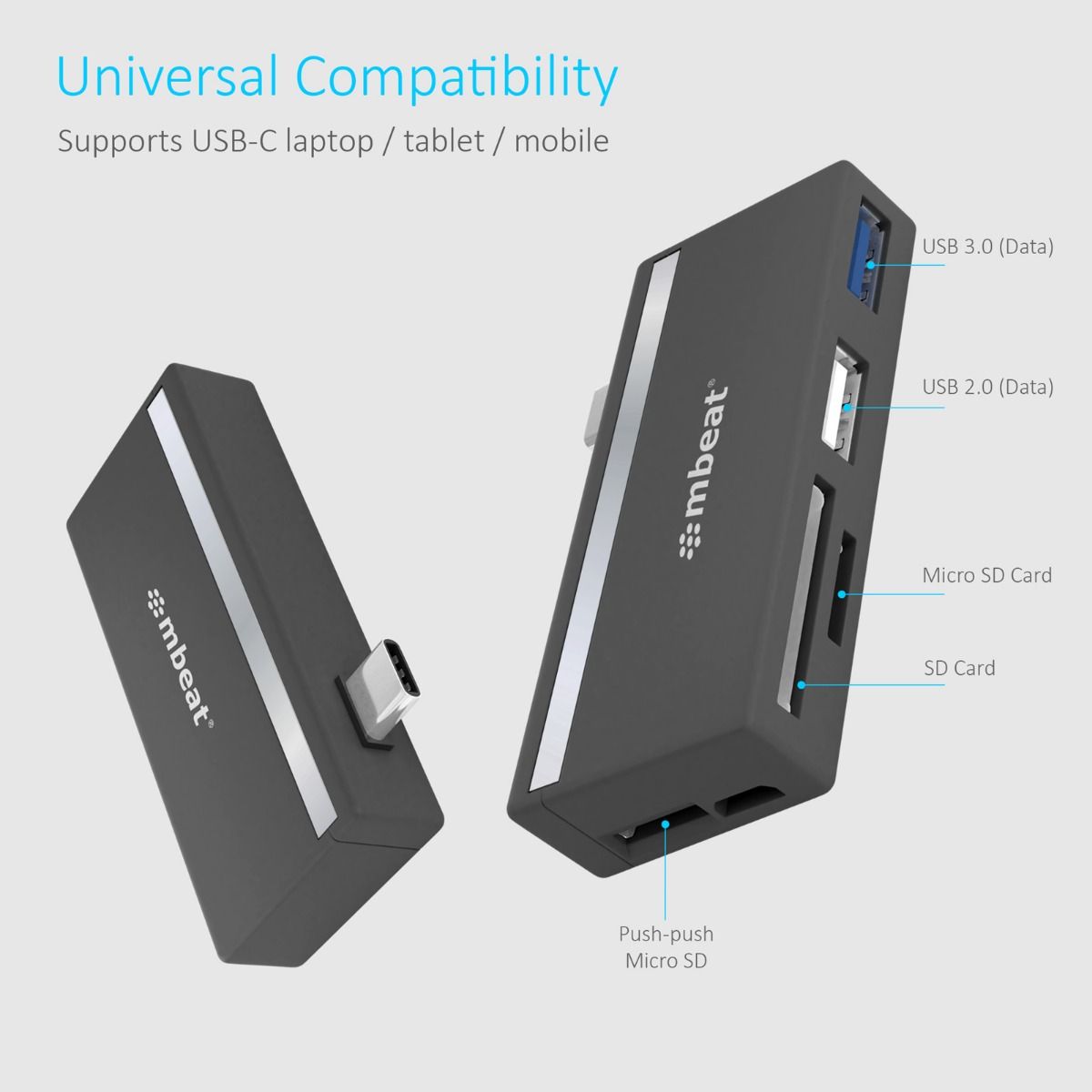
mbeat Essential 5-In-1 USB- C Hub ( USB hub 2.0, 3.0, SD/TF card reader )mbeat Essential 5-In-1 USB- C Hub ( USB hub 2.0, 3.0, SD/TF card reader )
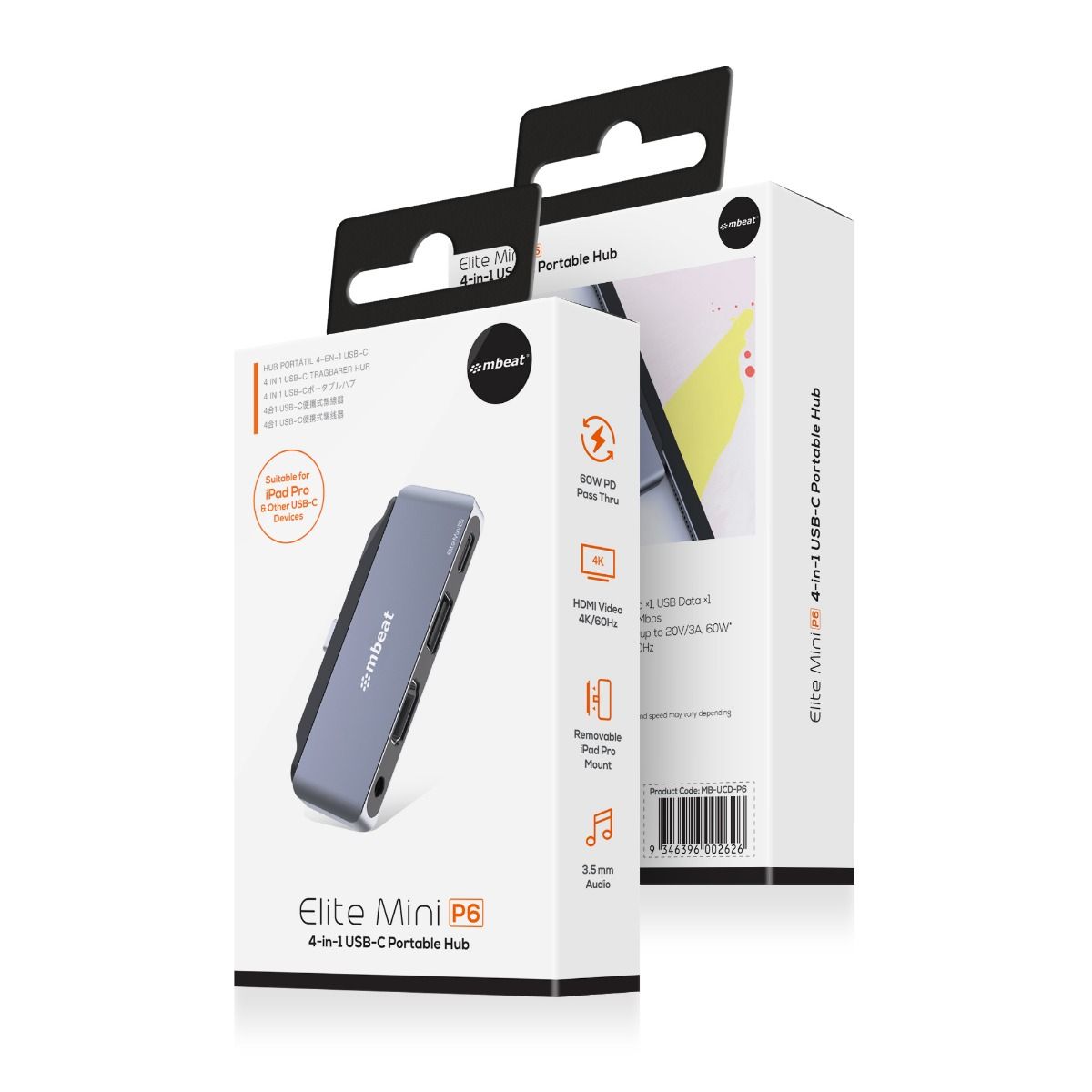
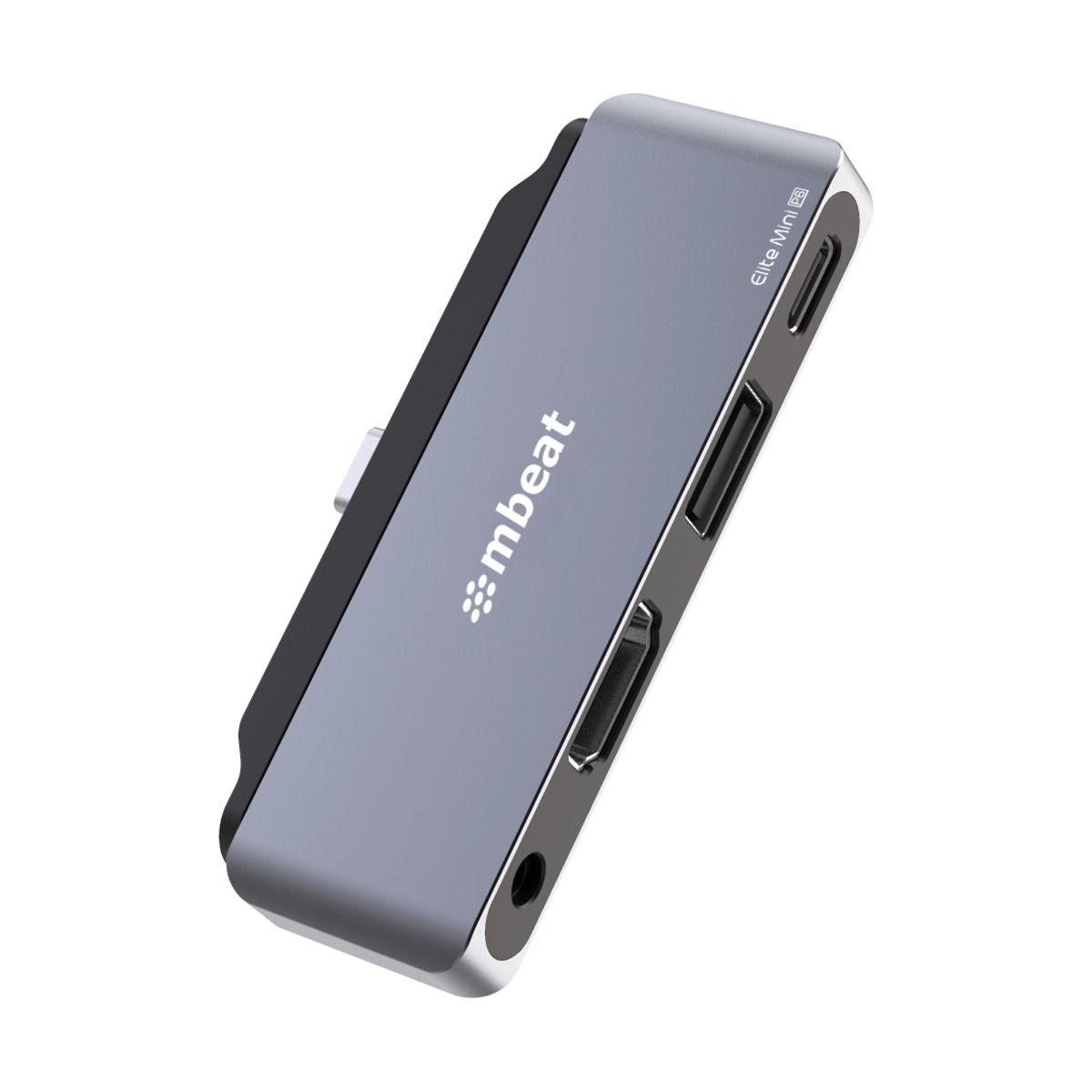
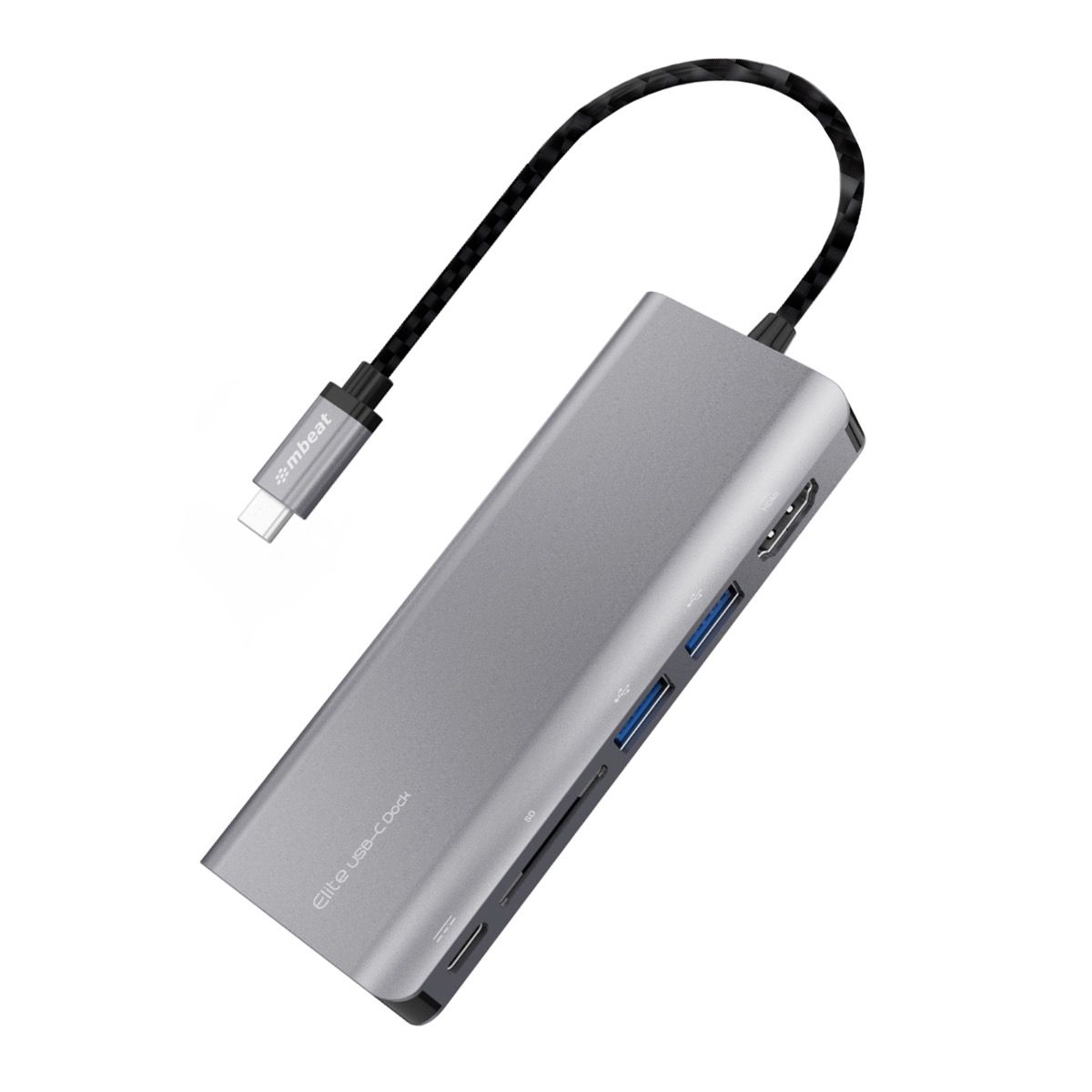
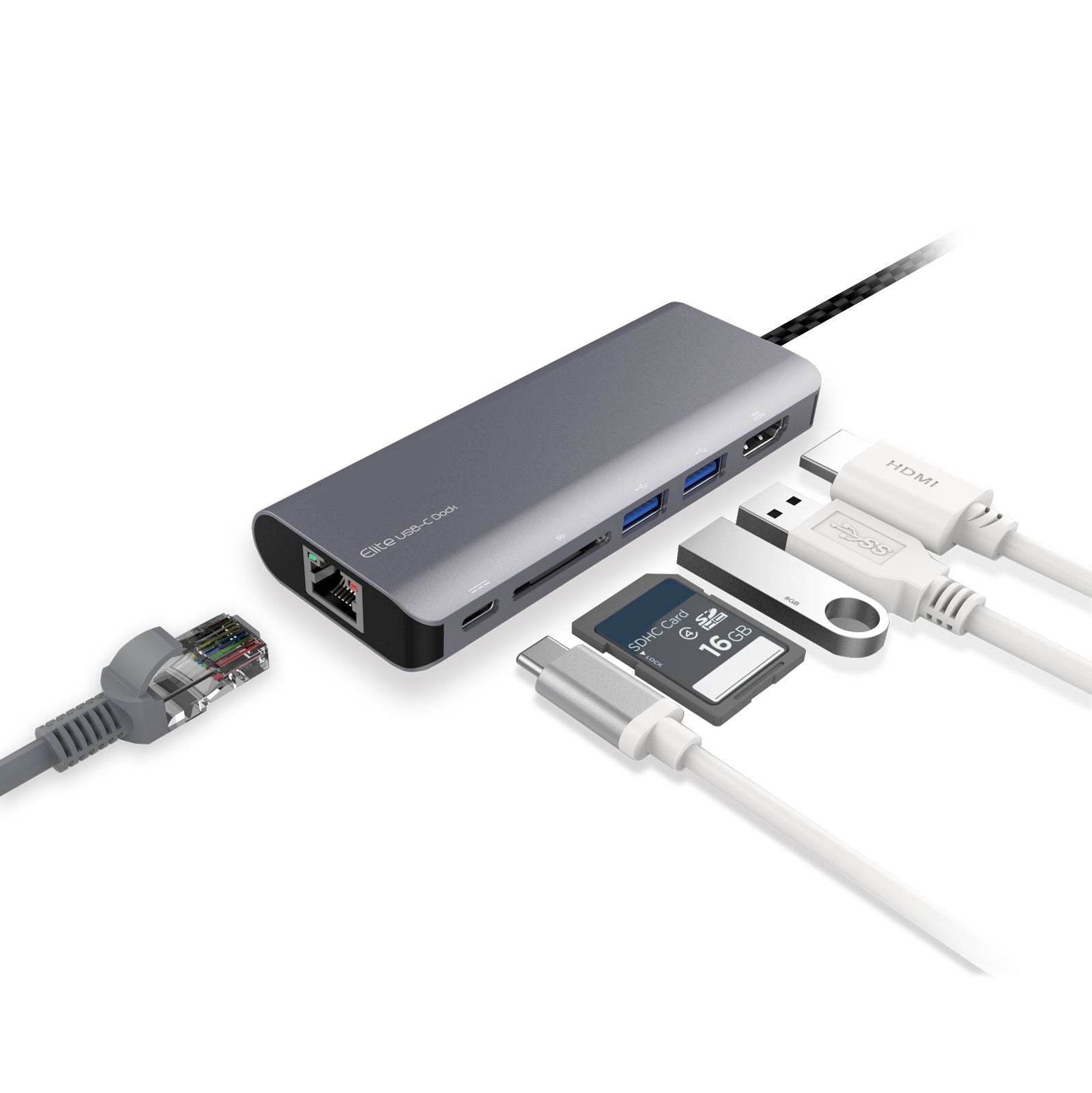
mbeat Elite USB Type-C Multifunction Dockmbeat Elite USB Type-C Multifunction Dock
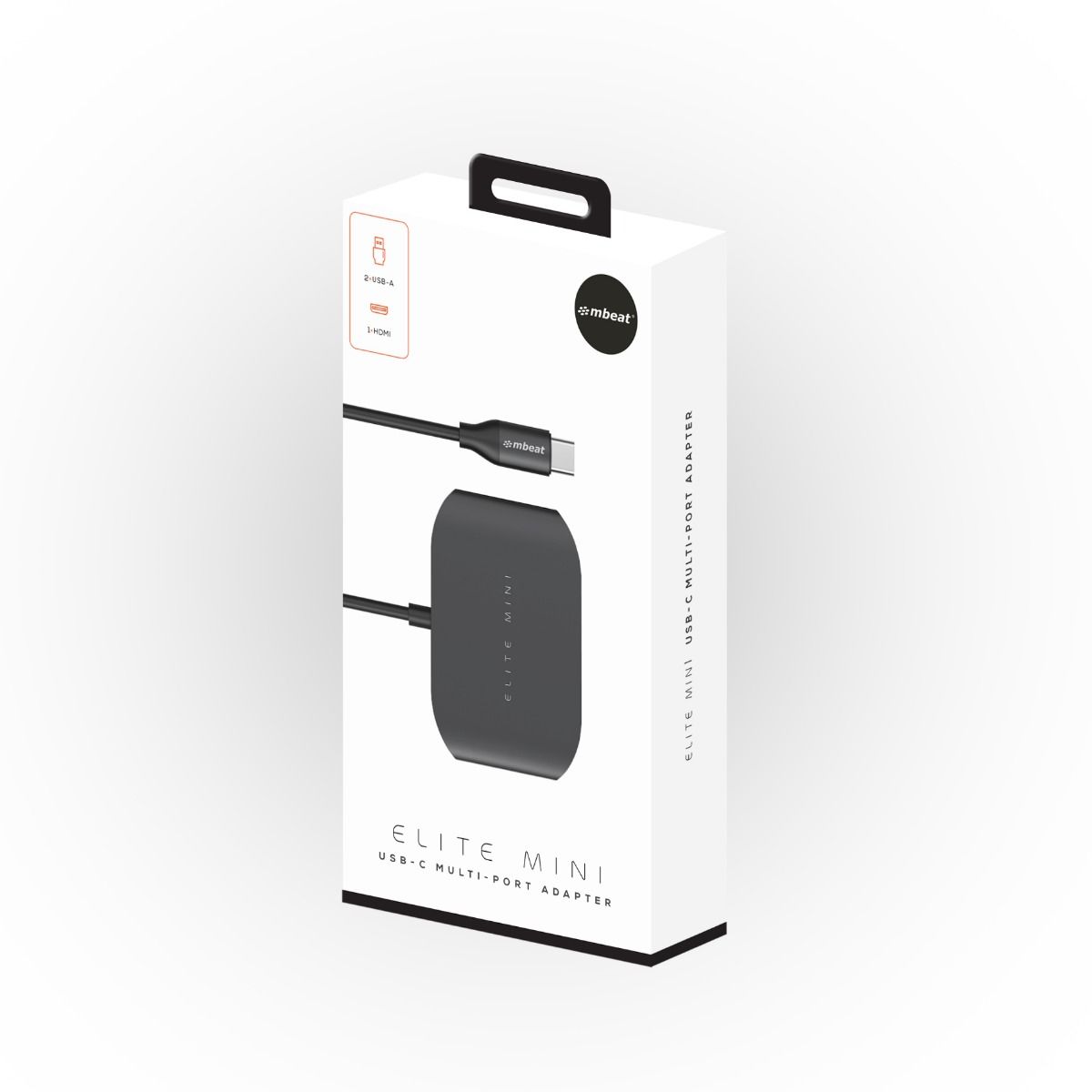
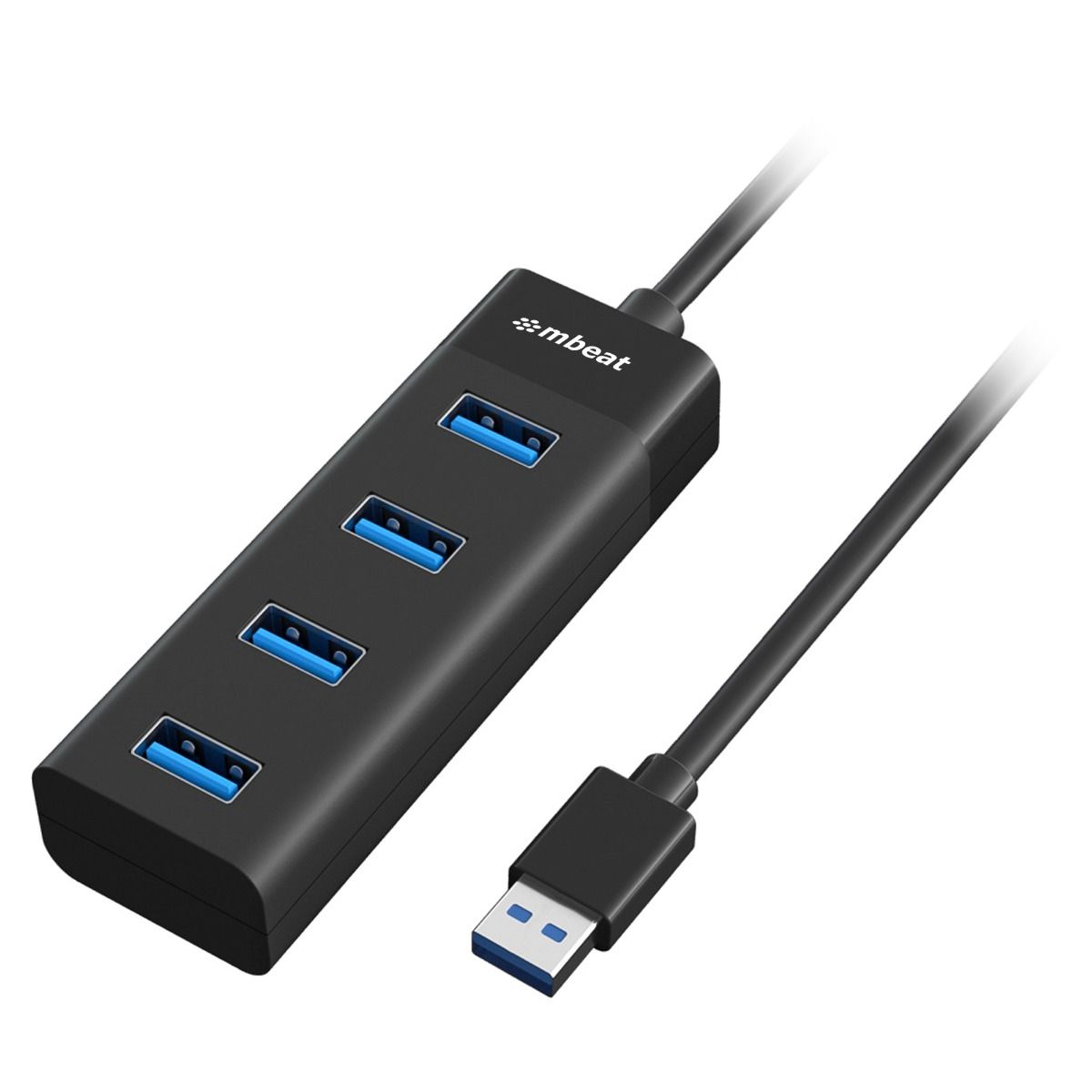
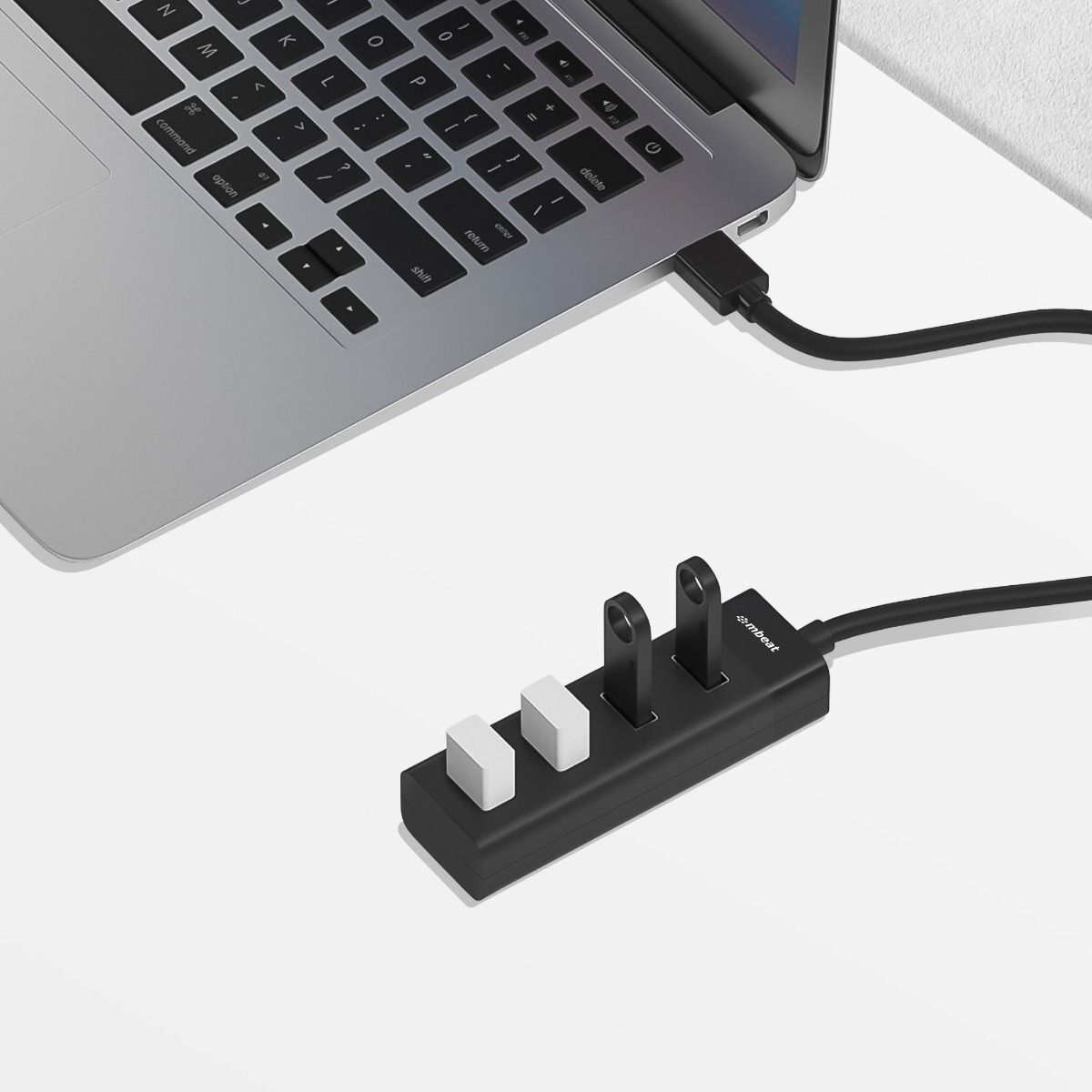
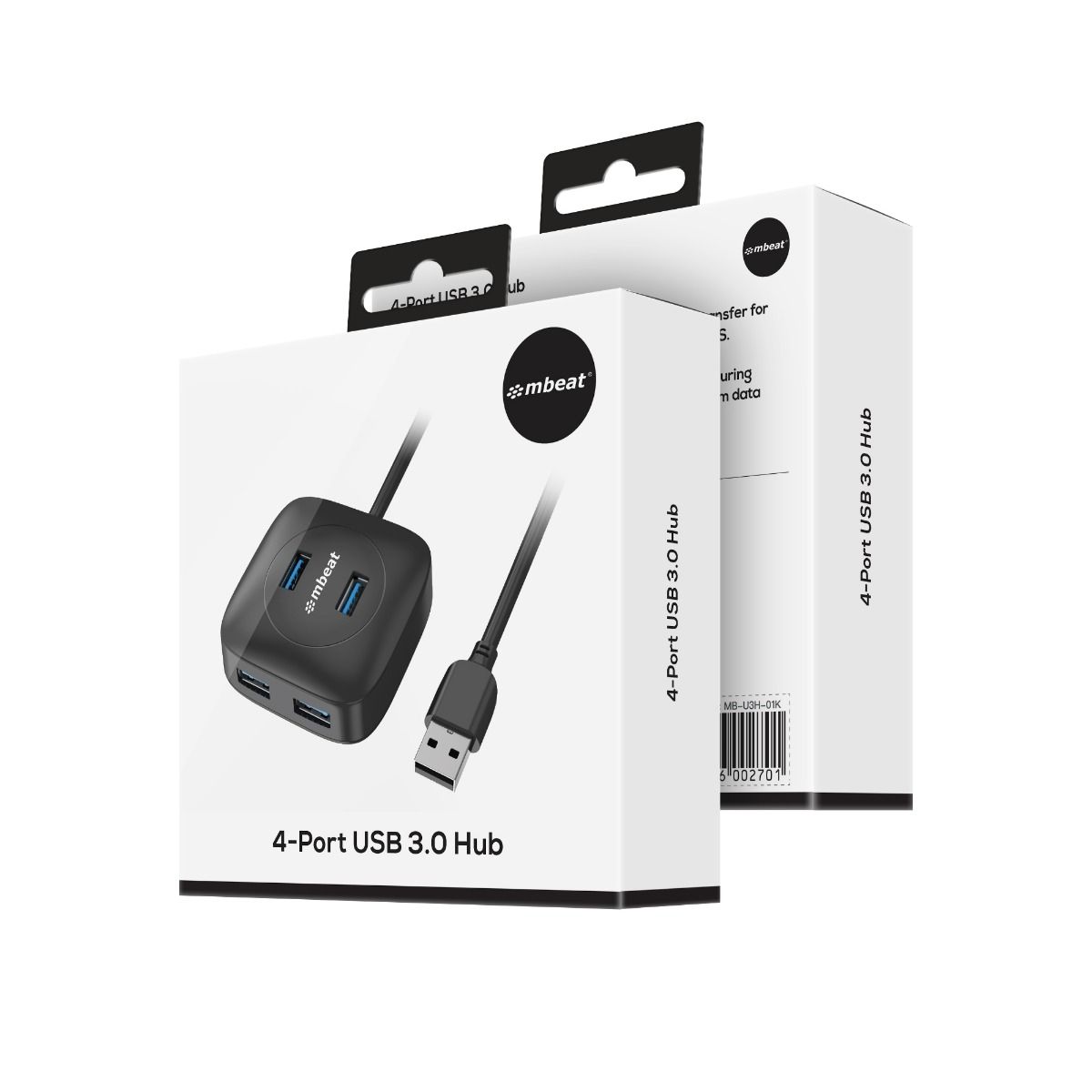
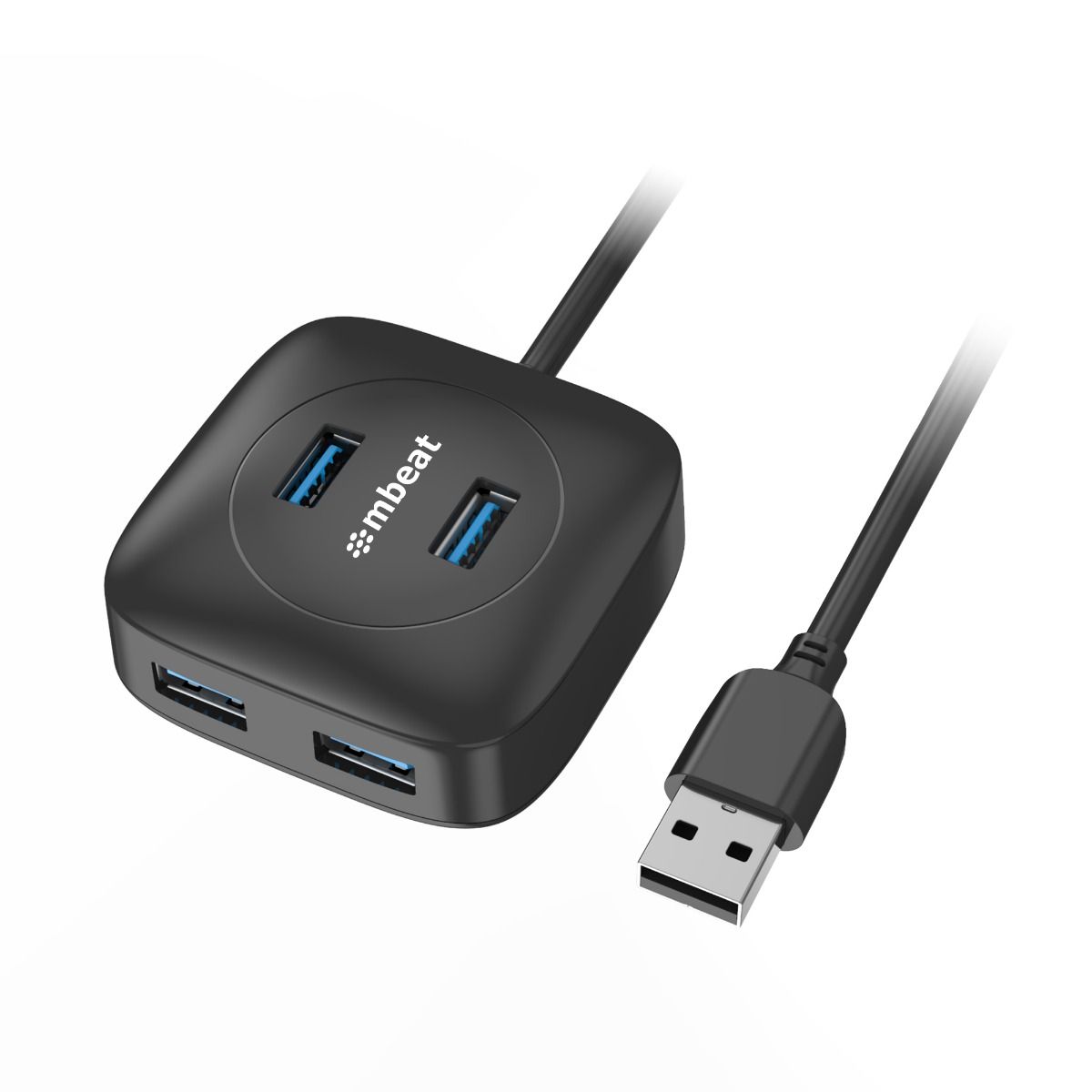
mbeat 4-Port USB 3.0 Hub - Blackmbeat 4-Port USB 3.0 Hub - Black
mbeat 4-Port USB 3.0 Hubmbeat 4-Port USB 3.0 Hub
Sale price$22.95
mbeat 4-Port USB 3.0 Hub
Save 4%
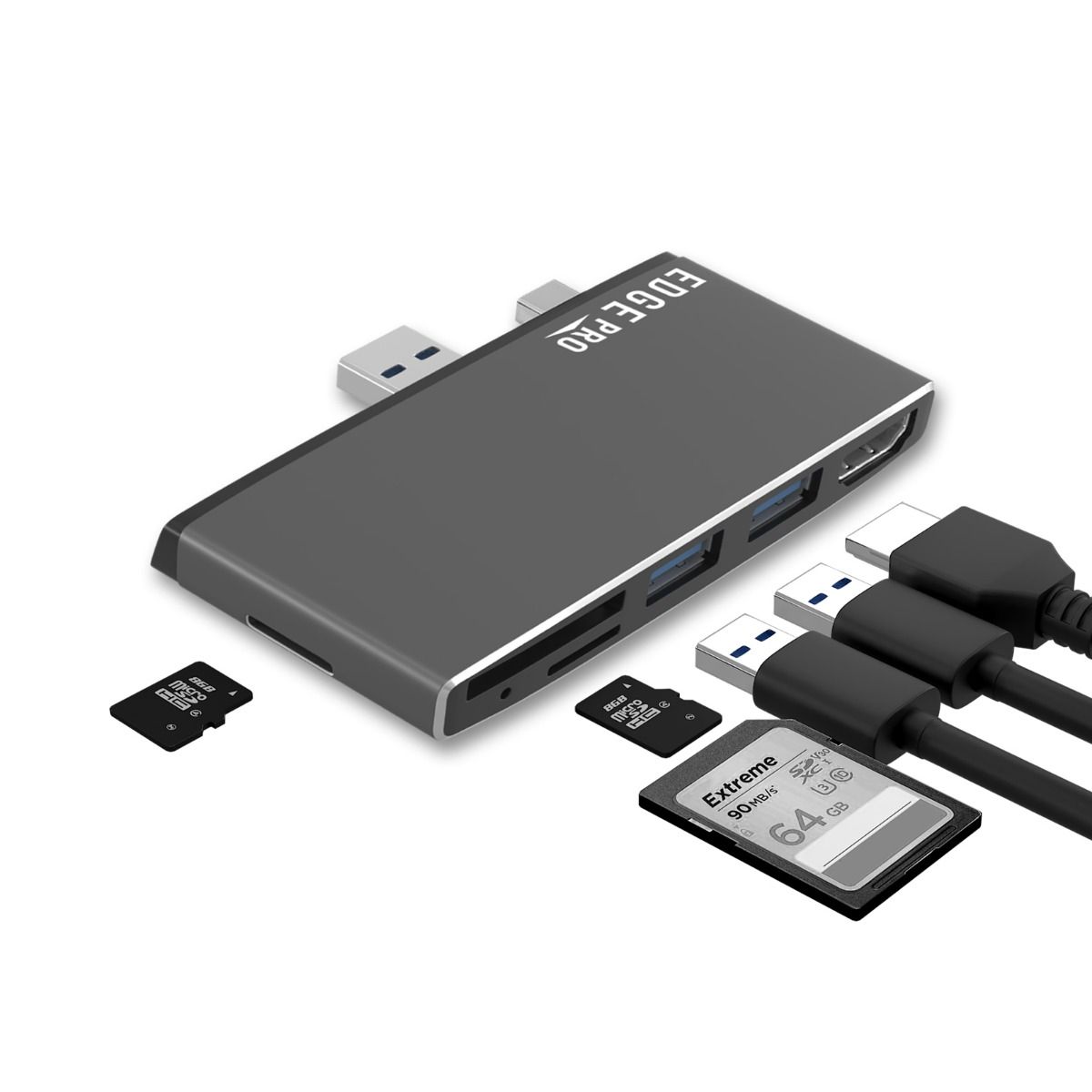
mbeat Edge Pro Multifunction USB- C Hub for Microsoft Surface Pro Gen 5/6mbeat Edge Pro Multifunction USB- C Hub for Microsoft Surface Pro Gen 5/6
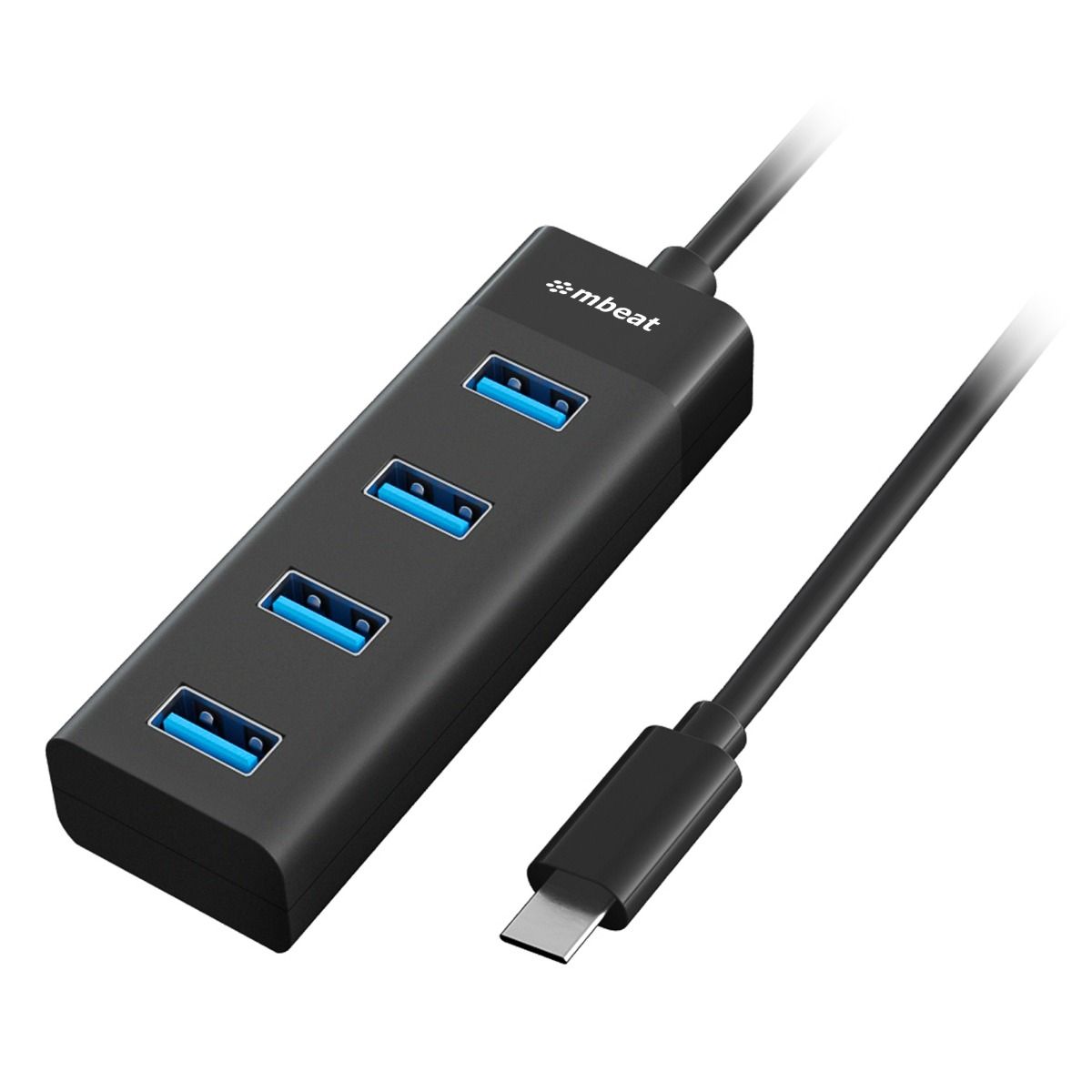
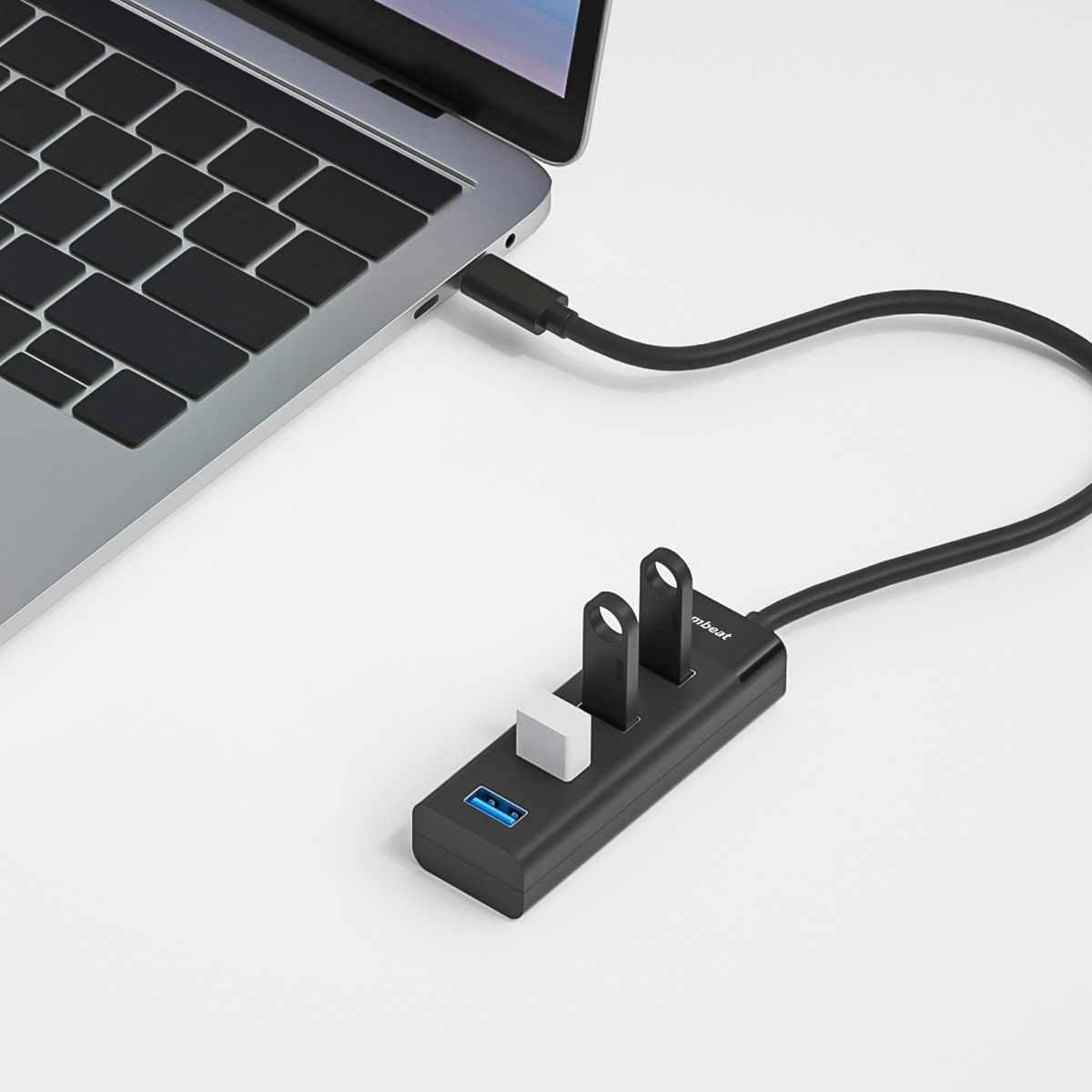
mbeat USB-C to 4-Port 3.0 Hub - Blackmbeat USB-C to 4-Port 3.0 Hub - Black
Computers, Tablets & Accessories Buying Guide

Choose computing accessories around the device you already use and the job you need them to do. Check the individual listing for supported models, operating systems, connections, dimensions and included items before ordering. Browse our Computers, Tablets & Accessories collection, or return to the Electronics & Tech Shop to explore the wider department.

Start with your device and task

Note your device's exact model, operating system and available ports. Decide whether you need extra connections, a different working position, storage, charging or protection. A listing for a case, stand, monitor, enclosure or docking station does not include a computer or tablet unless the included-items list expressly says so.

USB hubs, docking stations and display connections

A matching connector shape alone does not confirm compatibility. Check both the accessory's specifications and your device manufacturer's information for the data, video and charging functions you need. For a docking station, check the supported operating systems, display connections, number of supported displays and any stated resolution or refresh-rate conditions. Check whether a power supply and connection cables are included or must be supplied separately.

Explore Computer Accessories for docks, stands, keyboards, mice and other computing accessories. Compare the individual listing with your device rather than assuming all accessories support every laptop or tablet.

Cables and adapters

Check the connector at each end, cable length and stated purpose. Confirm that the cable or adapter supports the required data transfer, display output or charging function. Where the listing specifies an input and output direction, match that direction to your setup. Check your charger, device and cable specifications together before selecting a charging accessory.

Browse Cables & Adapters for the connection your setup requires.

Storage drives, memory cards and enclosures

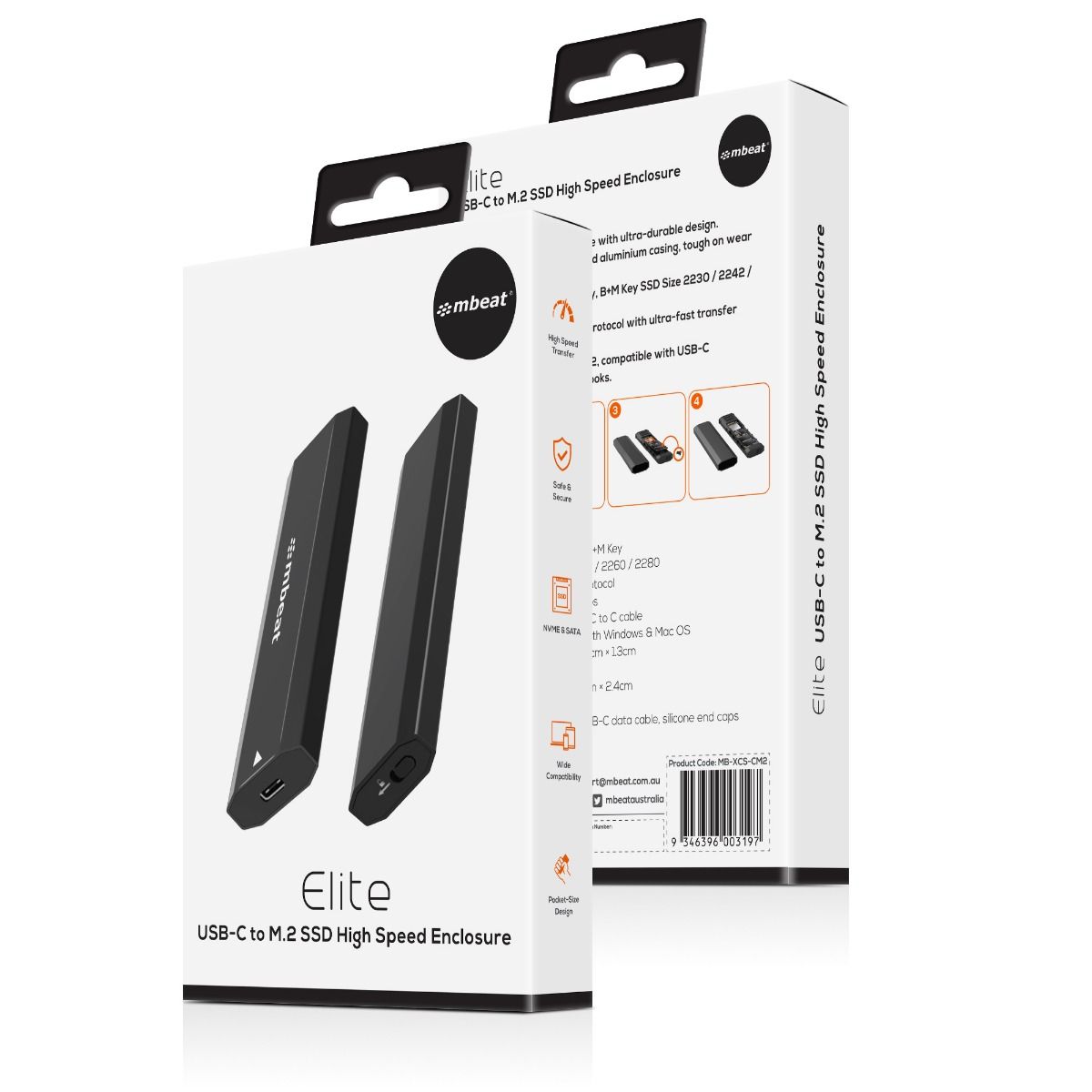
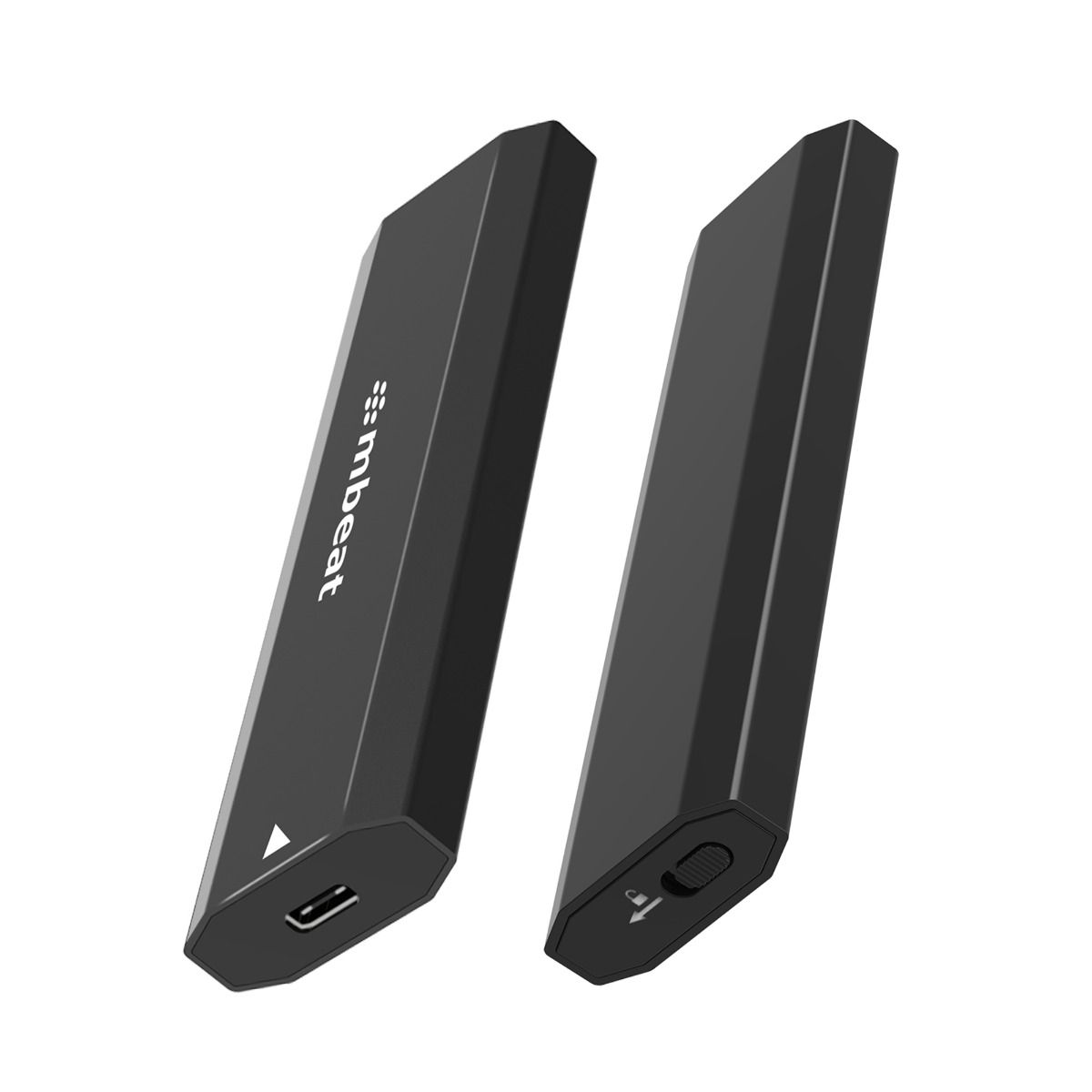
Compare capacity, connection type and stated device compatibility. An enclosure or card reader is an accessory and may not include a drive or memory card. For an enclosure, match the supported drive size, interface and capacity to the drive you intend to use. Check any formatting or operating-system requirements before use, and keep a separate backup of important files.

Explore USB & Storage for portable storage, card readers and related accessories. Refer to each listing for its exact contents and supported formats.

Laptop stands and workspace accessories

Measure your laptop and available desk space. Check the stand's stated device-size range, load limit, adjustment options and base dimensions where supplied. Allow space around ventilation openings and connection ports. A stand or portable monitor is not a replacement laptop; check what is included and how it connects to your existing equipment.

Tablets, cases and keyboards

Distinguish a complete tablet from a case, keyboard, holder or accessories pack. For fitted cases, check the precise model and generation, camera opening, button placement and connector access. For keyboards and other connected accessories, confirm the supported connection method and operating system. Check whether charging equipment or batteries are included.

Frequently asked questions

Will any USB-C accessory work with my device?

Do not assume compatibility from the plug alone. Compare the accessory's stated requirements with your device's supported data, display and charging functions. If either listing leaves a required function unclear, confirm it before ordering.

Does a docking station include a charger?

Check the included-items list. Some accessories require a separately supplied power source. Also check any stated power requirements and limitations rather than assuming that a charging connection is a complete charging kit.

Does a storage enclosure come with a drive?

Not necessarily. Check whether the listing is for an enclosure alone or expressly includes a storage drive. Match any separately purchased drive to the enclosure's supported interface and dimensions.

How can I get help checking a product?

Use the website chat with the product link, your device's exact model, the connection or task you need help with and your delivery postcode. Virtual assistance can help you find information, with follow-up where needed.